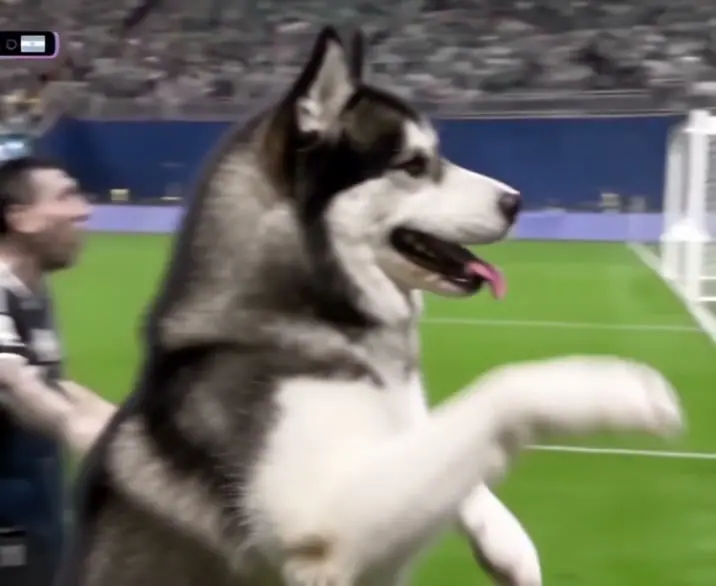
Topo Gigio AI Video: The Ear-Cup Celebration
Where the "Topo Gigio" hands-behind-ears celebration name came from, what the gesture means, and how to make your own stadium clip from 1 photo.
Pick a scene and make your own Topo Gigio AI Video video
Each scene is a ready-made version of this trend. Choose the one that fits you, upload one photo and get the video. No prompt, no editing.
In this article
The Topo Gigio template shows a football-style celebration: a short run, a stop facing the stands, and both hands cupped behind the ears. The pose draws attention to the performer and the crowd.
Turn 1 portrait into an ear-cup stadium celebration clip — preview the scene first. Open the Topo Gigio AI Studio →
This guide describes the scene available in TrendSwap’s ear-cup template. It does not attribute the clip to a particular match, tournament, player or filming crew.
Why it is called "Topo Gigio"
The nickname comes from Topo Gigio, the big-eared Italian puppet character created by Maria Perego that debuted on Italian television in 1959. In football culture, the hands-behind-ears stance became widely known as "el Topo Gigio" after Juan Román Riquelme performed the gesture during a Boca Juniors match on April 8, 2001. The pose returned to global headlines on December 9, 2022, cementing it as shorthand for answering critics in front of a loud stadium.
Latest in 2026
As of November 20, 2026, fans use AI ear-cup stadium clips for match-day banter, fantasy football wins, and playful "didn't hear you" reactions in group chats.
Facts last verified November 20, 2026.
Make your own version
Use a clear adult portrait and review the studio example. The preset supplies the stadium scene and celebration movement. Your result follows the current reference duration shown in the studio.
Keep your caption playful and avoid impersonation, harassment or claims of official endorsement. TrendSwap is not affiliated with FIFA, any team or player, or Topo Gigio rightsholders.
For the creation steps, read How to Make an Ear-Cup Celebration AI Video.
Output settings and credits
Check the current reference duration and format in the studio before generating. The Topo Gigio template follows the stadium reference (~8 seconds) with the original near-square broadcast framing (about 6:5) to preserve the full running celebration and atmosphere. Example clips are illustrative; your output follows the studio reference.
| Resolution | Credits per clip | Access |
|---|---|---|
| 480p | 25 | Basic access |
| 720p HD | 50 | Basic access |
| 1080p Full HD | 100 | Unlocked by Trio or Party |
Check pricing packs: Single is $9.90 for 50 credits, Trio $24.90 for 150, and Party $59.90 for 400. These are one-time packs with no subscription, and pack credits never expire. That covers up to 2 / 6 / 16 clips at 480p, 1 / 3 / 8 at 720p, or 1 clip from Trio and 4 from Party at 1080p, before any mixed-resolution usage.
If a generation job fails, the credits charged for that job return to your account. This is different from a card refund, and a completed clip you dislike is not automatically a failed job. See the Refund Policy for billing help.
Photos and sharing permissions
Use your own adult photo or another adult with explicit written consent. Do not upload celebrities, public figures or unauthorized third-party images; a parent or guardian may upload their own child's photo where the template supports it. Pet and fictional-character examples do not establish support for those uploads or permission to use their likenesses.
A pack pays for video creation. It does not grant commercial rights to music, footage, characters or likenesses. Review your MP4 before posting, and add platform audio only where its license permits your use. TrendSwap is independent and is not endorsed by featured artists or rightsholders.
For the step-by-step creation guide, see How to Make an Ear-Cup Celebration AI Video. Ready to create your own clip? Head over to the Topo Gigio AI Studio.
Topo Gigio AI Video Generator
Star in the viral stadium celebration scene with hands cupped behind ears from 1 photo.
Related Guides & Tutorials
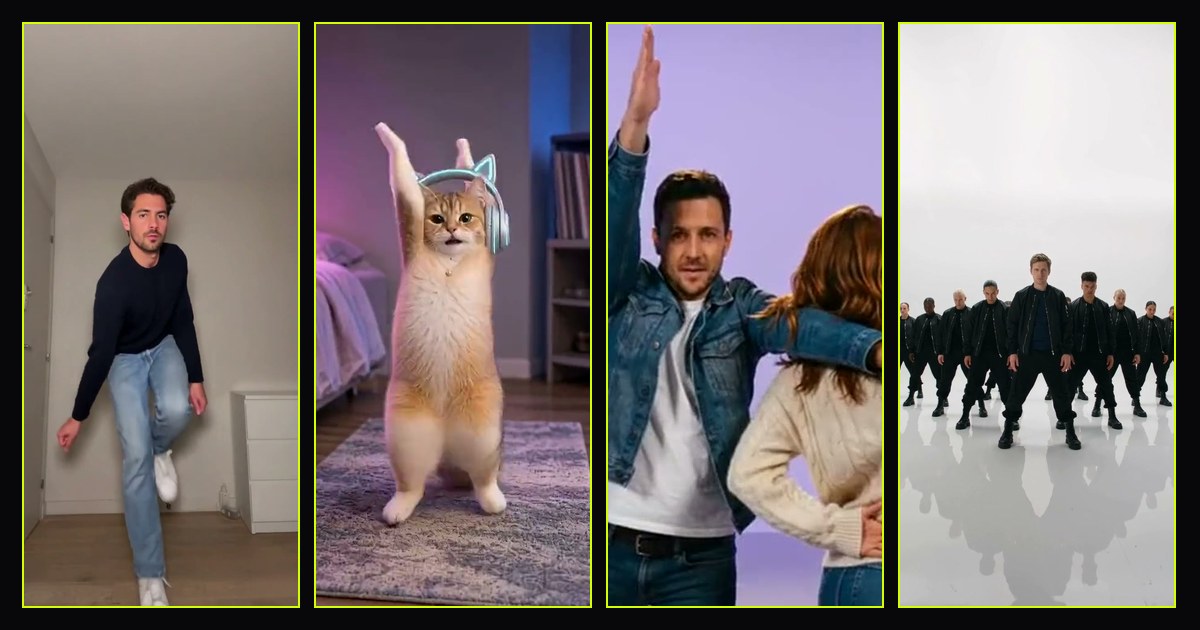
AI Dance Video Generator from Photo: Photo Tips, Pricing & Tool Comparison
How to make any photo dance with an AI dance video generator: solo, duo, K-Pop and pet templates, photo tips, watermark-free MP4 pricing, and Viggle vs Kling.
 David Lee
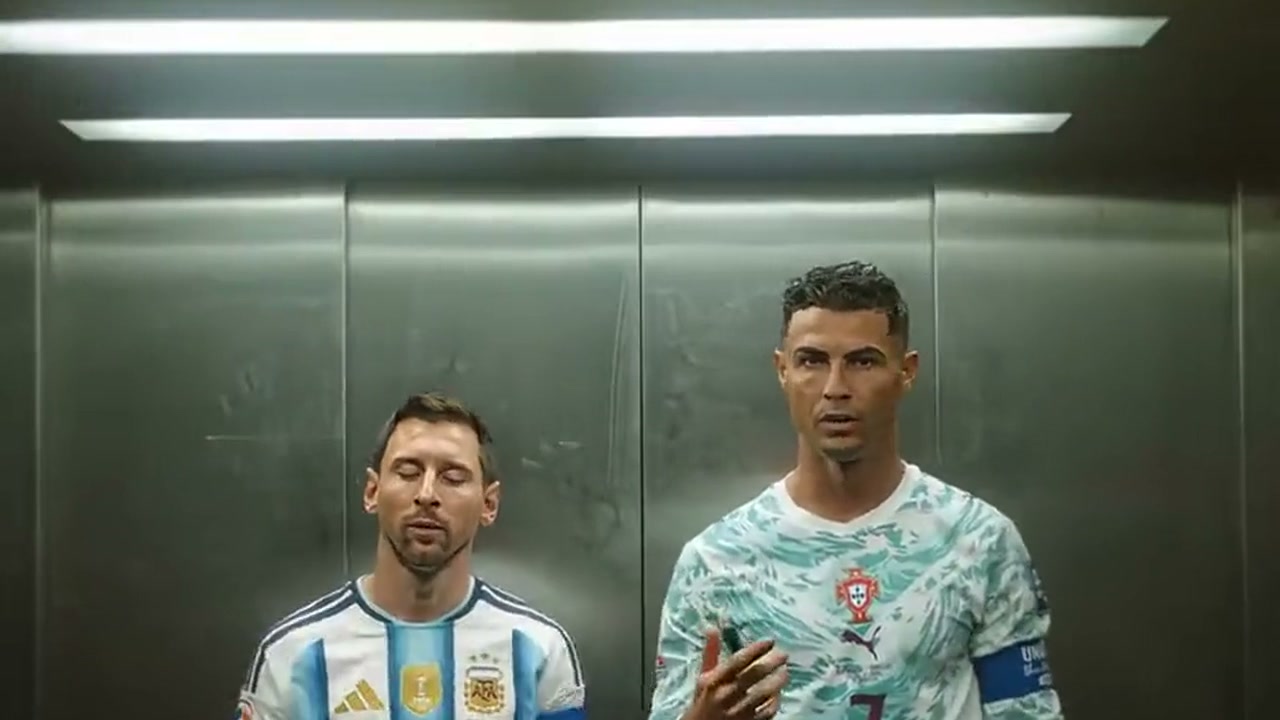
The 365 Steel Elevator Duo Trend Explained (Walk-In & Stare)
One person waits in a steel elevator while the other walks in, turns, and locks eyes with the camera. How the Sampagne 365 duo edit works from 2 photos.
David Lee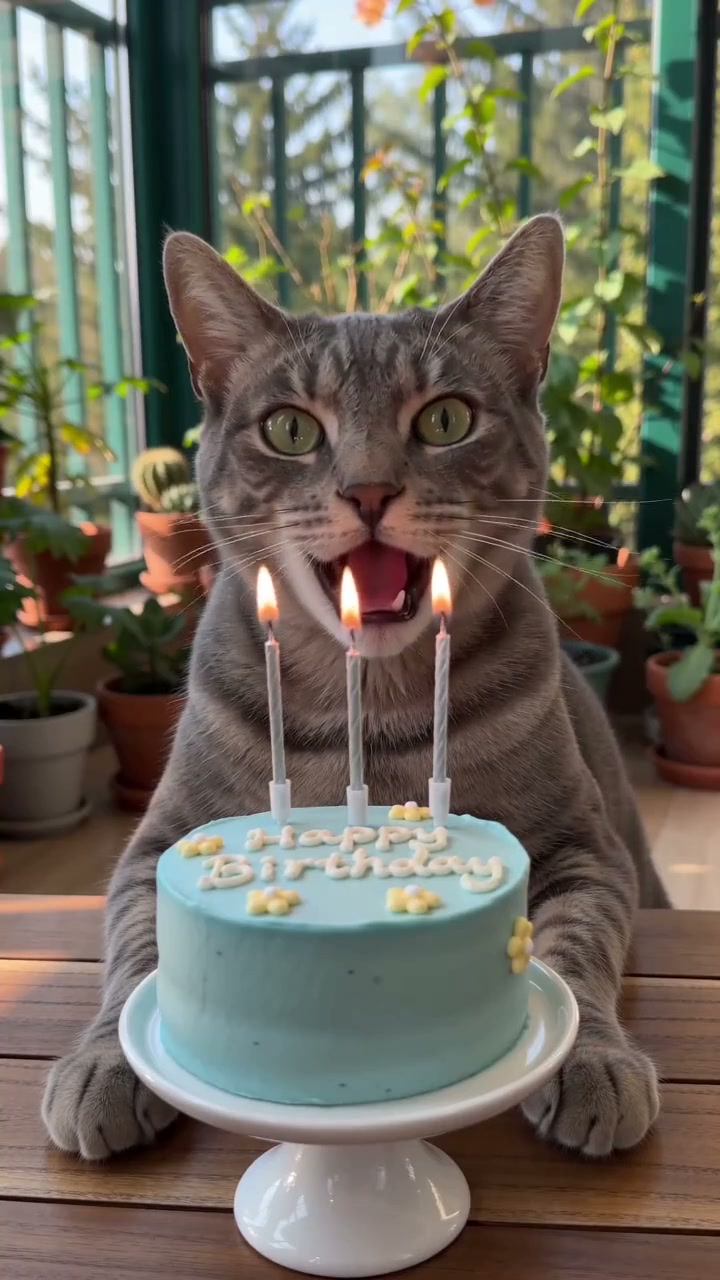
Singing Birthday Cat & Happy Catday: Behind-the-Cake Pet Trend
Put your own cat or dog behind a glowing birthday cake singing Happy Birthday to the camera. How the Happy Catday pet greeting works from 1 clear photo.
David Lee