HALLOWEEN AI VIDEO Spooky Costume Generator
Halloween AI Video turns one selfie into a spooky clip in seconds. Pull off the skeleton dance everyone is copying, snap into a vampire, witch or werewolf costume on the beat, or dance under a full moon with pumpkins glowing behind you. Every clip exports vertical with a spooky soundtrack in sync — ready for TikTok, Reels and Shorts before the party starts. No costume, no prompt, no editing.
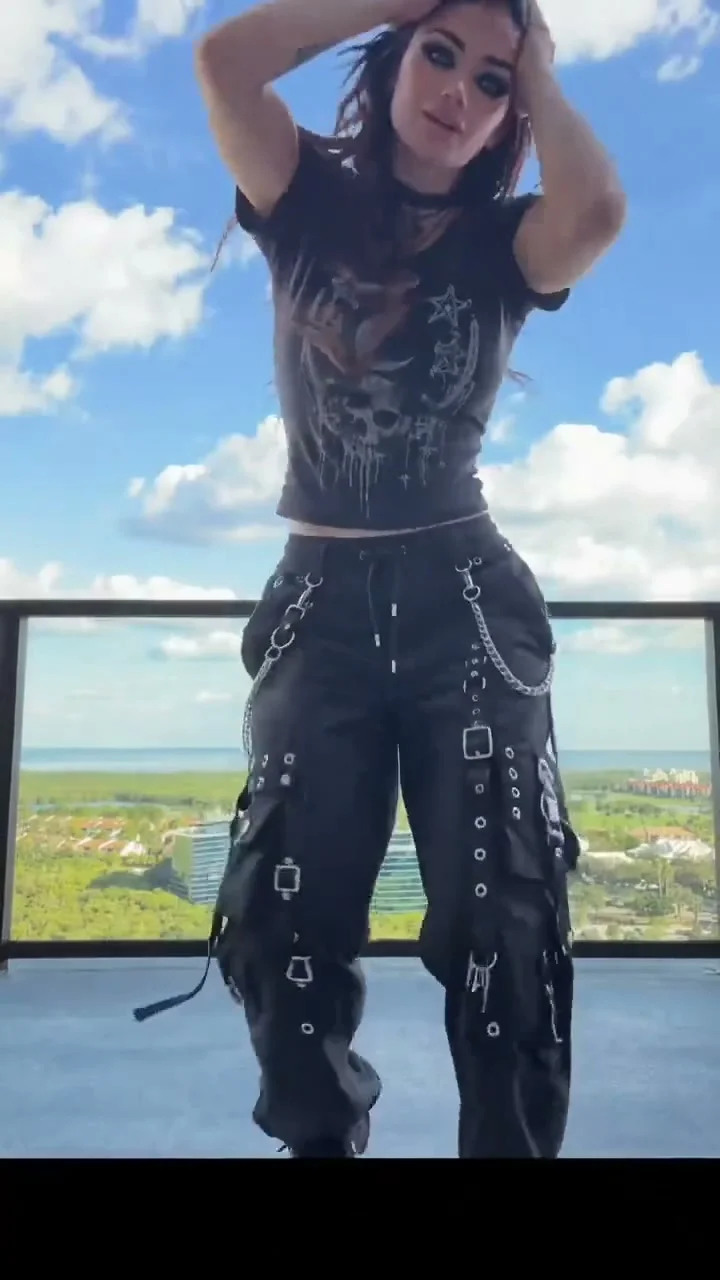 NEW · HOLIDAY
What your photos become
1 photo → 10s · 9:16 · Watermark-free MP4
Original audio precisely synced
One clear subject per photo.







Preview footage helps you explore this scene. Its source and how it was made may vary by template.
 By TrendSwap@trendswapapp
Original Audio Precisely Synced
Every MP4 includes the original scene sound precisely synchronized with the action. No manual soundtrack editing.
No Subscription Required
Pay-as-you-go passes from $9.90. Credits never expire.
10-second clip
Upload 1 photo. Length follows the template reference. Watermark-free MP4.
Failed render? Credits come back
If a generation fails or is blocked by safety checks, its credits return to your balance automatically.
SKELETONS, VAMPIRES,
NOW YOURS.
Skeletons, vampires and costume drops — one selfie, vertical, with a spooky beat.
Skeleton Dance
Costume Reveal
Vampire Moonlight
Moon Witch Dance
TRENDING AI VIDEO ROSTER
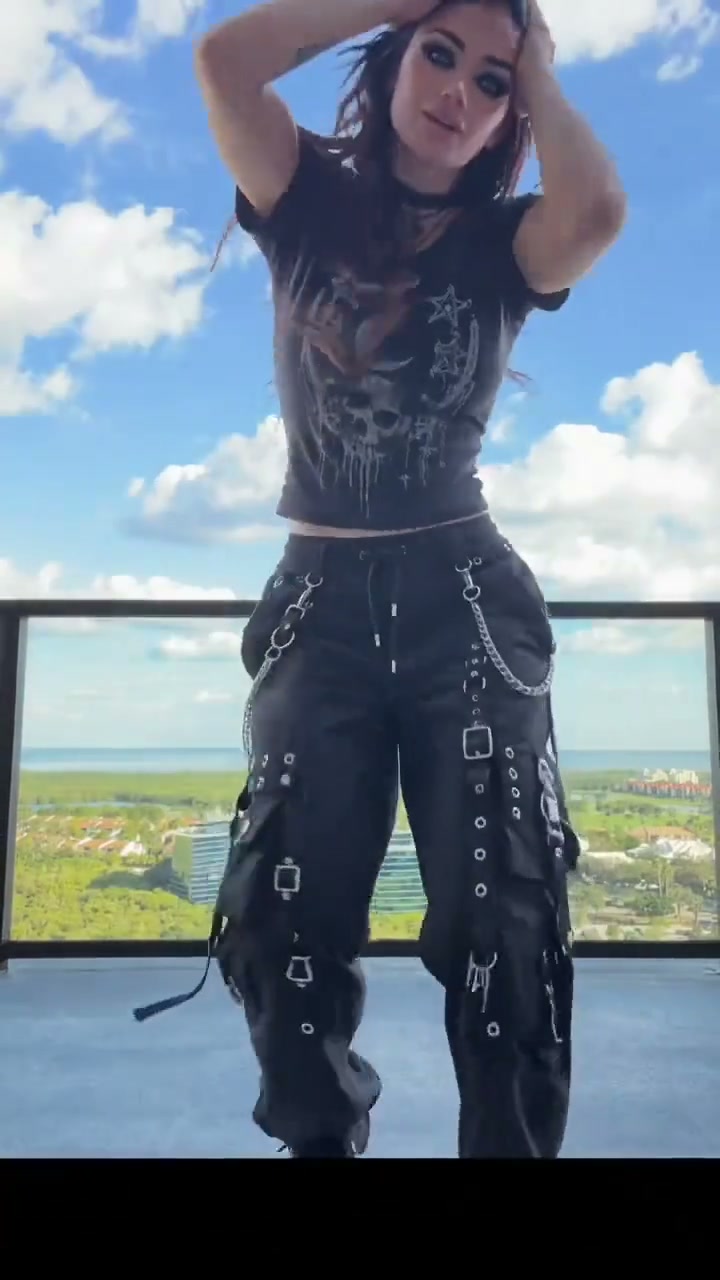
Halloween AI Video Generator
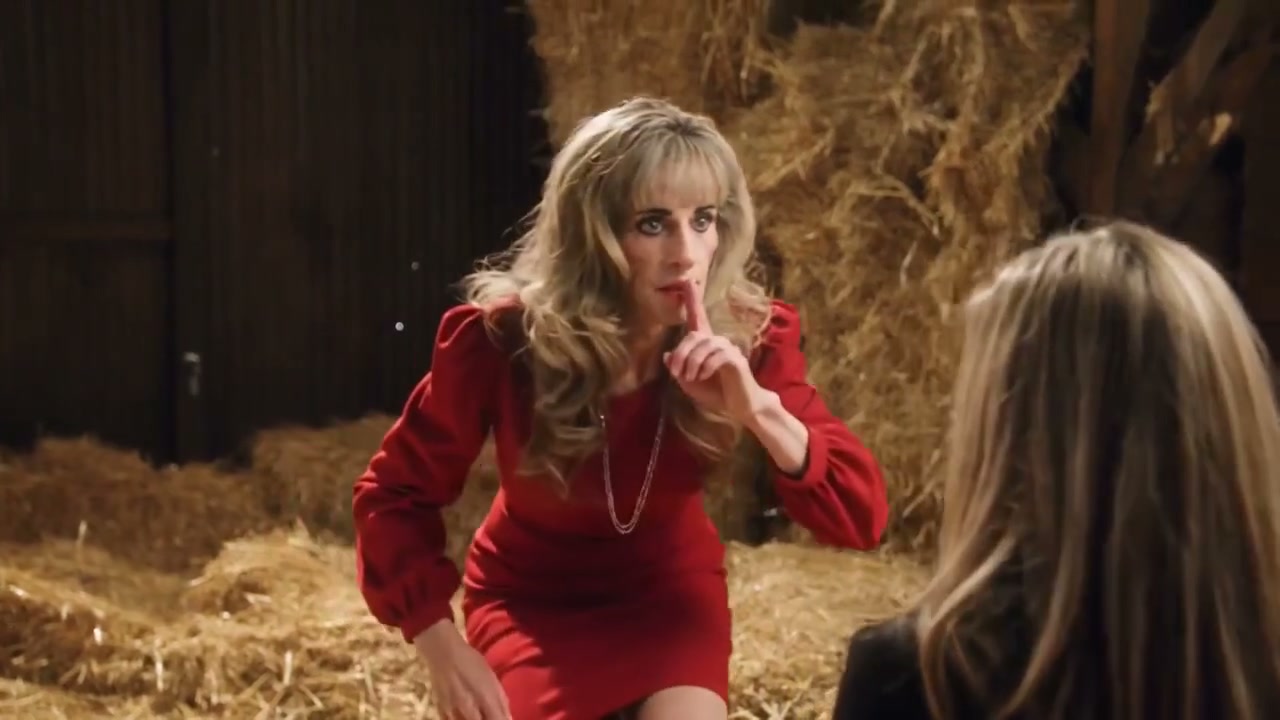
1987 Rumpelstiltskin AI Video Generator
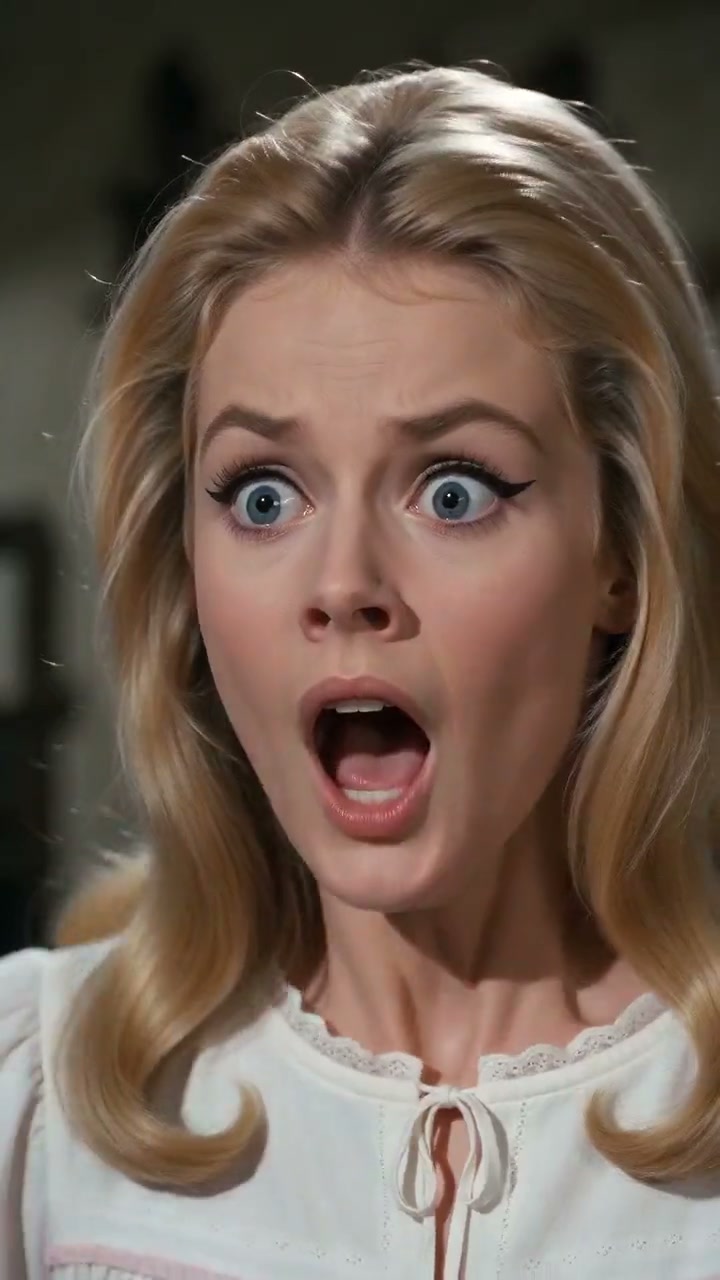
Tip Toeing In My Jordans AI Video Generator
AI Christmas Video Generator
New Year AI Video Generator
Thanksgiving AI Video Generator
Day of the Dead AI Video Generator
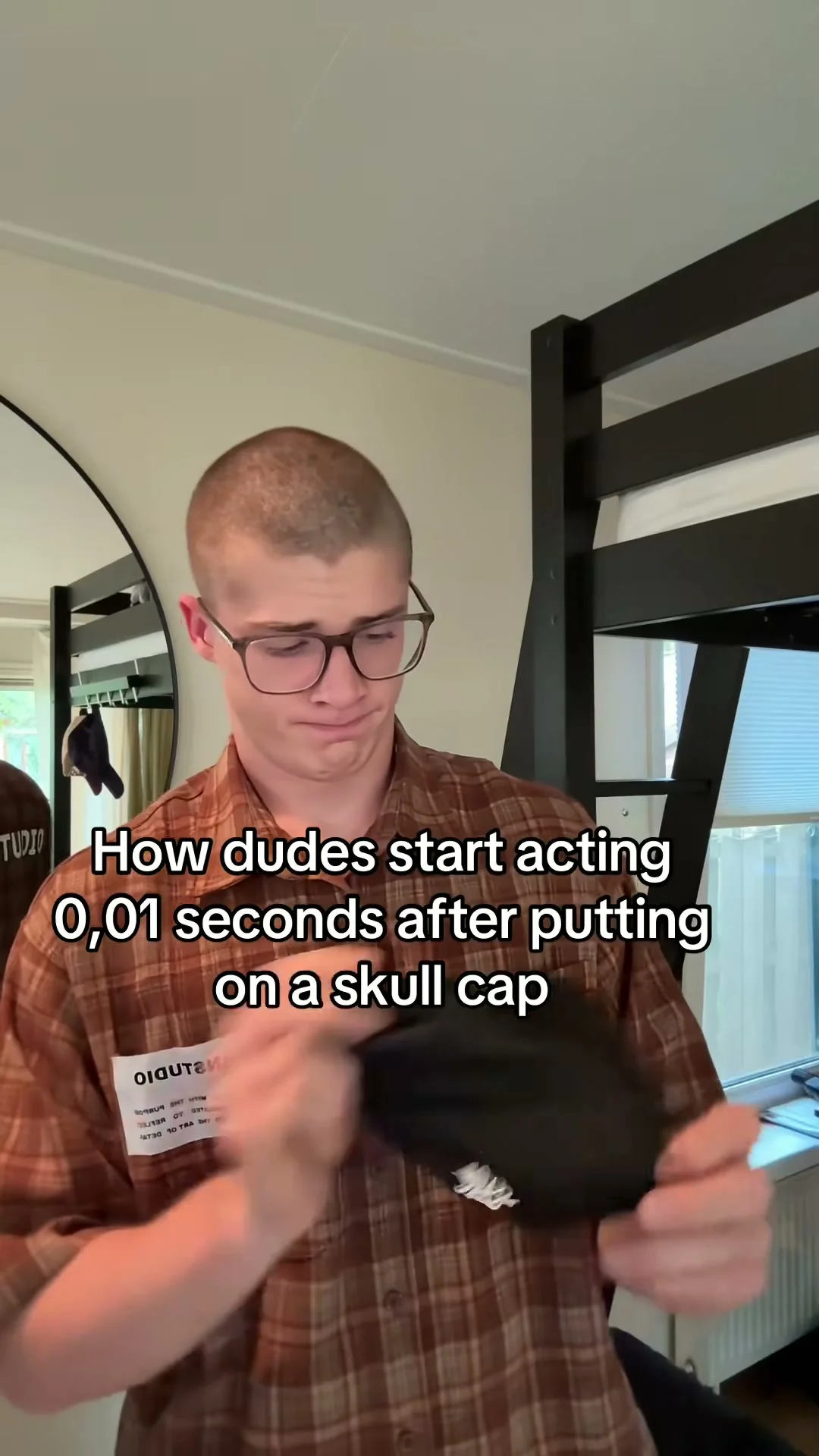
Skull Cap Trend AI Video Generator
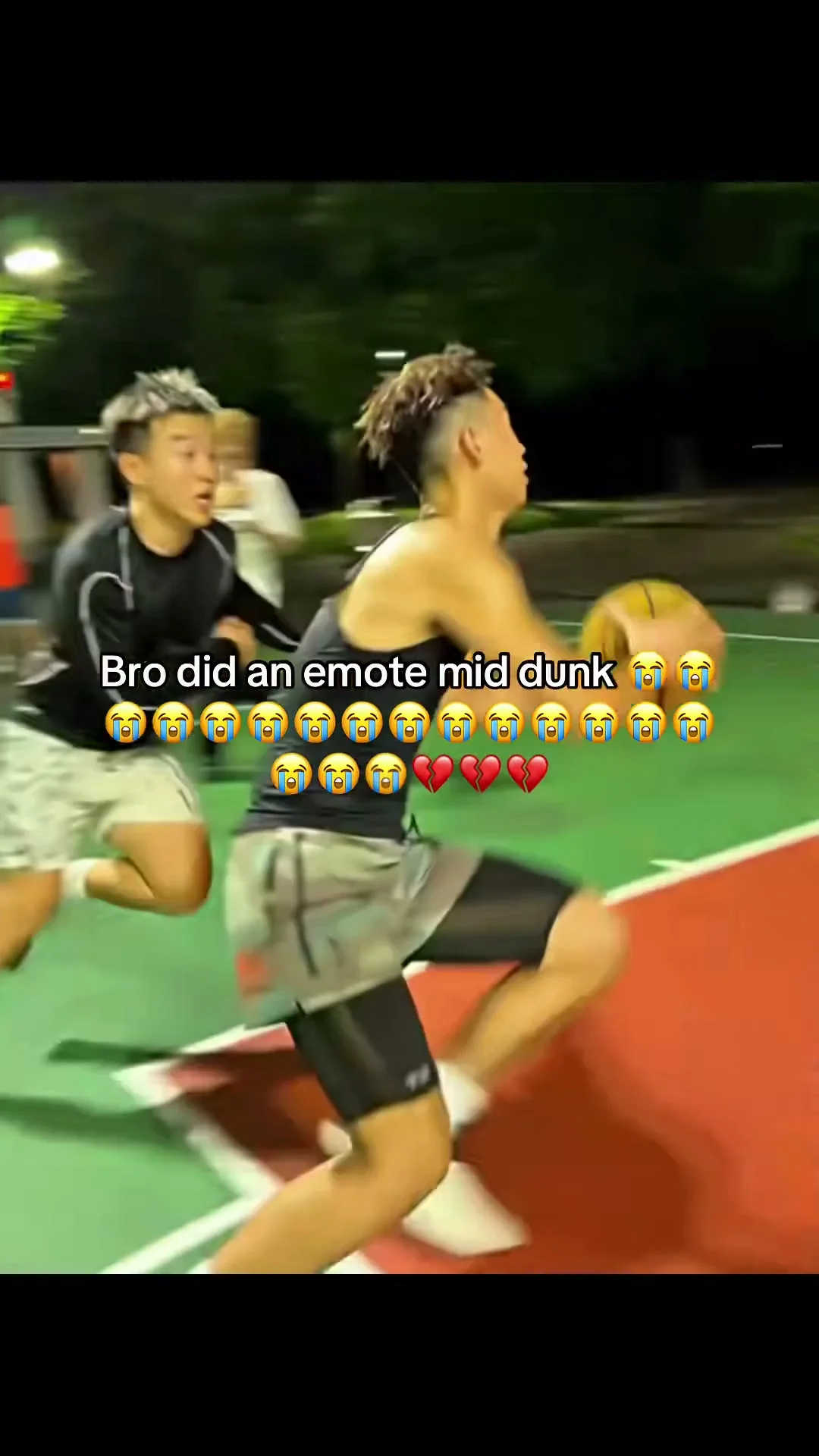
AI Dunk AI Video Generator
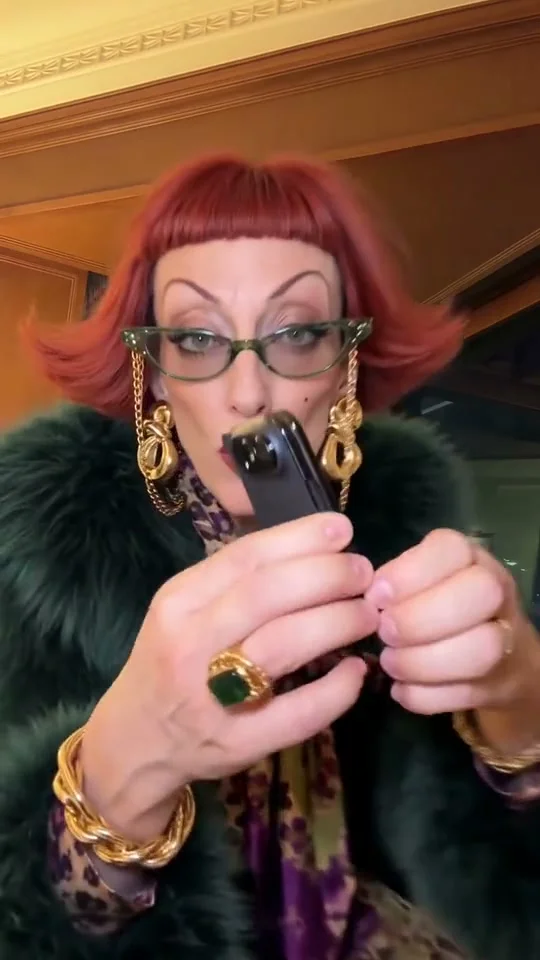
iPhone Kupi Dance AI Video Generator
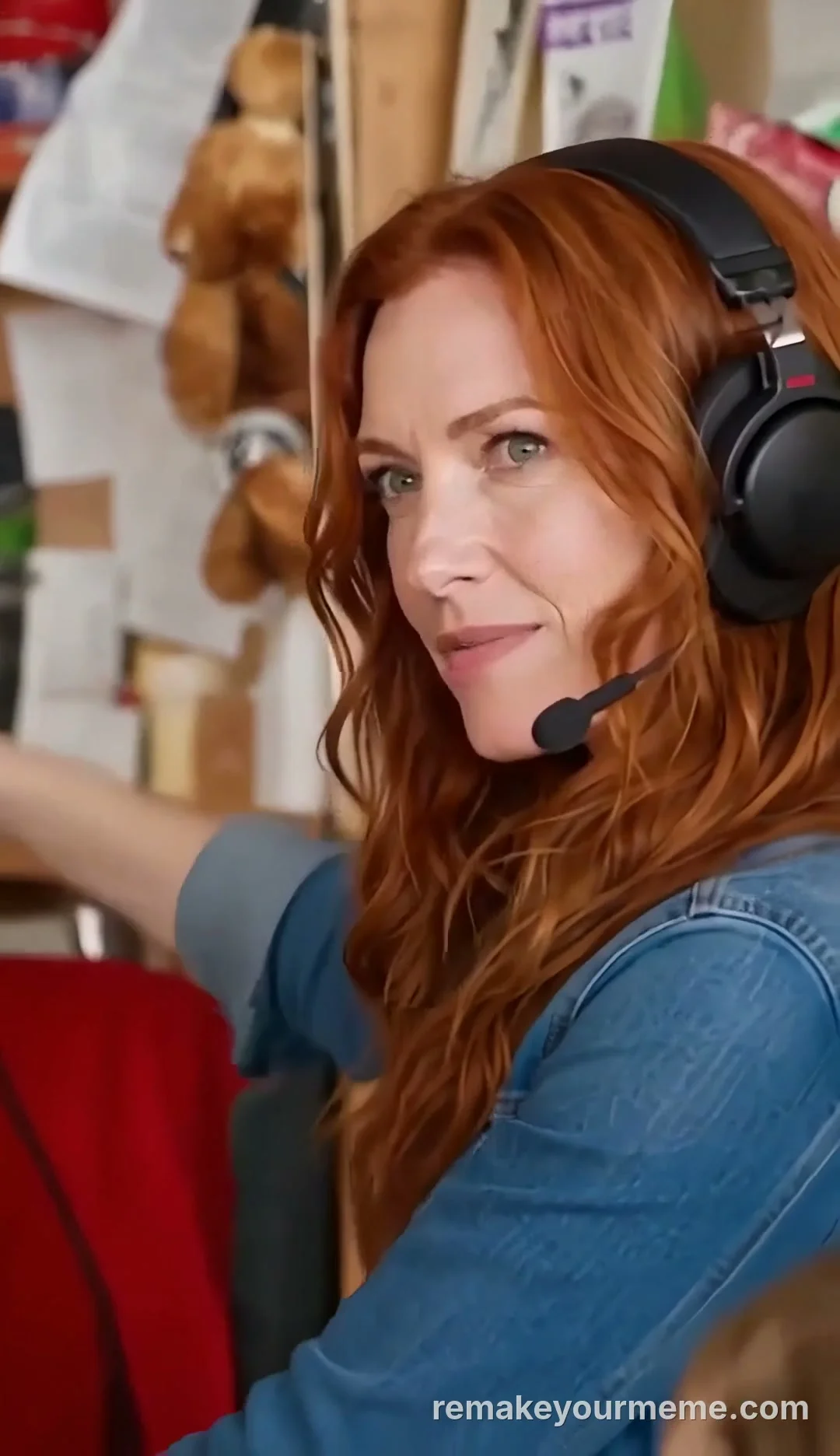
Tiny Desk AI Video Generator
Bby Wow Guy AI Video Generator
Burning Bridges AI Video Generator
Smalltown Boy AI Video Generator
Prilili AI Video Generator
What Stop Sign AI Video Generator
Tesla Roadster Flip AI Video Generator
Window Peeper AI Video Generator
Toc Toc Dance AI Video Generator
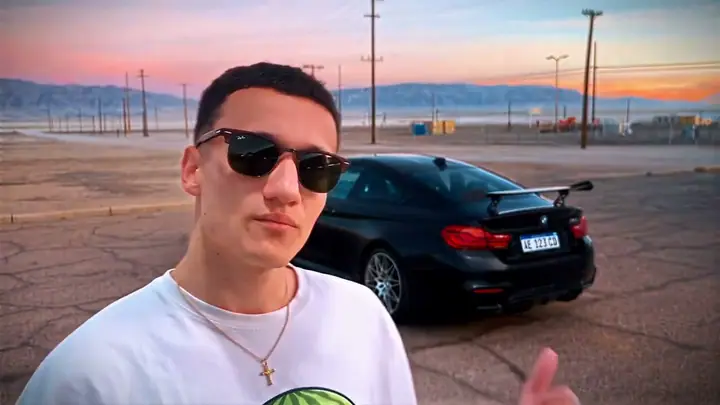
Unforgettable Car AI Video Generator
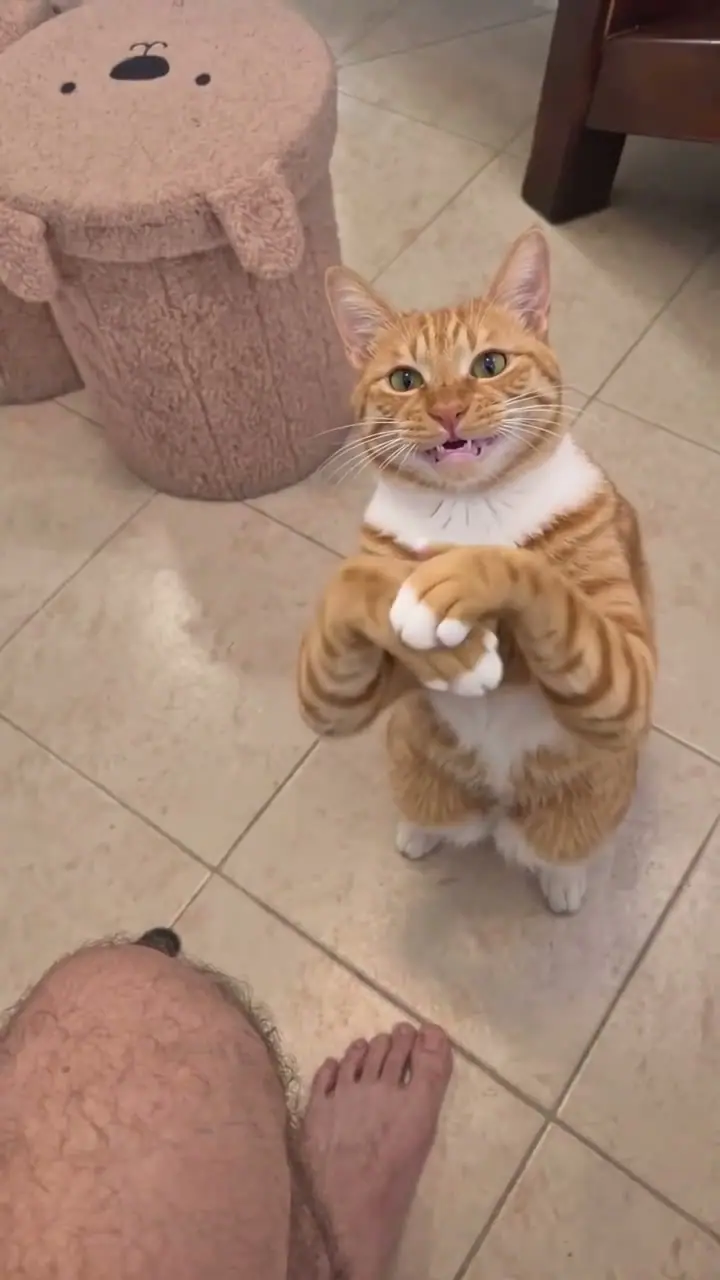
Cat Clapping AI Video Generator
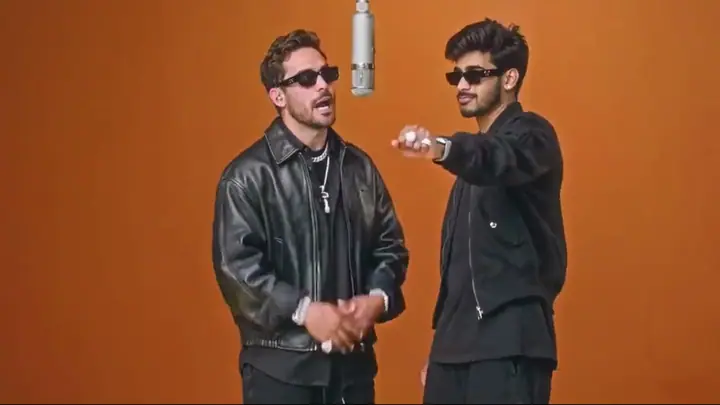
Hotel Lobby AI Video Generator
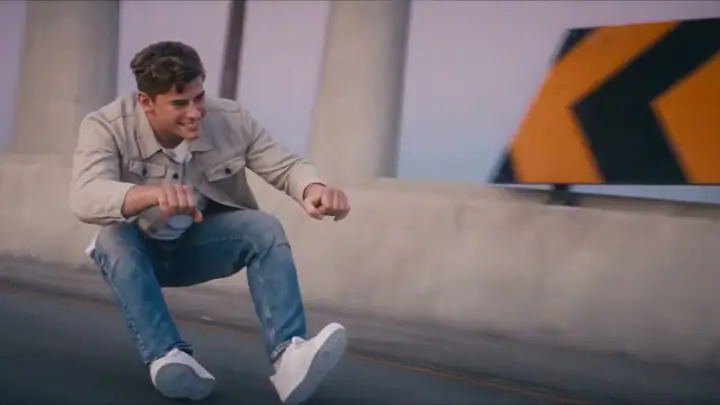
Crazy Frog AI Video Generator
Alors on Danse AI Video Generator
Neon Dance AI Video Generator
Victoria’s Secret AI Video Generator
Flying Tesla Roadster AI Video Generator
Sawadika AI Video Generator
Coldplay Kiss Cam AI Video Generator
Ozil AI Video Generator
Baby Knight AI Video Generator
Bulin 47 AI Video Generator
Hit the Road Dude AI Video Generator
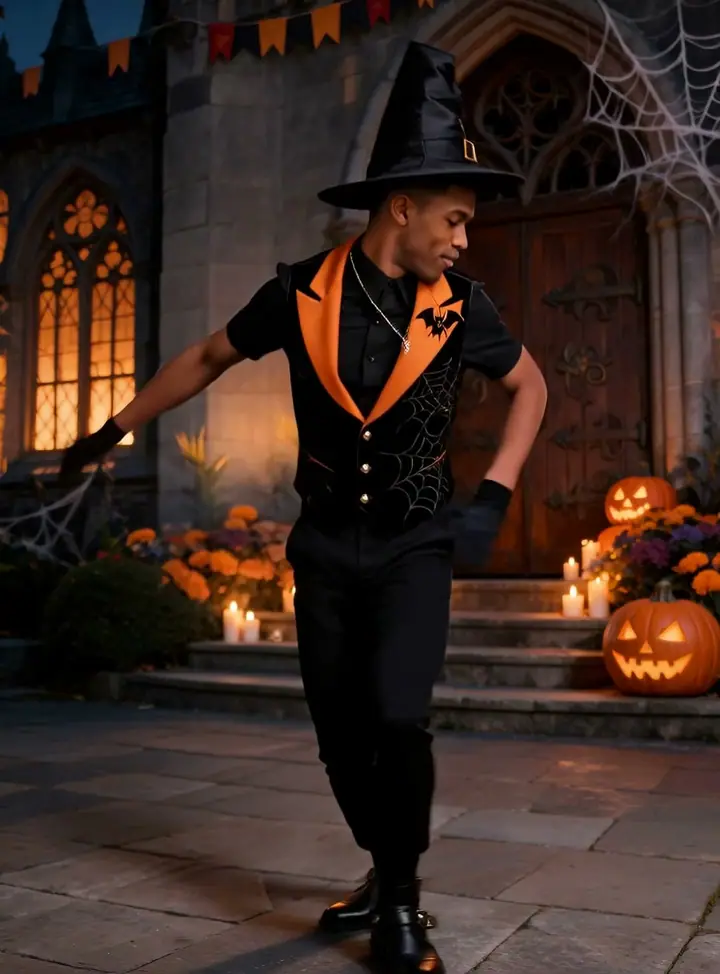
Spooky Scary Skeletons AI Dance Generator
Topo Gigio AI Video Generator
Zombie Couple Video AI Maker
Closed on Sunday AI Video Generator
Looks Can Kill Teleport AI Video Generator
FROM SKELETON SONGS
TO AI HALLOWEEN VIDEOS
Andrew Gold’s 1996 novelty track became an internet staple. Here is how it turned into viral AI costume reveals.
Spooky Scary Skeletons Drops
Andrew Gold releases "Spooky Scary Skeletons" on his Halloween Howls album. Over the decades, remixes, animated dancing skeletons and TikTok challenges make it an annual viral phenomenon.
31 Days of AI Halloween Looks
@waddaboutya posts "31 days of Halloween looks – AI" reaching 2.63M views, demonstrating that instant AI costume reveals could drive massive holiday engagement.
18 Sites Launch Halloween Generators
By late October, at least 18 AI template sites launch Halloween video pages; Google autocomplete suggests "halloween ai video generator" across the US, Mexico and Spain.
TrendSwap 1-Selfie Halloween Studio
TrendSwap turns one selfie into a vertical skeleton dance, costume reveal or vampire moonlight clip with the spooky beat in sync — no costume, no editing.
Trend questions
What Halloween videos can I make?[+][-]
Skeleton dance, costume reveals (vampire, witch, werewolf, clown), vampire moonlight dance and pet costumes.
Do I need a costume or makeup?[+][-]
No — upload a normal selfie and the AI generates the full costume and spooky environment.
Does the video have music?[+][-]
Yes — an authentic spooky swing soundtrack is built in and synced to your dance or reveal.
Why People Choose TrendSwap
The scene is ready. The original sound is synced. You bring the photos.
Remake the trend, skip the setup
Find Burning Bridges, Dame Hombro, Prilili and more by name or scene. Each template has its reference and prompts prepared—add the photos it asks for.
The original sound, precisely synced
Every finished video includes the scene’s original audio, precisely synchronized with the action. Download a watermark-free MP4 without adding music in an editor.
Make a few videos without a subscription
Choose a $9.90 one-time pack for 50 credits: 2 clips at 480p, or one at 720p. One-time credits never expire. Monthly and yearly plans are also available.
How it works
- 01
Choose a template
Preview the scene and its original sound
- 02
Add your photos
One photo per character; two for duo scenes
- 03
Generate and download
Review credits, then get an MP4 with synced audio
Choose a template
Preview the scene and its original sound
Prilili Laughing Fairy · 9s · 1 photo
OPTIMIZE YOUR PHOTO FOR MAXIMUM QUALITY
High-contrast lighting and visible facial contours produce the cleanest neural motion retargeting.
Solo Front-Facing Portrait
Upload one adult photo facing the camera. Waist-up or full-body shots work best to preserve wardrobe details. Even lighting produces the sharpest likeness.
Clear Eye & Face Visibility
Avoid sunglasses, heavy masks, or hats casting harsh shadows. The neural engine needs visible facial contours and eyes to map expressions accurately.
Authorized Likenesses Only
Only upload photos of yourself, adults who gave explicit consent, or your own child if you are their parent or guardian. Celebrities and public figures are not allowed.
Instant Automated Refund
If a generation is flagged by content safety or interrupted by network timeout, your credits return 100% automatically within seconds.
Why Choose TrendSwap for Meme Videos?
A ready-made scene, your photos, and the original sound—without building a video workflow yourself.
| Your question | TrendSwap | Remake Your Meme | Viggle AI | Hedra Studio |
|---|---|---|---|---|
| How to start | Pick a scene and add photos; no prompts or reference-video hunting | Choose a template and add photos | Choose motion or upload a clip, then add an image | Add an image, choose a model and describe motion |
| Ready-made templates | Search meme, dance, pet and duo scenes by name or description | Meme templates and photo effects | Motion templates and your own motion clips | Multiple models; equivalent meme library not verified |
| Photo requirements | 1 or 2, stated per template; pet-friendly scenes available | Varies by template; some support 1–5 photos | Mix uses a character image plus motion | Image or references, depending on model |
| Original audio | Audio varies by template and generation mode; review before sharing | Scene sound included; check each template’s conditions | Audio generation on some models; universal original-track retention not verified | Audio-driven and sound-capable models; universal original-track retention not verified |
| Watermark | Every generated video is a watermark-free MP4 | Official site states watermark-free output | Watermarked free exports; paid plans remove it | Current Studio plan rules not verified |
| Payment model | $9.90/50 credits; from $4.95/480p clip, or subscribe | Pay once or subscribe; pricing varies by region | Free allowance and subscriptions; purchased credits require an active plan | Check current Studio plans; exact quote not verified |
Choose the workflow that fits your idea
- Remake a ready-made trend: TrendSwap
- Bring your own motion clip: Viggle Mix
- Choose among generation models: Hedra Studio
Official product information checked 2026-10-28. Unverified items are labeled. Prices and output settings differ; credits are not equivalent across services. $4.95 is the per-clip cost when a Single pack is fully used at 480p; the initial purchase is $9.90.
Choose a sceneYOUR PLACE IN THE VIRAL SCENE
This studio uses your photo to create a high-definition video recreation. The lead person changes; the scene, movement, and soundtrack guide the finished clip. Results can vary, so review your video before sharing.
A pack pays for video creation at your selected resolution. Buying a pack does not grant rights to the music or an endorsement from the original artist.
Use your own photo or an adult’s photo with their permission. Do not use the result to impersonate someone or mislead viewers.
YOUR PHOTOS STAY YOURS
What happens to an upload on this page.
You choose when to upload
Selecting a photo previews it on your device. Clicking the creation button uploads it so your saved photo can continue through sign-in and checkout.
Saved to your account
Your portrait is used to create your video. Your personal uploads are not displayed in the community showcase.
Control your video history
Remove a finished or failed video and its saved files from My videos. Temporary files are automatically purged after 30 days.
1 PHOTO INREADY-TO-POST OUT
Pay Once or Subscribe with Savings
Credits never expire on one-time passes, or save up to 17% with subscriptions. Cancel anytime.
Single
- ✓480p & 720p HD exports (up to 720p max)
- ✓Template motion, no watermark
- ✓Credits never expire
- ✓Failed jobs return the credits used
Creator
- ✓Unlocks 1080p Full HD (100 cr), 720p (50 cr) & 480p (25 cr)
- ✓Template motion, no watermark
- ✓Credits never expire
- ✓Failed jobs return the credits used
Studio
- ✓Full 1080p Pro (100 cr), 720p (50 cr) & 480p (25 cr) access
- ✓Template motion, no watermark
- ✓Credits never expire
- ✓Failed jobs return the credits used
Stripe Bank-Grade Security
Apple Pay, Google Pay & cards. Zero raw card numbers stored.
Instant Refund on Error
Render timeout or safety block? Credits are returned automatically when the job is marked failed.
Business-day Support
support@trendswap.app · Contact us with your order or video reference.
Questions buyers ask first
Is Halloween AI Video for one person or two?
[+][-]
One. Upload 1 clear, front-facing photo with a single person in frame. Group photos are not supported.
Can I use a photo of my pet?
[+][-]
This template is built around a human performer, so we recommend a photo of a person. Pet photos are not supported for this scene; templates such as Flying Tesla Roadster, Baby Knight and Spooky Scary Skeletons are made for pets.
Does the exported video include the original sound?
[+][-]
Yes. The original scene audio is precisely synchronized in every downloaded MP4, so you do not need to add or align the soundtrack in an editor.
How long is the video and what resolution do I get?
[+][-]
Every video from this template is 10 seconds, 9:16 vertical, as a watermark-free MP4. Choose 480p (25 credits), 720p (50 credits) or 1080p (100 credits). The Single covers up to 720p; the Creator or Studio unlocks 1080p.
What happens to my credits if the video fails?
[+][-]
If a generation fails, times out or is blocked by a safety check, the credits for that job return to your balance automatically (25, 50 or 100 by resolution). The video page shows the job status and whether the credits were returned.
What if I'm not happy with the result?
[+][-]
Credits come back automatically only when a generation fails; a completed video uses its credits. Results depend on photo clarity and lighting, so a sharp, front-facing, well-lit photo works best, and the studio shows a free framing preview before you spend credits. If a finished video has a serious technical problem, such as a broken file or missing audio, email support@trendswap.app with the video reference. Duplicate charges and purchases that never reached your account are handled under our refund policy.
How long are my photos and videos kept, and how do I delete them?
[+][-]
Your uploaded photo and finished videos stay in your account until you delete them; nothing expires automatically. Delete a video in My videos (/videos): this permanently removes the video file and the photo it was made from. You can remove an unused photo in the studio. To erase your whole account, email support@trendswap.app with the subject "Privacy Request". We do not use your photos or videos to train public AI models.
Before you create
Clear answers about your photos, finished video, credits and privacy.
What is TrendSwap, and do I need to write a prompt?+
TrendSwap is a template-based AI meme video maker. Choose a ready-made scene and add the required photos. The motion reference, prompts and original soundtrack are already prepared.Find a scene →
Is it free, and what does a video cost?+
Browsing templates is free. Generation uses 25 credits at 480p, 50 at 720p or 100 at 1080p (templates longer than 15 seconds, such as Tiny Desk and Smalltown Boy, cost 50, 100 and 150). A Single pack is $9.90 for 50 credits: 2 standard 480p clips ($4.95 each) or one 720p clip. 1080p needs Creator or Studio access. The studio shows the cost before you generate.See packs and subscriptions →
Do I need one photo, two photos, or a group photo?+
Each template states its photo count. Solo scenes need one clear photo. Duo scenes need two separate photos, one subject per photo: Photo 1 is the lead and Photo 2 is the partner. Do not upload a group photo.Explore two-photo scenes →
Does every video include the original audio and have no watermark?+
Exports are watermark-free MP4 files. Duration and framing depend on the template: the catalog includes 9:16 vertical, 16:9 landscape and near-square scenes. Audio depends on the template and generation mode. Facial likeness and exact motion are not guaranteed; review the completed video before sharing.
What length and format will I get?+
The scene determines the length and framing; both are shown on its card and template page. Choose an available resolution in the studio. A scene preview shows the motion and timing; your photos become its characters.Check a template’s output →
Can I make videos with a cat or dog?+
Yes, on pet-friendly templates. The pet collection only lists scenes marked as supporting pets. Check whether your selected scene needs one or two separate photos.Find a pet-friendly scene →
How long does generation take, and where is the result?+
Generation typically takes about 5–15 minutes, but queue and task times vary. Use My videos to follow progress, play the finished result and download the MP4.Open My videos →
What happens after a failure or if I dislike a finished result?+
A failed generation returns the credits used to your balance automatically. A completed video uses its credits. If a result has a technical problem, contact support@trendswap.app with the video reference. Cash refunds and billing issues follow the refund policy.Read the refund policy →
Do I have to subscribe?+
No. One-time credit packs are available, and those credits never expire. Optional monthly and yearly subscriptions offer savings of up to 17% and can be cancelled anytime in account settings.Compare purchase options →
How are my photos handled?+
Uploaded photos are automatically deleted after 7 days. Generated videos remain in My videos until you delete them. Photos are used only to create your video and are never used to train AI models without permission.Read the privacy policy →
Can I use the videos commercially?+
A video purchase covers generation. It does not grant third-party music, footage, trademark or likeness rights. Use only authorized photos and review the usage terms before sharing or commercial use.Read the usage terms →
VIRAL POSTING TOOLKIT
Copy battle-tested captions and high-engagement tags. Your MP4 already carries the master viral soundtrack—post directly to TikTok, Reels, or Shorts without secondary audio editing.
Background sound effects, scene ambiance, and the iconic music drops are precision-timed inside your download. No CapCut audio re-alignment required.
“When you finally decide to become the main character.”
“Me dodging two meetings and still shipping on Friday.”
“One photo was all it took. Who should do this next?”
“Day 1 of owning the moment.”
#trendswap #burningbridges #drakebanquet #wheresheat #sottosotto #aivideo