BURNING BRIDGES AI Video Generator
Turn 1 portrait into Drake's viral Sotto Sotto banquet scene. Generate with the reference scene and soundtrack.
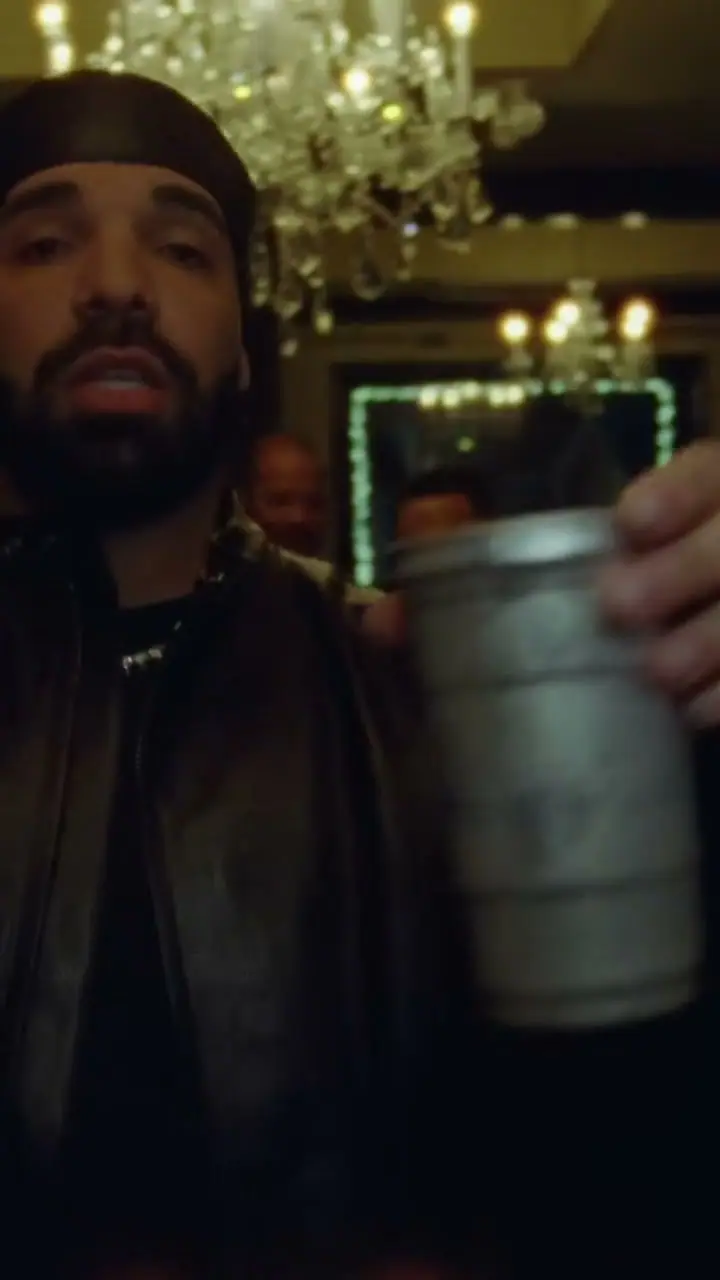 ORIGINAL TREND






 By TrendSwap@trendswapapp
Audio Pre-mixed into Exported Video
The scene sound is already in the MP4. No manual soundtrack editing.
No Subscription Required
Pay-as-you-go passes from $9.90. Credits never expire.
15-second clip
Upload 1 photo. Length follows the template reference. Watermark-free MP4.
Failed render? Credits come back
If a generation fails or is blocked by safety checks, its credits return to your balance automatically.
EXPLORE THE DINNER SCENE,
WATCH THE TREND IN MOTION.
Hover to pause the ticker. Tap any clip to listen with original soundtrack and banquet vocals.
Cream Knit Banquet
Candlelit Table · Example Preview
White Polo Summer VIP
Where She At Drop · Example Preview
Sportswear Sotto Take
Private Dining Room Table
Black Cap & Jacket
Head of Table · Example Preview
Scene example
15s · output follows the studio reference
Cream Knit Banquet
Candlelit Table · Example Preview
White Polo Summer VIP
Where She At Drop · Example Preview
Sportswear Sotto Take
Private Dining Room Table
Black Cap & Jacket
Head of Table · Example Preview
Scene example
15s · output follows the studio reference
TRENDING AI VIDEO ROSTER
Burning Bridges AI Video Generator
Bby Wow Guy AI Video Generator
Tesla Roadster Flip AI Video Generator
Window Peeper AI Video Generator
Toc Toc Dance AI Video Generator
Unforgettable Car AI Video Generator
Cat Clapping AI Video Generator
Hotel Lobby AI Video Generator
Crazy Frog AI Video Generator
Alors on Danse AI Video Generator
Neon Dance AI Video Generator
Victoria’s Secret AI Video Generator
Flying Tesla Roadster AI Video Generator
Sawadika AI Video Generator
Coldplay Kiss Cam AI Video Generator
Ozil AI Video Generator
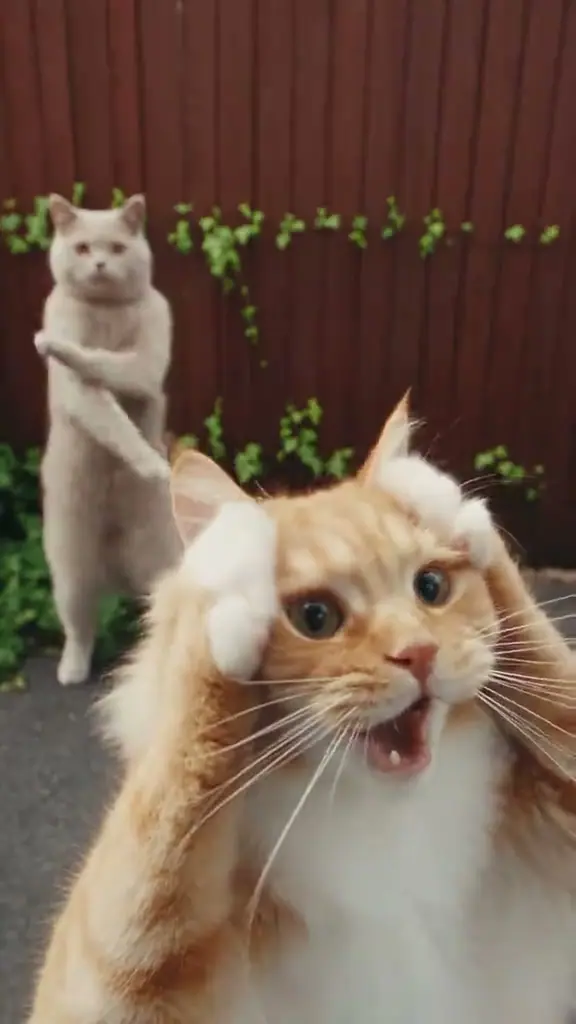
Smalltown Boy AI Video Generator
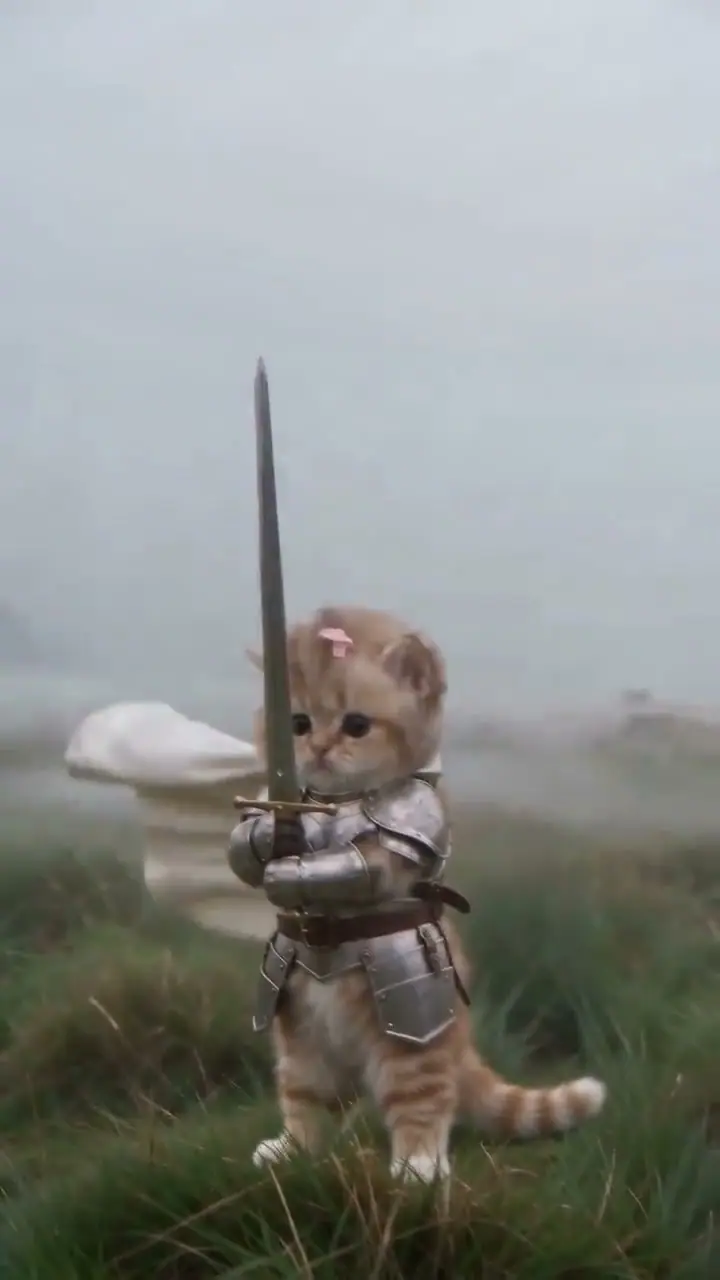
Baby Knight AI Video Generator
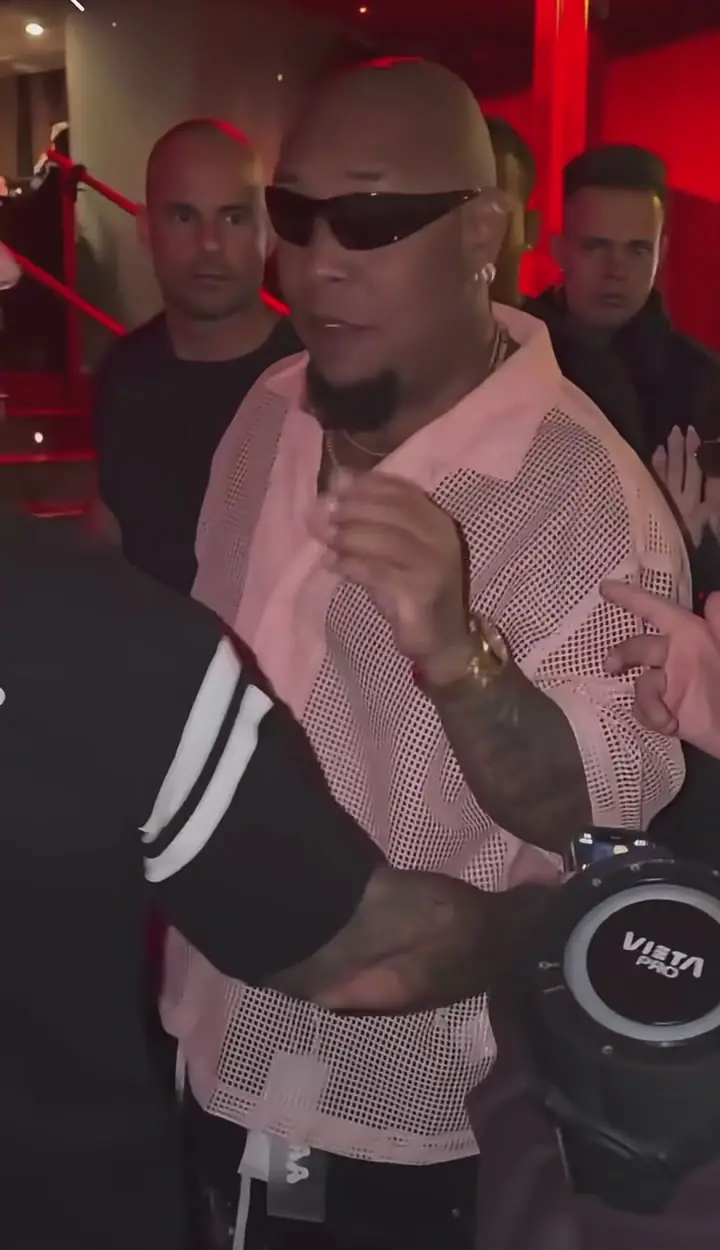
Bulin 47 AI Video Generator
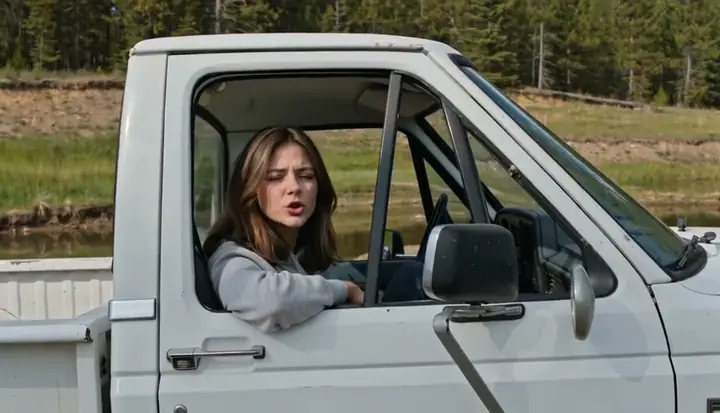
Hit the Road Dude AI Video Generator
Spooky Scary Skeletons AI Dance Generator
Topo Gigio AI Video Generator
Zombie Couple Video AI Maker
Closed on Sunday AI Video Generator
Looks Can Kill Teleport AI Video Generator
HOW SOTTO SOTTO BECAME A GLOBAL MEME
From the viral Toronto private dining party scene to one of the most re-created celebrations on TikTok. The meme origin behind the Burning Bridges drop.
The Sotto Sotto Private Dining Scene
The viral party clip captures Drake celebrating with close friends inside the private dining room of Sotto Sotto in Yorkville, Toronto—one continuous warm chandelier banquet with dynamic handheld camera motion.
The "Where She At" Metal Cup Wave
The banquet clip went viral across TikTok, Reels, and Threads. Drake holding an aluminum tumbler, adjusting his collar, waving into the handheld lens, and singing the energetic beat switch became the go-to recast format for creators.
Pop-Culture, Pets & Creator Takes
The format crossed over into mainstream meme culture. High-profile parodies featuring animated characters under the chandelier, pets, and creator self-inserts took over feeds under #DrakeBanquet and related trend tags.
TrendSwap Neural Motion Transfer
TrendSwap removes all prompt guesswork. Upload 1 portrait to take the head of the Sotto Sotto banquet table with photorealistic lighting, dynamic handheld camera sway, and precision-synchronized master audio.
THE ENGINE BEHIND THE VIRAL SCENE
Engineered specifically for viral social video trends. Maximum creative payoff with minimum user friction.
One Portrait Is All You Need
Start with one clear, front-facing portrait. No extra photos or video editing required.
Zero Prompt Guesswork
Choreography, camera motion, crowd reactions, and scene timing are pre-scripted. No instructions to write.
Master Soundtrack Synced
Authentic acoustics and viral audio drops are baked directly into your MP4. No CapCut beat-matching needed.
Watermark-Free MP4
Export at your selected resolution in the studio. Clean, uncompressed MP4 ready for social platforms.
Automated Credit Shield
If generation fails or times out, the credits charged for your video return automatically within seconds.
Transparent One-Time Passes
Say goodbye to recurring subscription traps. Purchase only what you need. Credits never expire.
THREE STEPS TO CENTER STAGE
No green screen, no complex timeline editing, and zero prompt engineering. Just one photo and you are in the scene.
UPLOAD 1 SOLO PORTRAIT
Pick one clear, front-facing photo of yourself. JPG, PNG, or WEBP up to 15 MB. Waist-up or full-body shots preserve your outfit and styling accurately.
AI SCENE RE-CASTING
Your portrait becomes the lead in the viral scene, following the reference movement, action timing, and camera direction while keeping your face as close to your photo as possible.
DOWNLOAD & REVIEW
Monitor real-time progress in your studio. Download your MP4 at the selected resolution without a watermark. Review the finished video and audio before sharing.
OPTIMIZE YOUR PHOTO FOR MAXIMUM QUALITY
High-contrast lighting and visible facial contours produce the cleanest neural motion retargeting.
Solo Front-Facing Portrait
Upload one adult photo facing the camera. Waist-up or full-body shots work best to preserve wardrobe details. Even lighting produces the sharpest likeness.
Clear Eye & Face Visibility
Avoid sunglasses, heavy masks, or hats casting harsh shadows. The neural engine needs visible facial contours and eyes to map expressions accurately.
Authorized Likenesses Only
Only upload photos of yourself or adults from whom you have explicit consent. Celebrities and minors are filtered by automated safety checks.
Instant Automated Refund
If a generation is flagged by content safety or interrupted by network timeout, your credits return 100% automatically within seconds.
WHAT GOES IN, WHAT COMES OUT
No vague promises or AI black boxes. Exactly what you need to provide and the high-production video delivered to your studio.
WHAT YOU BRING
Minimum effort, zero technical hurdles
- ✓One clear portrait or selfie (JPG, PNG, or WEBP up to 25 MB)
- ✓Waist-up or full-body framing keeps your outfit and style accurate
- ✓Natural lighting and visible facial features — no sunglasses or heavy filters
- ✓Zero prompt writing, zero video editing, zero green-screen setup
WHAT YOU RECEIVE
Complete cinematic viral trend take
- ✓MP4 at your selected resolution; review before sharing
- ✓You starring in the scene, preserving your facial likeness and bone structure
- ✓Authentic crowd reactions, scene ambiance & dynamic cinematic camera sweep
- ✓Watermark-free output; review your video and audio before sharing
TECHNICAL & COMMERCIAL FACT SHEET
Precise delivery metrics and policy rules for every drop.
YOUR PLACE IN THE VIRAL SCENE
This studio uses your photo to create a high-definition video recreation. The lead person changes; the scene, movement, and soundtrack guide the finished clip. Results can vary, so review your video before sharing.
A pack pays for video creation at your selected resolution. Buying a pack does not grant rights to the music or an endorsement from the original artist.
Use your own photo or an adult’s photo with their permission. Do not use the result to impersonate someone or mislead viewers.
YOUR PHOTOS STAY YOURS
What happens to an upload on this page.
You choose when to upload
Selecting a photo previews it on your device. Clicking the creation button uploads it so your saved photo can continue through sign-in and checkout.
Saved to your account
Your portrait is used to create your video. Your personal uploads are not displayed in the community showcase.
Control your video history
Remove a finished or failed video and its saved files from My videos. Temporary files are automatically purged after 30 days.
HOW MUCH DOES IT COST?
Credits never expire. Pay once, or subscribe and save up to 17%.
ONE PORTRAIT · AI MOTION TRANSFER
Single
- ✓480p & 720p HD exports (up to 720p max)
- ✓Template motion, no watermark
- ✓Credits never expire
- ✓Failed jobs return the credits used
Creator
- ✓Unlocks 1080p Full HD (100 cr), 720p (50 cr) & 480p (25 cr)
- ✓Template motion, no watermark
- ✓Credits never expire
- ✓Failed jobs return the credits used
Studio
- ✓Full 1080p Pro (100 cr), 720p (50 cr) & 480p (25 cr) access
- ✓Template motion, no watermark
- ✓Credits never expire
- ✓Failed jobs return the credits used
Credits never expire. Pay once, or subscribe and save up to 17%.
Questions buyers ask first
Is Burning Bridges Banquet for one person or two?
[+][-]
One. Upload 1 clear, front-facing photo with a single person in frame. Group photos are not supported.
Can I use a photo of my pet?
[+][-]
This template is built around a human performer, so we recommend a photo of a person. Pet photos are not supported for this scene; templates such as Flying Tesla Roadster, Baby Knight and Spooky Scary Skeletons are made for pets.
Does the exported video include the original sound?
[+][-]
Yes. The audio is already mixed into the downloaded MP4, so you do not need to add the soundtrack in an editor.
How long is the video and what resolution do I get?
[+][-]
Every video from this template is 15 seconds, 9:16 vertical, as a watermark-free MP4. Choose 480p (25 credits), 720p (50 credits) or 1080p (100 credits). The Single Pass covers up to 720p; the Trio Pass or Party Pass unlocks 1080p.
What happens to my credits if the video fails?
[+][-]
If a generation fails, times out or is blocked by a safety check, the credits for that job return to your balance automatically (25, 50 or 100 by resolution). The video page shows the job status and whether the credits were returned.
What if I'm not happy with the result?
[+][-]
Credits come back automatically only when a generation fails; a completed video uses its credits. Results depend on photo clarity and lighting, so a sharp, front-facing, well-lit photo works best, and the studio shows a free framing preview before you spend credits. If a finished video has a serious technical problem, such as a broken file or missing audio, email support@trendswap.app with the video reference. Duplicate charges and purchases that never reached your account are handled under our refund policy.
How long are my photos and videos kept, and how do I delete them?
[+][-]
Your uploaded photo and finished videos stay in your account until you delete them; nothing expires automatically. Delete a video in My videos (/videos): this permanently removes the video file and the photo it was made from. You can remove an unused photo in the studio. To erase your whole account, email support@trendswap.app with the subject "Privacy Request". We do not use your photos or videos to train public AI models.
FREQUENTLY ASKED QUESTIONS
Everything you need to know about the AI video generator, specifications, and credit guarantees.
READY TO STAR IN THE
NEXT VIRAL HIT?
Turn one portrait into a cinematic social media video using the reference scene and soundtrack. From $9.90, no subscription.
VIRAL POSTING TOOLKIT
Copy battle-tested captions and high-engagement tags. Your MP4 already carries the master viral soundtrack—post directly to TikTok, Reels, or Shorts without secondary audio editing.
Background sound effects, scene ambiance, and the iconic music drops are precision-timed inside your download. No CapCut audio re-alignment required.
“When you finally decide to become the main character.”
“Me dodging two meetings and still shipping on Friday.”
“One photo was all it took. Who should do this next?”
“Day 1 of owning the moment.”
#trendswap #burningbridges #drakebanquet #wheresheat #sottosotto #aivideo