The 6 best Viggle AI alternatives in 2026
 By TrendSwap@trendswapapp
Compare six Viggle alternatives by task, required photos or video, and workflow limits: preset memes, motion control, face swaps, styling and editing.
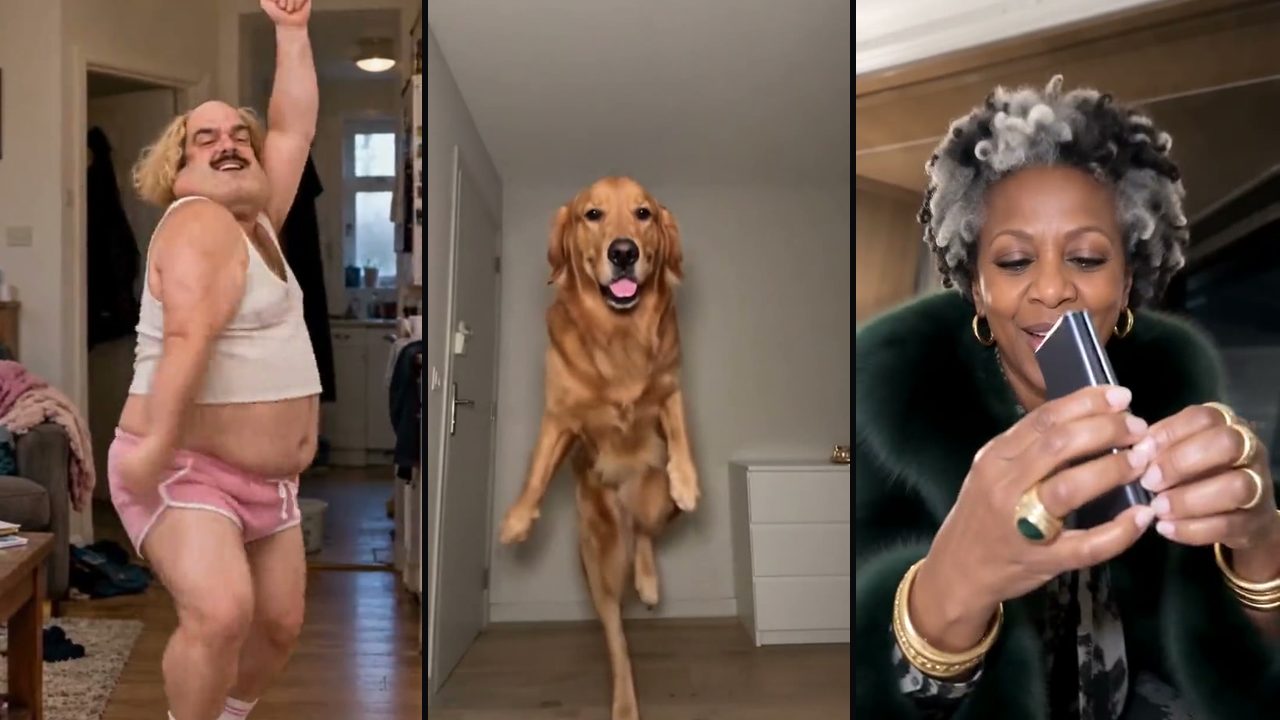
In this article
Six alternatives by workflow
1. TrendSwap
Preset meme, dance, pet or duo scenes. Input: the photos required by the chosen template. Limits: no custom motion-reference upload; framing and audio vary by template. Official workflow.
2. Kling Motion Control
Reference-driven motion. Input: a subject image and motion-reference video. Limits: check the current Motion Control plan for input, duration and regional requirements; no comparative output test is claimed. Official workflow.
3. Magic Hour
Face replacement in an existing video. Input: a face photo and target video. Limits: check the current video face-swap plan for supported files, duration and watermark conditions; an exact likeness is not guaranteed. Official workflow.
4. DomoAI
Video stylization. Input: a source video and a selected style. Limits: check the current video-to-video plan for input formats, duration and export conditions; stylization is a different task from preset meme recreation. Official workflow.
5. CapCut
Editing and audio assembly. Input: your video clips, images and authorized audio. Limits: you assemble the edit; check the current plan and region for asset licensing and export conditions. Official workflow.
6. Remake Your Meme
Preset meme scenes. Input: choose a template and add its required photos. Limits: the selected template determines the scene; check its current input requirements, credits and export conditions. Official workflow.
Viggle as the baseline
Viggle suits a creator who wants to pair a character image with a motion template or their own reference video. Its official image-to-video page describes controllable motion. Check the current plan, model, watermark and audio conditions; this guide does not establish a quality or speed winner.
Limits before you buy
Exports are watermark-free MP4 files. Duration and framing depend on the template: the catalog includes 9:16 vertical, 16:9 landscape and near-square scenes. Audio depends on the template and generation mode. Facial likeness and exact motion are not guaranteed; review the completed video before sharing.
Single: $9.90 / 50 credits; Creator: $24.90 / 150 credits; Studio: $59.90 / 400 credits. One-time pack credits do not expire or renew. Optional subscriptions have separate renewal terms. Standard clips use 25 / 50 / 100 credits at 480p / 720p / 1080p; templates longer than 15 seconds use 50 / 100 / 150. 1080p requires Creator or Studio access.
This is a workflow guide, not a paid-output benchmark. We have not measured comparative face fidelity, rendering speed or success rates. Vendor pricing and free allowances can change; consult the official sources below.
Purchasing rendering credits does not grant third-party music, trademark or likeness rights. Check platform licensing and AI disclosure requirements before publishing.
Official sources
Viggle motion workflow · Viggle pricing · TrendSwap pricing · Template library
Disclosure: TrendSwap publishes this guide about its own service. Viggle and other product names belong to their respective owners.
FAQ
Can I upload my own motion video?
TrendSwap is a template-based AI video maker. Choose an existing meme, dance, pet or duo scene and add the required photos. It does not accept custom motion-reference videos. Viggle suits a creator who wants to pair a character image with a motion template or their own reference video. Its official image-to-video page describes controllable motion. Check the current plan, model, watermark and audio conditions; this guide does not establish a quality or speed winner.
Does every template have the same audio and format?
Exports are watermark-free MP4 files. Duration and framing depend on the template: the catalog includes 9:16 vertical, 16:9 landscape and near-square scenes. Audio depends on the template and generation mode. Facial likeness and exact motion are not guaranteed; review the completed video before sharing.
Burning Bridges Banquet AI Video
Take the lead role in the Drake chandelier banquet scene from one clear adult portrait.
Related Guides & Tutorials
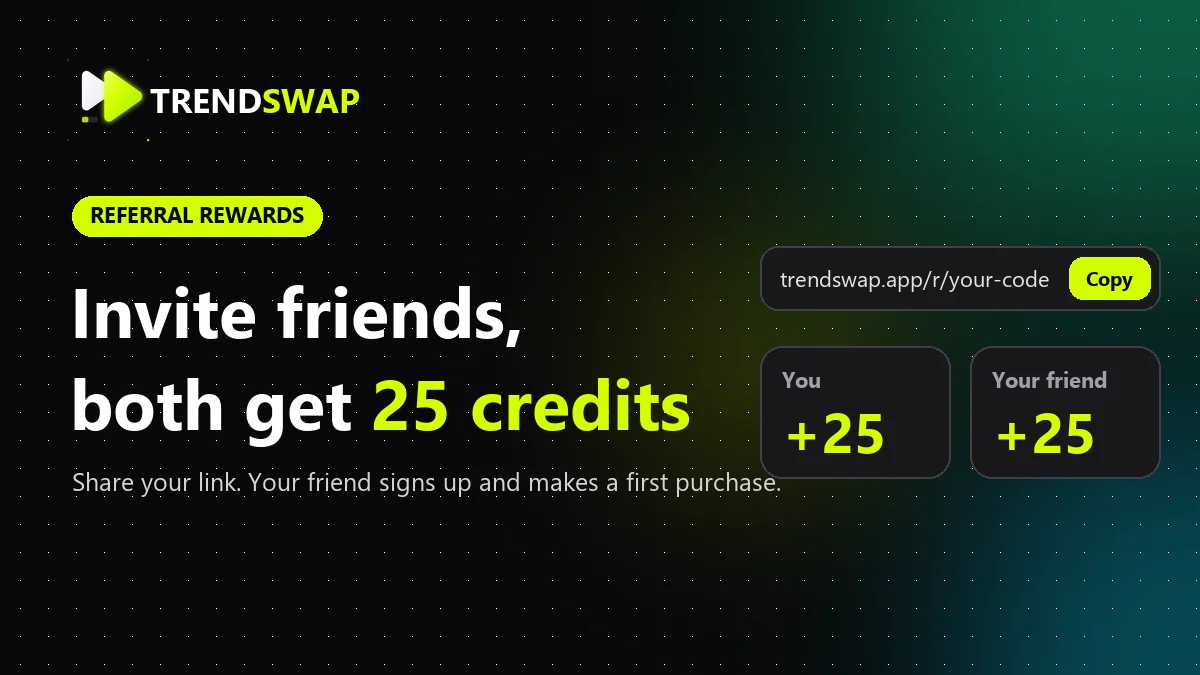
Invite Friends and Earn Credits: Get 25 Credits Each
Copy your TrendSwap referral link and learn when both friends receive 25 credits, where to check rewards, and how limits and refunds work. Includes real UI screenshots.
TrendSwap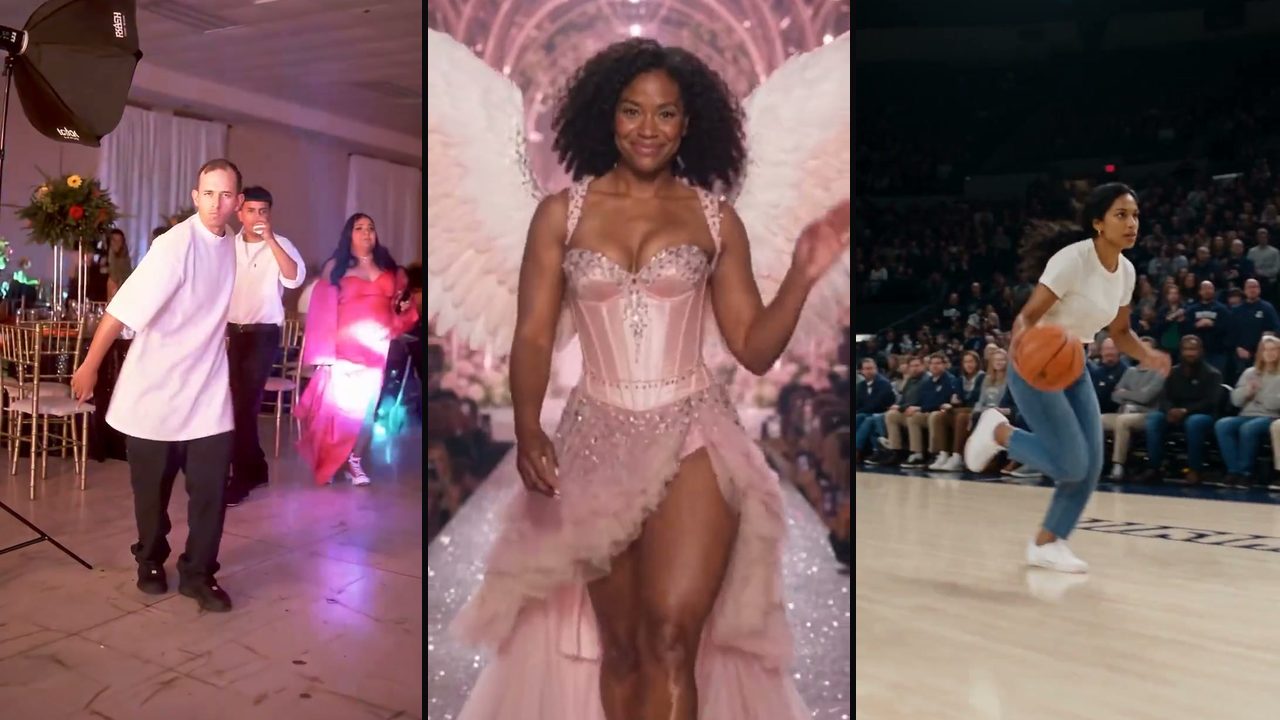
The 8 Best AI Trend Video Generators in 2026 (Grouped by Use Case)
Compare the 8 best AI tools for viral TikTok and Reels video trends by use case: template trends, motion transfer, face swap and mobile editing.
TrendSwap
AI Video Tools With No Subscription: Pay-Once Credit Packs That Never Expire
Looking for AI video tools without recurring monthly fees? Compare one-time credit packs vs subscriptions, credit expiration policies and fair pricing.
TrendSwap