The 8 Best AI Trend Video Generators in 2026 (Grouped by Use Case)
 By TrendSwap@trendswapapp
Compare the 8 best AI tools for viral TikTok and Reels video trends by use case: template trends, motion transfer, face swap and mobile editing.
In this article
Last checked: 30 October 2026 · By David Lee · Disclosure: TrendSwap is our product. We compare published policies and features fairly across each category.
Creators on TikTok, Instagram Reels and YouTube Shorts frequently ask: what AI tools can put me into viral trend videos from one photo without complex prompt engineering?
There is no single tool that solves every creative requirement. Recreating a viral dance meme requires an entirely different workflow than animating a custom 3D avatar or editing mobile clips. Below is an honest breakdown of the 8 leading AI tools grouped by practical use case.
Summary comparison table
| Tool | Category | Pricing model | Free tier? | Watermark policy | Original audio included? | Photos needed |
|---|---|---|---|---|---|---|
| TrendSwap | Template trend | One-time packs from $9.90 (never expire) + optional sub | Free still preview | 100% watermark-free on all packs | Yes, synced in every video | 1 or 2 photos |
| oVideo | Template trend | Credit packs & subscriptions | Limited free trial | Watermark on free clips | Trend sound included | 1 photo |
| imageat | Template trend | Credit-based packs | Free tier available | Watermark on free output | Varies by template | 1 photo |
| Viggle AI | Motion transfer | Free tier + paid plans from $9.99/mo | 5 videos/day | Watermark on free tier | No (silent video output) | 1 photo + reference video |
| Kling Motion Control | Motion transfer | Subscription credits | Daily free login credits | Watermarked on free tier | Audio requires manual editing | 1 image + motion video |
| Magic Hour | Face swap | Credit packs & subscriptions | Limited trial | Watermark on free exports | Retains source audio | 1 source face + video |
| Reface | Face swap | Subscription & weekly passes | Ad-supported free tier | Watermarked free exports | Retains clip sound | 1 selfie photo |
| CapCut | Video editor | Free core tools + Pro subscription | Generous free tools | Export watermark can be removed | Extensive licensed audio library | Any user media |
1. Template trend video makers (No prompts, no reference videos)
Template tools are built for creators who want to star in a trending social meme immediately. You pick an existing viral scene, upload your photo, and receive a completed video.
TrendSwap (trendswap.app)
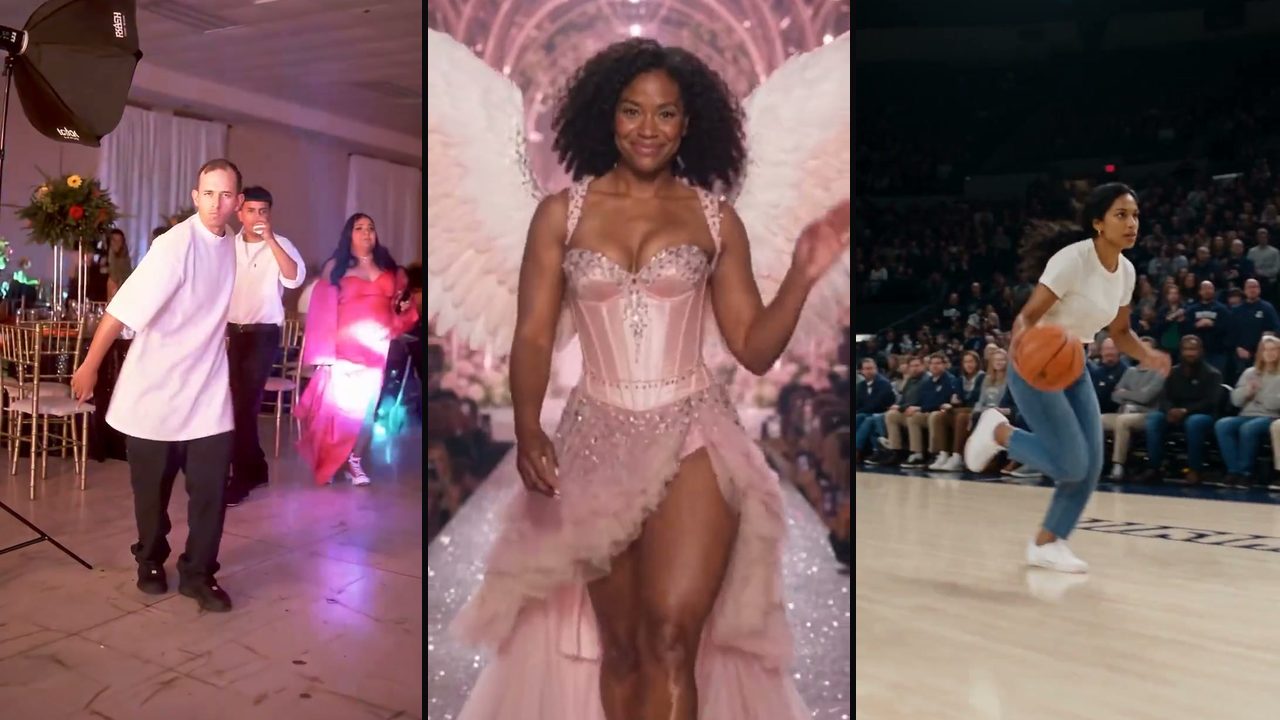
TrendSwap is our product. It focuses exclusively on ready-made viral TikTok and Reels templates (such as Burning Bridges, Smalltown Boy, Hotel Lobby, Tiny Desk and Skull Cap). You do not write prompts or upload motion reference videos. Upload one photo for solo scenes or two photos for duo scenes, and get a watermark-free vertical or horizontal MP4 with the trend's original master audio synced. Pricing starts at $9.90 for one-time packs (credits never expire), failed renders are refunded automatically, and subscriptions are optional. Uploaded photos are deleted after 7 days and are not used for AI model training.
oVideo
oVideo provides photo-to-trend templates targeting viral social media moments, offering quick generation for creators who want fast turnarounds on trending formats.
imageat
imageat offers web-based photo-to-video trend templates alongside a collection of AI image manipulation tools for social creators.
2. Motion transfer tools (Custom movement from your own videos)
Motion transfer tools do not use preset templates; they transfer body movement from any custom video you upload onto a new character or photo.
Viggle AI
Viggle is the benchmark tool for custom motion transfer and controllable character animation. You upload a reference video and a character image, and Viggle animates the character following that exact choreography. Free users get 5 daily videos with a watermark; paid plans start at $9.99/month. Videos export silent, so adding music requires an external editor. See our detailed TrendSwap vs Viggle breakdown.
Kling Motion Control
Kling provides cinematic motion control features that let creators drive character movement using precise pose tracking and custom reference video inputs. It offers exceptional physical realism for filmmakers and advanced content creators.
3. Face swap tools (Swap identity into existing footage)
Face swap tools replace only the facial identity within an existing video clip while keeping the original actor's clothing, background and hair intact.
Magic Hour
Magic Hour offers high-resolution video-to-video face swapping, animation and generative video tools. It delivers high facial fidelity when swapping a face into an existing video clip.
Reface
Reface is a consumer mobile and web app offering quick celebrity and movie meme face swaps, animated cards and playful video effects.
4. Mobile editors
CapCut
ByteDance’s CapCut is the standard video editing suite for short-form video creators. While it is primarily an editor rather than a generative AI model, its viral community templates and built-in audio library make it an essential companion for assembling multi-clip TikTok trends.
Try a template here
Each button opens the studio on this page with the scene loaded:
- One photo, a friend to roast:
- One photo of your pet:
- Two photos, a couple or two friends:
- One photo, a party scene:
Which tool should you choose?
- Recreate a viral TikTok or Reels trend with original audio and zero setup: Use TrendSwap.
- Animate your character with custom movement from your own video: Use Viggle or Kling.
- Swap your face into an existing movie or music video scene: Use Magic Hour or Reface.
- Manually assemble, trim and caption your footage: Use CapCut.
Frequently asked questions
What is the difference between a template generator and motion transfer?
A template generator (like TrendSwap) has the motion, scene lighting and soundtrack already pre-configured; you only provide your photo. A motion transfer tool (like Viggle) requires you to supply both a character photo and your own reference choreography video.
Do these tools add watermarks to videos?
TrendSwap exports 100% watermark-free on all credit packs. Tools with free tiers (such as Viggle, Kling and Magic Hour) typically include watermarks on free-tier exports that are removed when upgrading to paid plans.
Are my uploaded photos safe?
TrendSwap automatically deletes uploaded portrait photos after 7 days and does not train foundation AI models on user photos without permission. Always check each provider’s published privacy policy before uploading personal likenesses.
Burning Bridges Banquet AI Video
Take the lead role in the Drake chandelier banquet scene from one clear adult portrait.
Related Guides & Tutorials
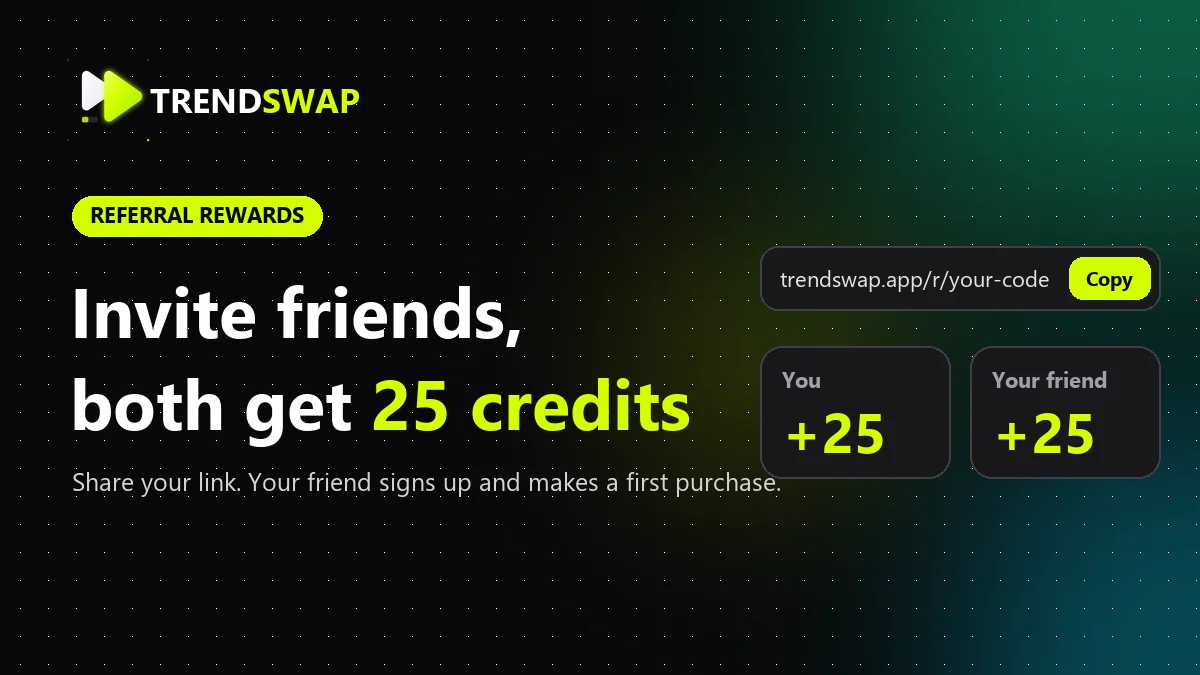
Invite Friends and Earn Credits: Get 25 Credits Each
Copy your TrendSwap referral link and learn when both friends receive 25 credits, where to check rewards, and how limits and refunds work. Includes real UI screenshots.
TrendSwap
AI Video Tools With No Subscription: Pay-Once Credit Packs That Never Expire
Looking for AI video tools without recurring monthly fees? Compare one-time credit packs vs subscriptions, credit expiration policies and fair pricing.
TrendSwap
No-Watermark AI Video Sites for TikTok & Reels: Safe, High-Fidelity Tools in 2026
Discover safe, watermark-free AI video generators for TikTok and Instagram Reels. Review watermark policies, 7-day photo deletion and safety standards.
TrendSwap