Invite Friends and Earn Credits: Get 25 Credits Each
 By TrendSwap@trendswapapp
Copy your TrendSwap referral link and learn when both friends receive 25 credits, where to check rewards, and how limits and refunds work. Includes real UI screenshots.
In this article
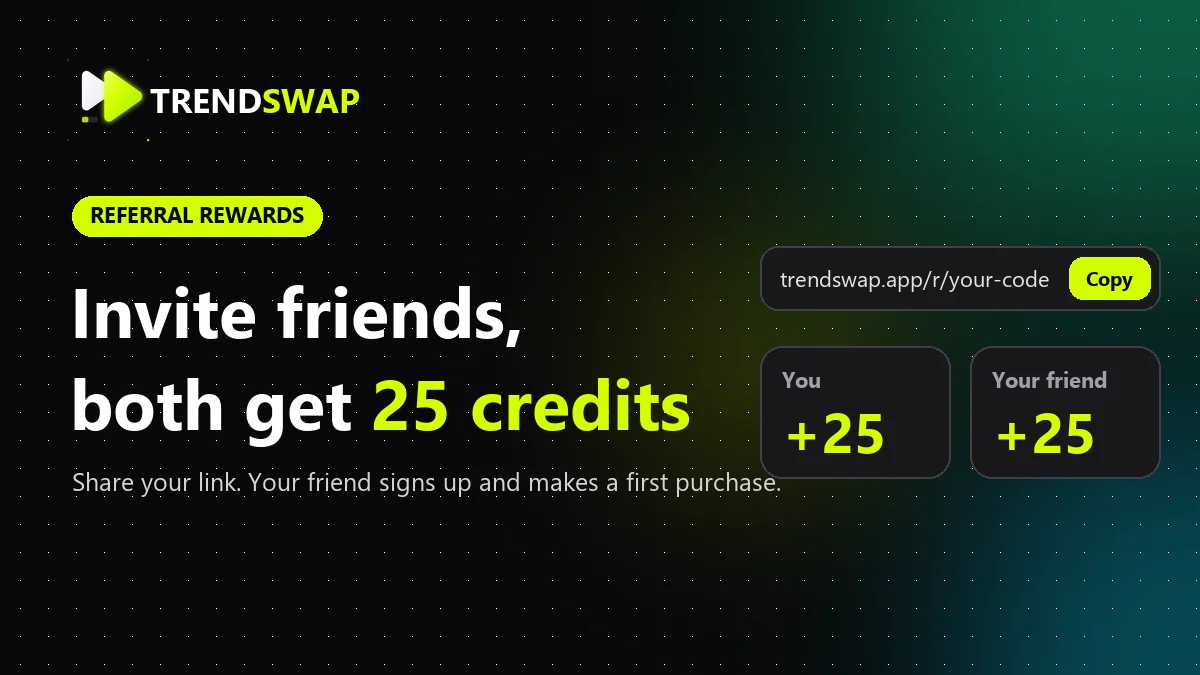
Share TrendSwap with a friend and earn credits for your next video. When a friend signs up through your personal referral link and completes their first qualifying order with an actual payment greater than zero, you each receive 25 credits. Signing up alone does not earn the reward. At current generation rates, 25 credits cover one standard 480p video.
Participation depends on availability in your account. If the referral page says the program is unavailable, wait until it opens before participating. This guide does not confirm that the program is currently enabled online.
1. Open the referral page
Sign in, open account settings, and choose the referral option in the sidebar. You can also go directly to Invite friends. When the program is available, this page displays your personal link.

Screenshot 1: the actual settings layout and referral components in a local teaching example, shown in Chinese. The local link is not attached to an account. This does not show production availability.
2. Copy your personal link
Click the copy button beside your referral link, then share the complete copied link with your friend. Use the link from your own account and keep its referral code intact. Do not use the local example link shown in these screenshots.

Screenshot 2: the real referral card rendered with local example data. No successful payment or earned reward has been simulated.
Your friend should open your link before creating a new account. An existing account does not qualify as a new referral.
3. Your friend signs up and makes their first purchase
After registering through your link, your friend can visit pricing and complete their first real purchase. The order must have a confirmed payment greater than zero. Unpaid orders and orders reduced to zero by a full discount do not qualify.
Once the qualifying payment is confirmed and the referral passes verification, the system grants 25 credits to each account. Your friend does not need to send you their login or payment details.
4. Check progress and credit records
Return to Invite friends. Once someone has joined, the card shows how many people have joined and how many credits you have earned. Joined does not mean rewarded: each new friend must still complete a qualifying first purchase.
Open credit records to check the actual grant. The inviter's entry is described as “Referral reward”; the friend's entry is “Referral welcome reward”. Your friend can check their own credit records too.
If a reward is missing, confirm that the friend created a new account through your link and completed a confirmed payment greater than zero. You can check your own orders in payment records or contact the team through support tickets. Do not include passwords or full card details.
Reward rules
- Each qualifying referral grants 25 credits to the inviter and 25 credits to the friend.
- Each inviting account can receive up to 20 referral rewards, totaling 500 credits. After that limit, further referrals do not grant either side a reward.
- Referral reward credits never expire.
- Inviting yourself or your other accounts does not qualify. Referrals must pass verification.
- If the qualifying paid order is refunded, the unused portion of that referral reward is reclaimed from both accounts.
Frequently asked questions
Why did my friend's registration not earn credits?
Registration alone does not qualify. Your friend must create a new account through your link and complete their first order with an actual payment greater than zero. Rewards are granted after verification.
Can an existing account add my link later?
The referral relationship is established when a new account registers through the link. Opening a link later does not retroactively attach an existing account.
Why is the referral option missing?
The feature depends on program availability. Sign in and check the referral page. If it says the program is unavailable, you cannot participate at that time.
What can I use the reward for?
The reward is added to your credit balance for video generation. A standard 480p video currently costs 25 credits (50 on templates longer than 15 seconds); check the generation screen for other resolutions.
Ready to invite a friend? Open Invite friends and copy your own personal link.
Share your personal referral link
Get 25 credits each after your friend signs up through your link and completes their first real purchase. Check your account for availability.
Related Guides & Tutorials

The 8 Best AI Trend Video Generators in 2026 (Grouped by Use Case)
Compare the 8 best AI tools for viral TikTok and Reels video trends by use case: template trends, motion transfer, face swap and mobile editing.
TrendSwap
AI Video Tools With No Subscription: Pay-Once Credit Packs That Never Expire
Looking for AI video tools without recurring monthly fees? Compare one-time credit packs vs subscriptions, credit expiration policies and fair pricing.
TrendSwap
No-Watermark AI Video Sites for TikTok & Reels: Safe, High-Fidelity Tools in 2026
Discover safe, watermark-free AI video generators for TikTok and Instagram Reels. Review watermark policies, 7-day photo deletion and safety standards.
TrendSwap