AI Dance Video Generator from Photo: Photo Tips, Pricing & Tool Comparison
How to make any photo dance with an AI dance video generator: solo, duo, K-Pop and pet templates, photo tips, watermark-free MP4 pricing, and Viggle vs Kling.
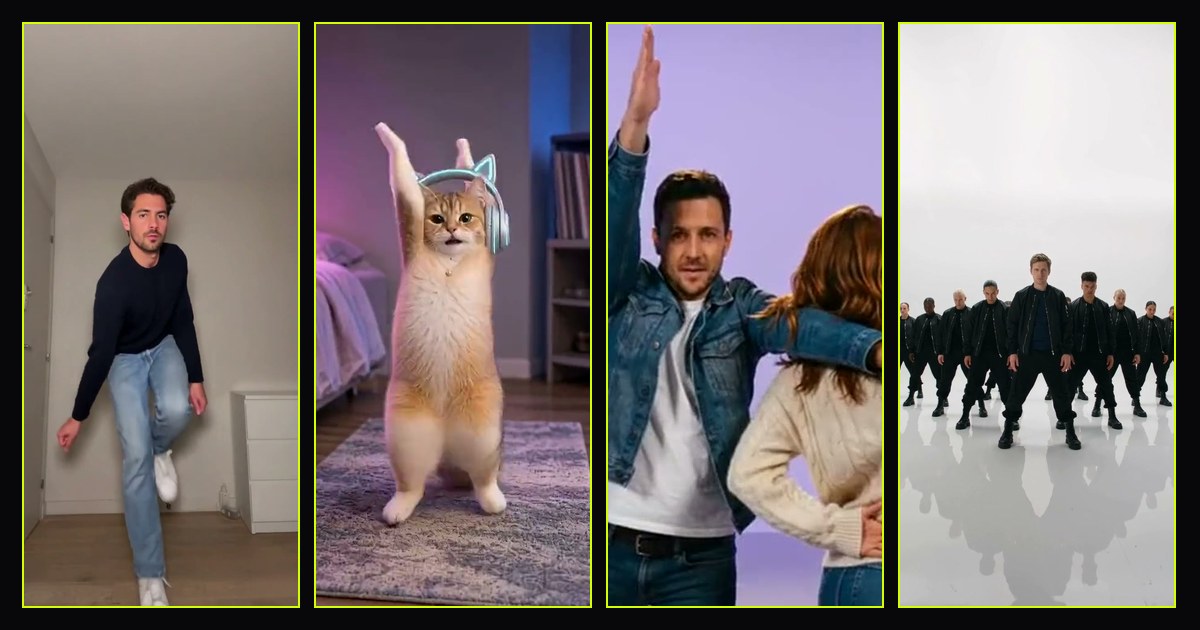
In this article
Short answer: If you want to turn 1 photo (or 2 photos for a duo) into a viral TikTok or Reels dance without filming yourself, writing prompts, or hunting for a reference clip, use a template-first AI dance video generator. You pick a ready-made dance routine, upload a sharp full-body photo, and export a watermark-free MP4 with pay-once credits and no subscription.
Ready to make a photo dance? Browse solo, duo, K-Pop, and pet presets in the AI Dance Video Generator — no prompts or reference videos required.
Template-first vs. motion-transfer AI dance generators
Most people searching for an AI dance video generator fall into one of two camps: you either want to jump into a named viral dance right now, or you have your own choreography clip and want to transfer that exact motion onto a character.
| Workflow | Best tools | What you upload | Audio & watermark | Pricing model |
|---|---|---|---|---|
| Template-first dance maker | TrendSwap | 1 photo (solo) or 2 photos (duo) | Watermark-free MP4; check preset for synced audio | One-time credit packs from $9.90 (no subscription) |
| Custom motion transfer | Viggle AI, Kling Motion Control | 1 character image + your own reference dance video | Free tiers add watermarks; Viggle exports silent clips | Free daily cap + monthly subscriptions |
| Manual video editor | CapCut | Multiple filmed clips of yourself | Licensed audio library; manual multi-clip editing | Free core tools + Pro subscription |
If you want to direct custom camera moves from your own dance footage, motion-transfer tools like Viggle AI or Kling Motion Control give you that control (see our full TrendSwap vs Viggle AI breakdown). If you just want your photo doing a trending dance in minutes with no editing, a template-first studio saves you from sourcing clean motion clips and re-syncing music afterward.
What photo works best to make a photo dance?
The single biggest factor in whether an AI dance video looks clean or distorted is the input photo. Before you generate, run through this five-point check:
- Full body, head to toe. If you upload a waist-up selfie, the model has to invent your legs and shoes, which often causes awkward footwork.
- Face the camera with even lighting. Avoid heavy side shadows, sunglasses, or motion blur so facial likeness stays consistent through fast turns.
- Keep arms slightly away from your torso. Hands tucked in pockets or crossed tightly in front of your chest make arm-swing choreography harder to track cleanly.
- Use one clear subject per photo slot. For duo dances like NEON or Smalltown Boy, upload two separate single-person photos instead of one group photo so each dancer stays locked to their own role.
- Pet photos need clear eyes and posture. If you are using a pet-friendly dance preset, pick a sharp photo with both eyes visible and one pet in frame.
Pick the right AI dance category for your clip
Instead of scrolling through generic effects, match the dance style to who is in your photo:
- Solo TikTok viral dances (1 photo): Try Toc Toc Dance AI, SaWaDiKa Dance AI, Ela Peida Funk AI, or iPhone Kupi Dance AI.
- K-Pop choreography (1 or 2 photos): Explore the dedicated AI K-Pop Dance Video Generator hub, featuring Like JENNIE, Jisoo Addicted, First Snow, and NEON.
- Couple & best-friend duo dances (2 photos): Browse AI Duo & Couple Videos for two-person routines where each photo maps cleanly to its own dancer slot.
- Dog & cat dance videos (1 photo): Open the AI Pet Dance Generator for pet-friendly dance and reaction presets.
Pricing, watermarks, and privacy (what to check before paying)
Many "free AI dance video generator" pages let you click generate only to lock the download behind a recurring monthly subscription or stamp a heavy watermark across the middle of the clip. On TrendSwap:
- Free previews before you spend: Every dance studio shows the reference motion and sample results upfront so you know the exact choreography before using credits.
- One-time credit packs, no subscription required: Packs start at $9.90 for 50 credits (credits never expire), with optional plans if you generate often. See current packs on Pricing.
- Watermark-free MP4 exports: Every paid generation downloads cleanly without a TrendSwap watermark.
- Automatic refund on failed renders: If a job fails or is blocked by a safety check, its credits return to your balance automatically.
- 7-day photo cleanup: Uploaded photos are automatically deleted after 7 days, and deleting a video removes its source photo immediately.
Frequently asked questions
Can I make a photo dance with AI without filming myself?
Yes. With a template-first AI dance video generator, the reference choreography and scene are already built in. You only upload 1 sharp full-body photo (or 2 photos for a duo dance) and download the exported MP4.
Is there a free AI dance video generator without a watermark?
Most completely free tiers either add a visible watermark or limit exports to low resolution. On TrendSwap, you can preview every dance template for free and use one-time credit packs (starting at $9.90, no subscription) to export watermark-free MP4 videos.
Can I make two people dance together from separate photos?
Yes. Duo presets such as NEON, Addicted, Smalltown Boy, and Christmas Pajama Duo accept 2 separate photos—one per dancer—so two friends or a couple can share the same routine even if they were never photographed together.
Should I use TrendSwap or Viggle AI for dance videos?
Use TrendSwap when you want a specific viral TikTok or K-Pop dance ready to go from 1–2 photos with no editing. Use Viggle AI when you already have your own custom reference video and want to drive an avatar with that footage. See TrendSwap vs Viggle AI for a side-by-side comparison.
Related Guides & Tutorials
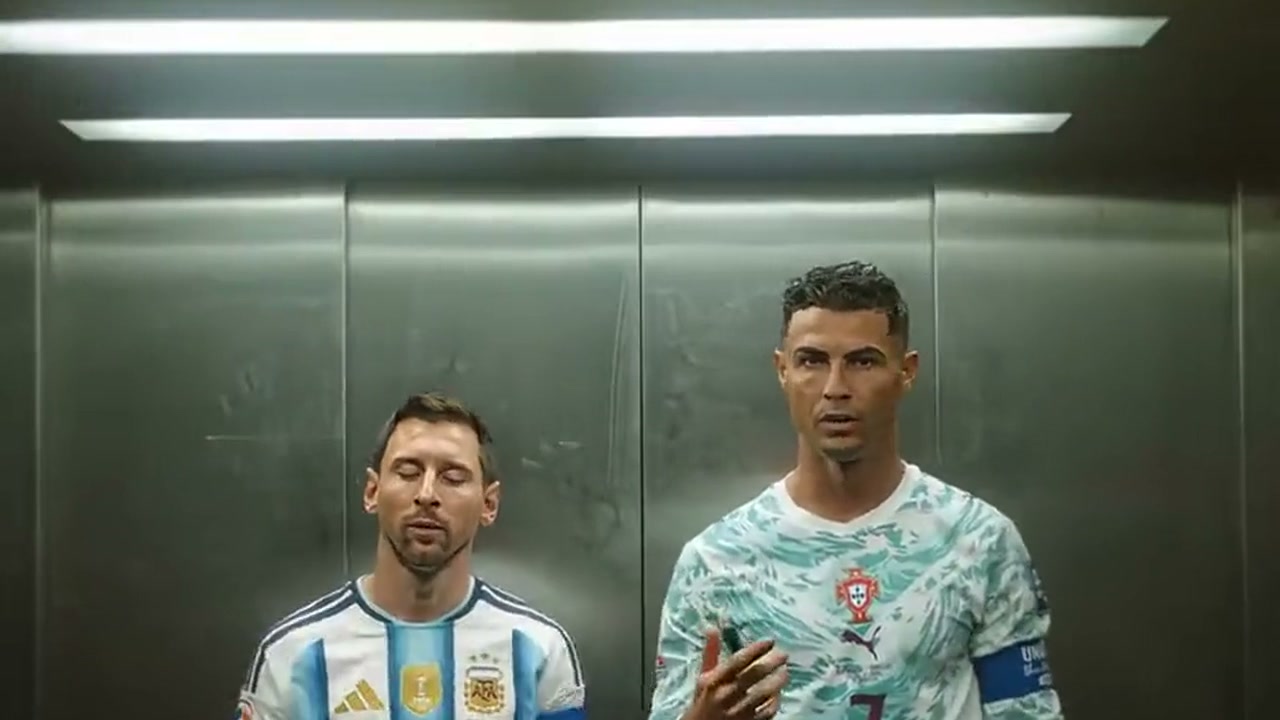
The 365 Steel Elevator Duo Trend Explained (Walk-In & Stare)
One person waits in a steel elevator while the other walks in, turns, and locks eyes with the camera. How the Sampagne 365 duo edit works from 2 photos.
 David Lee
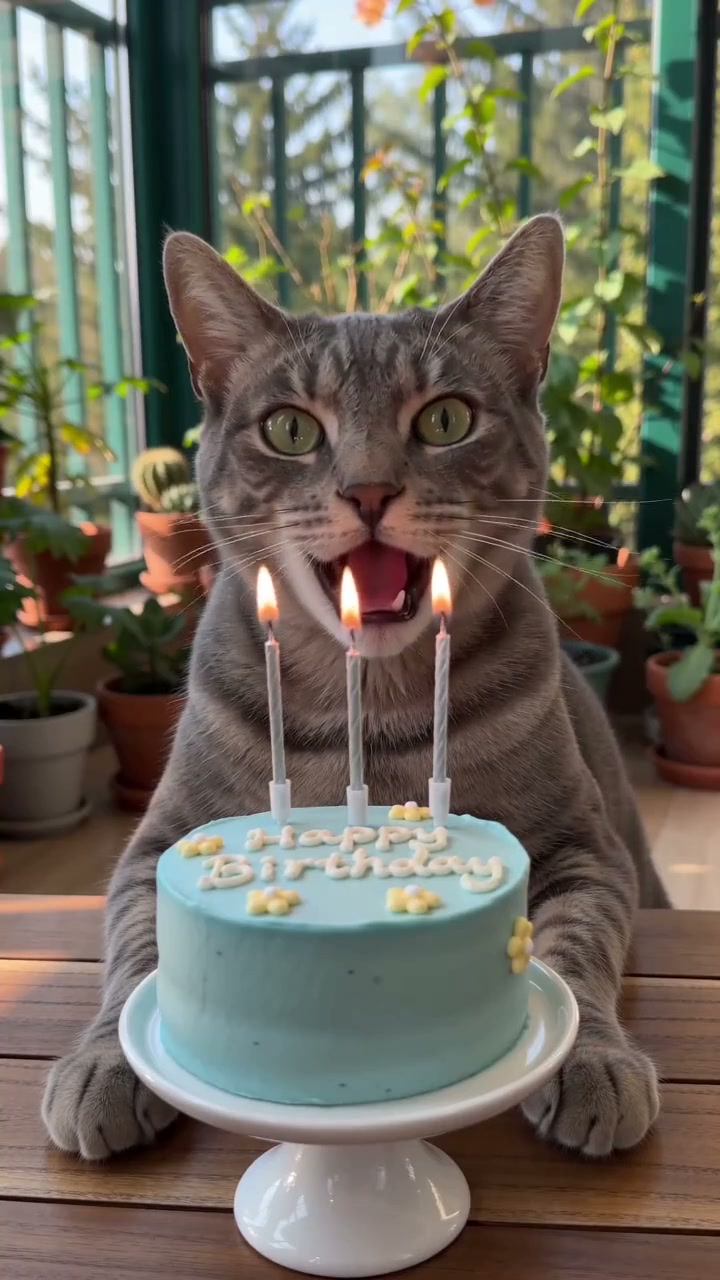
Singing Birthday Cat & Happy Catday: Behind-the-Cake Pet Trend
Put your own cat or dog behind a glowing birthday cake singing Happy Birthday to the camera. How the Happy Catday pet greeting works from 1 clear photo.
David Lee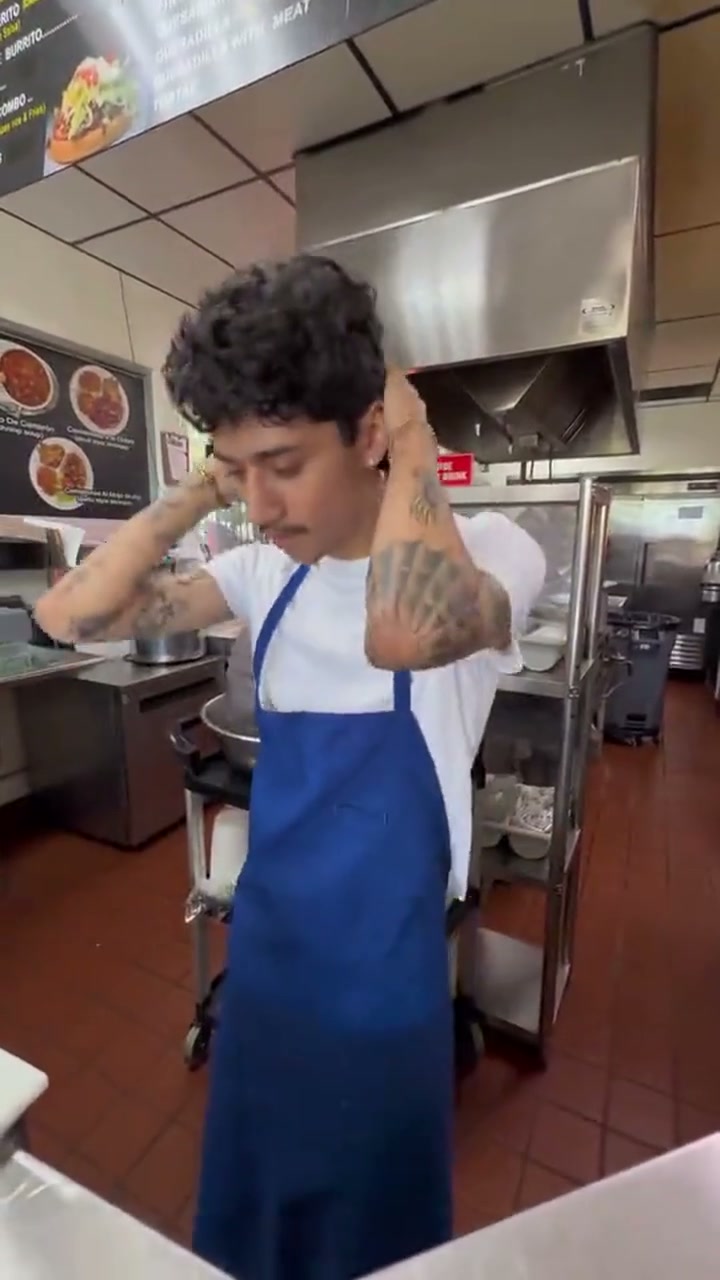
Waiting On My Fries: The Taco-Shop Counter Skit Explained
A customer asks for their fries, the coworker in back forgot them, and the front worker stalls with a dead-serious slow dance. How the 2-photo skit works.
David Lee