Winter Wonderland Dance AI Video Generator
Turn two photos into the viral Winter Wonderland Dance by the Christmas tree: matching festive pajamas, synchronized duo moves, and partner walk-in. 15s 9:16 vertical with sound.
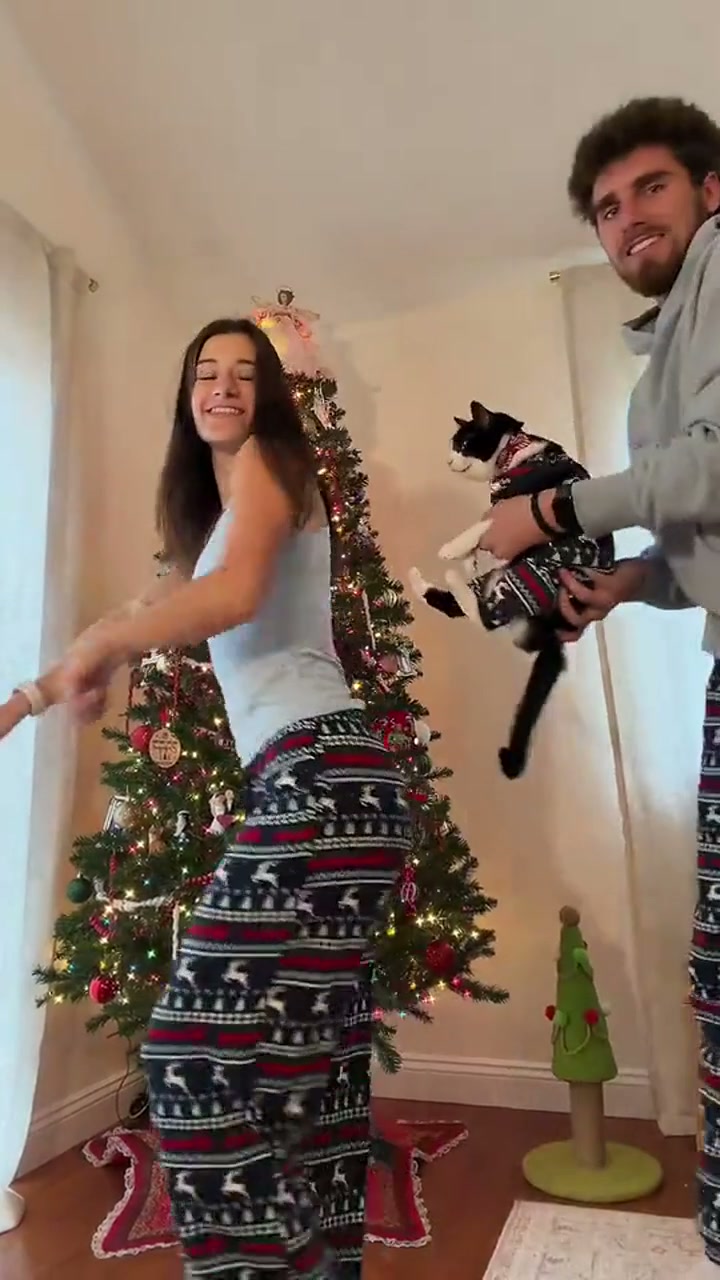 HOLIDAY DUO
What your photos become
2 photos → 15s · 9:16 · Watermark-free MP4
Audio varies by template and generation mode. Check the finished MP4 before sharing.
Photo 1 → lead · Photo 2 → partner. One subject per photo.
1. LEFT DANCER
Starts the dance by the tree
2. RIGHT DANCER
Walks in for the pajama duo
Photo on your phone?
Scan to upload it here. No app needed.
Photos are auto-deleted after 7 days.
By uploading, you confirm this is a photo of you or of someone who gave you permission, and that it contains no nudity or sexual content. Content Policy
Pay $9.90 for 50 credits. This video uses 25; about 25 remain.







Preview footage helps you explore this scene. Its source and how it was made may vary by template.

Export audio
Audio varies by template and generation mode. Check the finished MP4 before sharing.
No Subscription Required
Pay-as-you-go passes from $9.90. Credits never expire.
15-second clip
Upload 2 photos. Length follows the template reference. Watermark-free MP4.
Failed render? Credits come back
If a generation fails or is blocked by safety checks, its credits return to your balance automatically.
MATCHING PAJAMAS BY THE TREE.
WINTER WONDERLAND DUO.
One partner starts dancing by the lit Christmas tree, then the second walks in for a synchronized holiday routine. 15s 9:16 vertical.
TRENDING AI VIDEO ROSTER
Bicep Heart AI Video Generator
Tiny Desk AI Video Generator
Bby Wow Guy AI Video Generator
Burning Bridges AI Video Generator
Smalltown Boy AI Video Generator
Toc Toc Dance AI Video Generator
Cat Clapping AI Video Generator
Hotel Lobby AI Video Generator
Ozil AI Video Generator
My Moon My Man AI Video Generator
Boom Clap Confetti AI Video Generator
Winter Wonderland Dance AI Video Generator
Jingle Bell Brazil Dance AI Video Generator
Sheru Bhai AI Video Generator
La Mujer del Pelotero AI Video Generator
Christmas Dance AI Video Generator
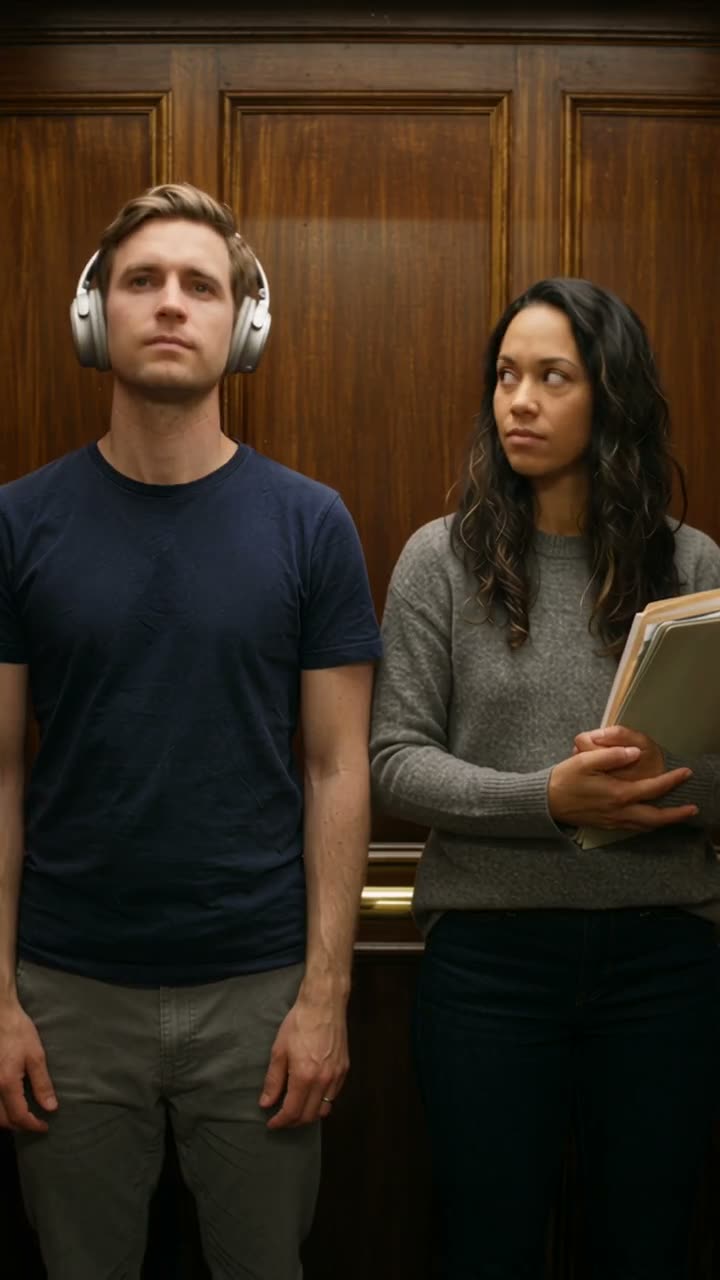
I Love The Smiths AI Video Generator
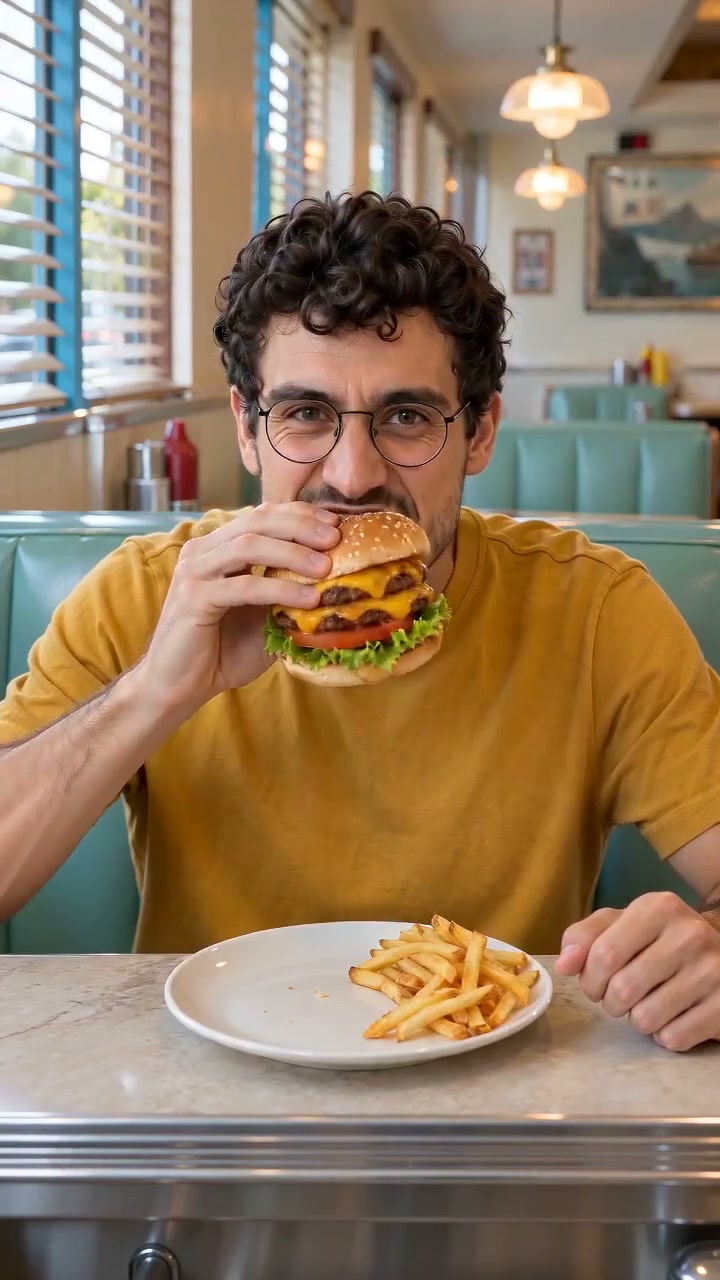
W Chews AI Video Generator
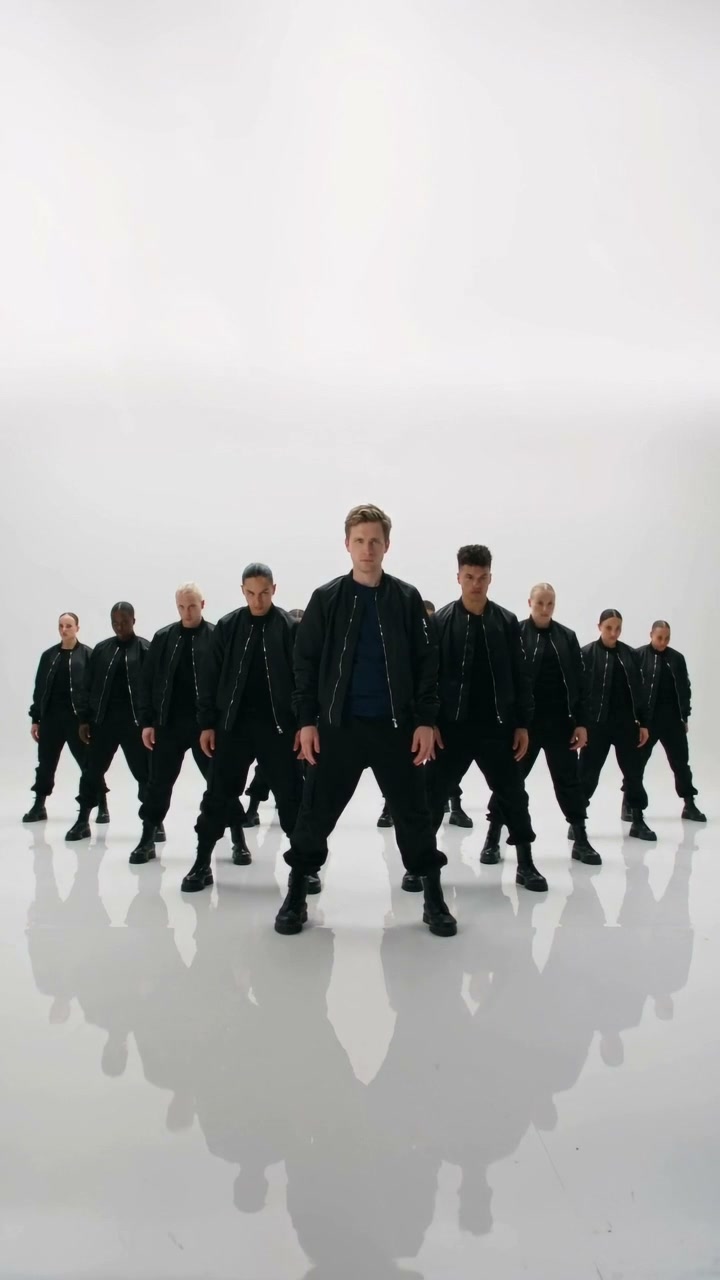
Like JENNIE AI Video Generator
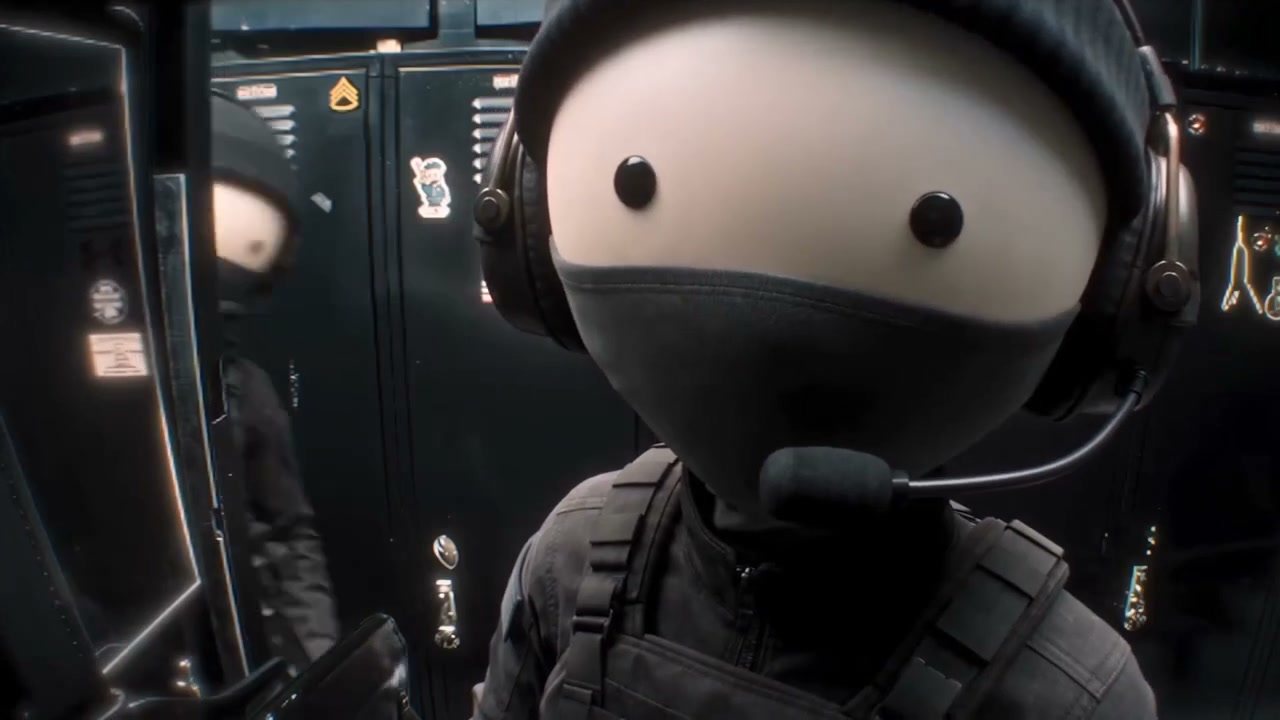
End of Watch AI Video Generator
Closing Door Prank AI Video Generator
Ela Peida Funk AI Video Generator
First Snow Dance AI Video Generator
Polar Bear 2026 AI Video Generator
Turkey Dance AI Video Generator
Goodbye 2026 Welcome 2027 AI Video Generator
Addicted Dance AI Video Generator
First Time in a Fancy Cafe AI Video Generator
Hop Hop Hop AI Video Generator
Duo Coffee AI Video Generator
Phone on Train AI Video Generator
1987 Rumpelstiltskin AI Video Generator
Tip Toeing In My Jordans AI Video Generator
Halloween AI Video Generator
AI Christmas Video Generator
New Year AI Video Generator
Thanksgiving AI Video Generator
Day of the Dead AI Video Generator
Skull Cap Trend AI Video Generator
AI Dunk AI Video Generator
iPhone Kupi Dance AI Video Generator
Prilili AI Video Generator
What Stop Sign AI Video Generator
Tesla Roadster Flip AI Video Generator
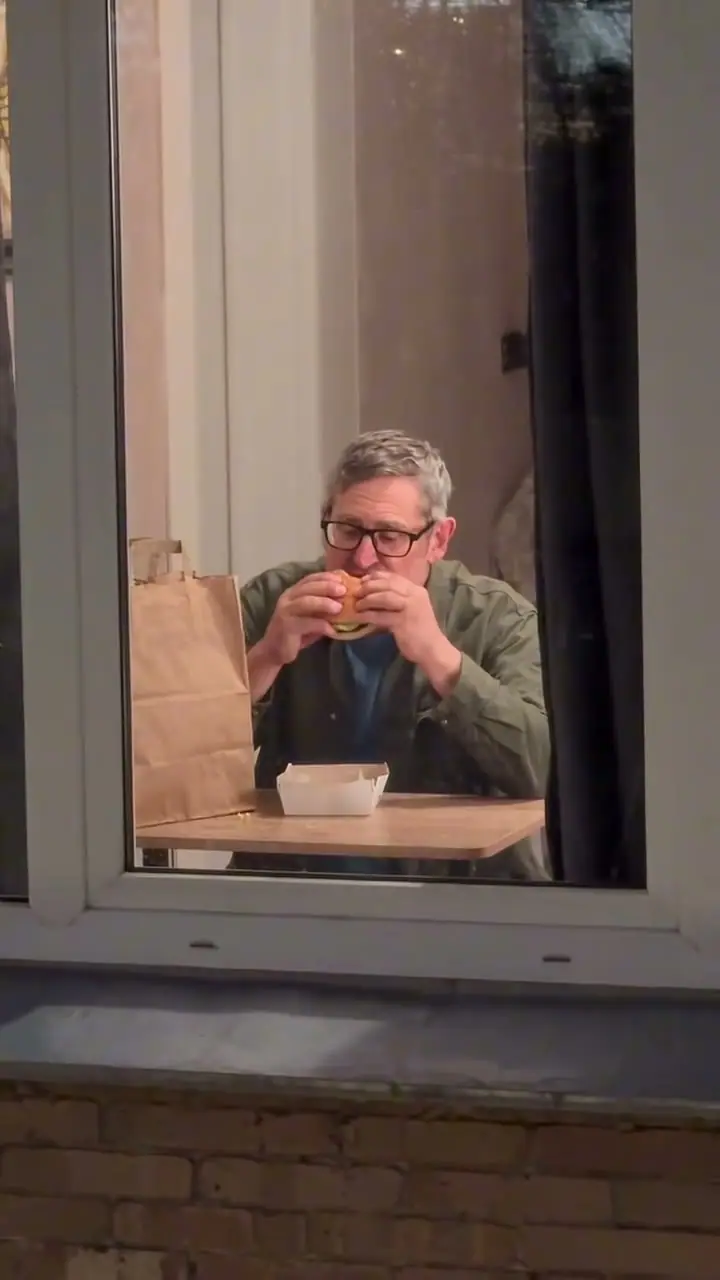
Window Peeper AI Video Generator
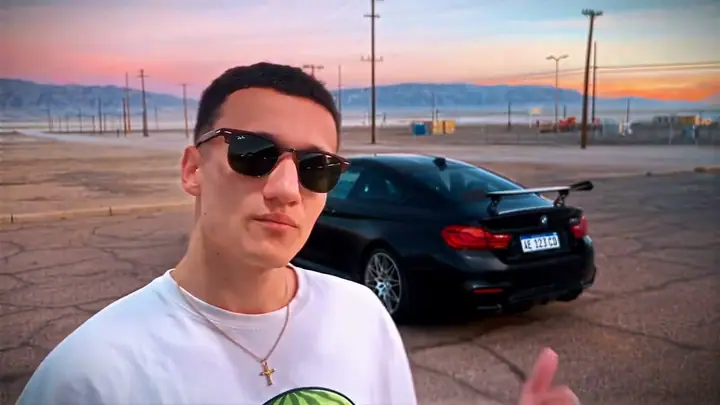
Unforgettable Car AI Video Generator
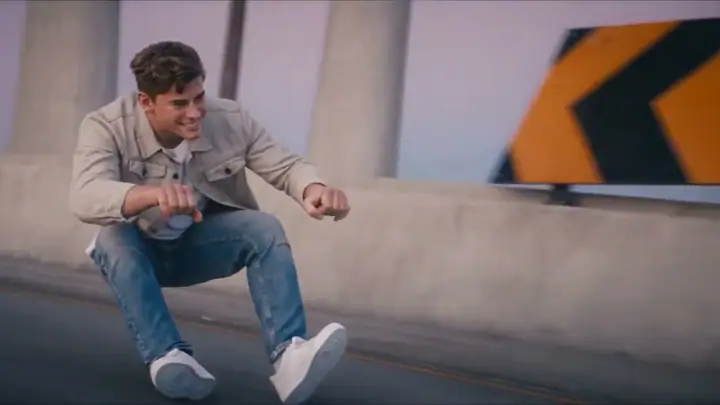
Crazy Frog AI Video Generator
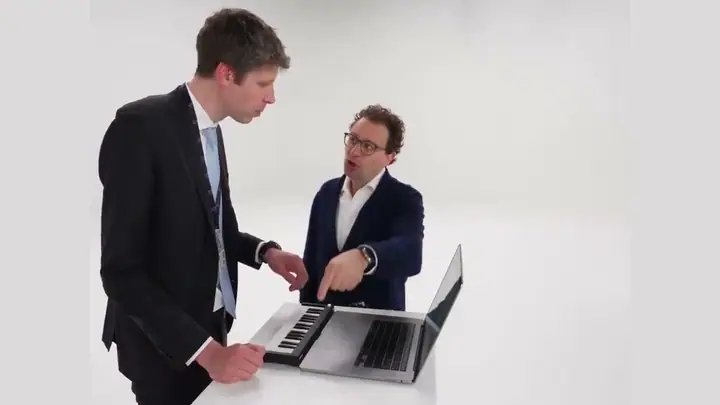
Alors on Danse AI Video Generator
Neon Dance AI Video Generator
Victoria’s Secret AI Video Generator
Flying Tesla Roadster AI Video Generator
Sawadika AI Video Generator
Coldplay Kiss Cam AI Video Generator
Baby Knight AI Video Generator
Bulin 47 AI Video Generator
Hit the Road Dude AI Video Generator
Spooky Scary Skeletons AI Dance Generator
Topo Gigio AI Video Generator
Zombie Couple Video AI Maker
Closed on Sunday AI Video Generator
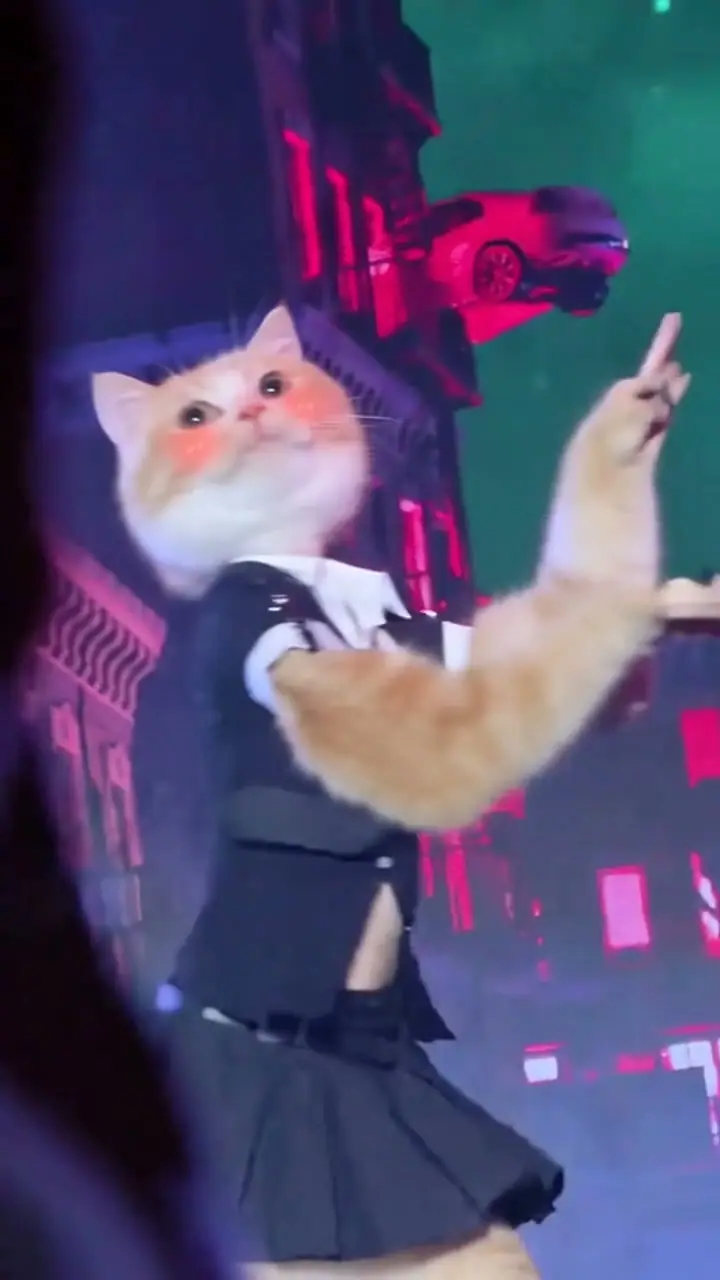
Looks Can Kill Teleport AI Video Generator
THE STORY BEHIND WINTER WONDERLAND DANCE
From a November 2020 TikTok routine to the annual cozy Christmas-tree pajama duo tradition returning every holiday season.
@karawardddd & @laneyysgrig Create the Dance
Created in early November 2020 to the holiday mashup sound, the upbeat bounce-and-spin duo routine quickly became a yearly TikTok holiday staple.
Cozy Pajama Tree Remakes Return
As the 2026 holiday season kicks off, remakes like @aly.fett’s November 12 living-room clip — matching reindeer pajamas, lit Christmas tree, and a partner walking in — ignite fresh couple and bestie remakes.
Couples & Besties Make Instant Christmas Cards
Instead of rehearsing choreography or buying matching sets, couples and best friends turn two photos into a warm Christmas-card dance clip by the lit tree.
TrendSwap Winter Wonderland Dance Studio
Upload two clear separate photos — left dancer who starts and right dancer who walks in — for a 15-second vertical 9:16 holiday dance clip with synced sound.
Why People Choose TrendSwap
Choose a ready-made scene and add the photos it asks for.
Remake the trend, skip the setup
Find Burning Bridges, Dame Hombro, Prilili and more by name or scene. Each template has its reference and prompts prepared—add the photos it asks for.
Preview the scene and check your export
Audio depends on the template and generation mode. Listen to the completed MP4 before sharing.
Make a few videos without a subscription
Choose a $9.90 one-time pack for 50 credits: 2 clips at 480p, or one at 720p. One-time credits never expire. Monthly and yearly plans are also available.
How it works
- 01
Choose a template
Watch the original sample video for free
- 02
Add your photos
Follow the selected mode; local checks and thumbnail only
- 03
Generate and download
Review price; buy credits or use your balance to generate
Choose a template
Watch the original sample video for free
Prilili Laughing Fairy · 9s · 1 photo
Read up on this trend
Meme Guide: Photo Requirements & No-CapCut 3-Step Tutorial
Two-photo synchronized Christmas pajama duo dance beside a glowing holiday tree (15s)
- Photos needed
- 2 separate photos
- Output framing
- 9:16 Vertical (TikTok / Reels / Shorts)
- Clip length
- 15s
Use a sharp, well-lit, front-facing portrait with face and shoulders clearly visible.
- 1Pick your Winter Wonderland preset above and upload 2 separate photos — skip CapCut template links and manual green-screen masking.
- 2Choose your output resolution (480p, 720p, or 1080p) and tap Generate for 1-click AI motion synthesis.
- 3Download the clean, watermark-free MP4 and post directly to TikTok, Reels, or YouTube Shorts.
OPTIMIZE YOUR PHOTO FOR MAXIMUM QUALITY
High-contrast lighting and visible facial contours produce the cleanest neural motion retargeting.
Two Photos, One Subject Each
This template needs 2 photos: upload one clear, front-facing photo per character, in the order the studio shows. Each photo should show just one person (or one pet, on pet styles), not both of you together. Waist-up or full-body shots keep wardrobe details.
Clear Eye & Face Visibility
Avoid sunglasses, heavy masks, or hats casting harsh shadows. The neural engine needs visible facial contours and eyes to map expressions accurately.
Authorized Likenesses Only
Only upload photos of yourself, adults who gave explicit consent, or your own child if you are their parent or guardian. Celebrities and public figures are not allowed.
Credits Returned on Failure
If generation fails due to a render error or safety review, the credits used return to your account automatically. Cash refunds follow the refund policy.
Why Choose TrendSwap for Meme Videos?
A ready-made scene, your photos, and the original sound—without building a video workflow yourself.
| Your question | TrendSwap | Remake Your Meme | Viggle AI | Hedra Studio |
|---|---|---|---|---|
| How to start | Pick a scene and add photos; no prompts or reference-video hunting | Choose a template and add photos | Choose motion or upload a clip, then add an image | Add an image, choose a model and describe motion |
| Ready-made templates | Search meme, dance, pet and duo scenes by name or description | Meme templates and photo effects | Motion templates and your own motion clips | Multiple models; equivalent meme library not verified |
| Photo requirements | 1 or 2, stated per template; pet-friendly scenes available | Varies by template; some support 1–5 photos | Mix uses a character image plus motion | Image or references, depending on model |
| Original audio | Audio varies by template and generation mode; review before sharing | Scene sound included; check each template’s conditions | Audio generation on some models; universal original-track retention not verified | Audio-driven and sound-capable models; universal original-track retention not verified |
| Watermark | Every generated video is a watermark-free MP4 | Official site states watermark-free output | Watermarked free exports; paid plans remove it | Current Studio plan rules not verified |
| Payment model | $9.90/50 credits; from $4.95/480p clip, or subscribe | Pay once or subscribe; pricing varies by region | Free allowance and subscriptions; purchased credits require an active plan | Check current Studio plans; exact quote not verified |
Choose the workflow that fits your idea
- Remake a ready-made trend: TrendSwap
- Bring your own motion clip: Viggle Mix
- Choose among generation models: Hedra Studio
Official product information checked 2026-10-28. Unverified items are labeled. Prices and output settings differ; credits are not equivalent across services. $4.95 is the per-clip cost when a Single pack is fully used at 480p; the initial purchase is $9.90.
Choose a sceneYOUR PLACE IN THE VIRAL SCENE
This studio uses your photo to create a high-definition video recreation. The lead person changes; the scene, movement, and soundtrack guide the finished clip. Results can vary, so review your video before sharing.
A pack pays for video creation at your selected resolution. Buying a pack does not grant rights to the music or an endorsement from the original artist.
Use your own photo or an adult’s photo with their permission. Do not use the result to impersonate someone or mislead viewers.
YOUR PHOTOS STAY YOURS
What happens to an upload on this page.
You choose when to upload
Selecting a photo previews it on your device. Clicking the creation button uploads it so your saved photo can continue through sign-in and checkout.
Saved to your account
Your portrait is used to create your video. Your personal uploads are not displayed in the community showcase.
Control your video history
Remove a finished or failed video and its saved files from My videos. Temporary files are automatically purged after 30 days.
YOUR PHOTOSAI VIDEO
Pay Once or Subscribe with Savings
Credits never expire on one-time passes, or save up to 17% with subscriptions. Cancel anytime.
Single
- ✓480p & 720p HD exports (up to 720p max)
- ✓Template motion, no watermark
- ✓Credits never expire
- ✓Failed jobs return the credits used
Creator
- ✓Unlocks 1080p Full HD (100 cr), 720p (50 cr) & 480p (25 cr)
- ✓Template motion, no watermark
- ✓Credits never expire
- ✓Failed jobs return the credits used
Studio
- ✓Full 1080p Pro (100 cr), 720p (50 cr) & 480p (25 cr) access
- ✓Template motion, no watermark
- ✓Credits never expire
- ✓Failed jobs return the credits used
Stripe Bank-Grade Security
Apple Pay, Google Pay & cards. Zero raw card numbers stored.
Failed Jobs Return Credits
Render timeout or safety block? Credits are returned automatically when the job is marked failed.
Business-day Support
support@trendswap.app · Contact us with your order or video reference.
Questions buyers ask first
Is Winter Wonderland for one person or two?
[+][-]
Two. Upload 2 photos, one clear photo for each character. Group photos are not supported.
Can I use a photo of my pet?
[+][-]
This template is built around a human performer, so we recommend a photo of a person. Pet photos are not supported for this scene; templates such as Flying Tesla Roadster, Baby Knight and Spooky Scary Skeletons are made for pets.
Does the exported video include the original sound?
[+][-]
Audio varies by template and generation mode. Check the finished MP4 before sharing.
How long is the video and what resolution do I get?
[+][-]
Expect about 15 seconds, 9:16 vertical, as a watermark-free MP4. Choose 480p (25 credits), 720p (50 credits) or 1080p (100 credits). The Single covers up to 720p; the Creator or Studio unlocks 1080p.
What happens to my credits if the video fails?
[+][-]
If a generation fails, times out or is blocked by a safety check, the credits for that job return to your balance automatically (25, 50 or 100 by resolution). The video page shows the job status and whether the credits were returned.
What if I'm not happy with the result?
[+][-]
Credits come back automatically only when a generation fails; a completed video uses its credits. Results depend on photo clarity and lighting, so a sharp, front-facing, well-lit photo works best. Watch the original sample video for free, then review the actual price and use purchased or existing credits to generate. If a finished video has a serious technical problem, such as a broken file or missing audio, email support@trendswap.app with the video reference. Duplicate charges and purchases that never reached your account are handled under our refund policy.
How long are my photos and videos kept, and how do I delete them?
[+][-]
Uploaded photos are kept for 7 days by default. If a generation uses one, it is kept until 7 days after the job completes or fails. Clearing the studio selection leaves the stored photo untouched. For early photo deletion or account erasure, email support@trendswap.app. Finished videos stay in My videos until you delete them. See the Privacy Policy for provider retention and model training terms.
Before you create
Clear answers about your photos, finished video, credits and privacy.
How many photos do I need for Winter Wonderland Dance?+
Two separate photos: Photo 1 is the dancer on the left who starts by the lit tree, and Photo 2 is the partner on the right who walks into frame in matching pajamas.
How is this different from the kitchen Christmas Dance page?+
Winter Wonderland Dance uses the cozy living-room lit Christmas tree scene with matching holiday pajamas and the signature partner walk-in choreo.
What resolution and length do I get?+
A 15-second 9:16 vertical watermark-free MP4 in 480p, 720p, or 1080p with synced audio.
What is TrendSwap, and do I need to write a prompt?+
TrendSwap is a template-based AI meme video maker. Choose a ready-made scene and add the required photos. The scene and prompts are ready to use. Audio depends on the template and generation mode.Find a scene →
Does TrendSwap use Seedance 2.5?+
Yes. TrendSwap uses the Seedance 2.5 AI video model to turn photos into template-based meme and dance videos. The model used can vary by template and generation mode.
Is it free, and what does a video cost?+
Browsing templates is free. Generation uses 25 credits at 480p, 50 at 720p or 100 at 1080p (certain presets, such as Smalltown Boy, cost 50, 100 and 150). A Single pack is $9.90 for 50 credits: 2 standard 480p clips ($4.95 each) or one 720p clip. 1080p needs Creator or Studio access. The studio shows the cost before you generate.See packs and subscriptions →
Do I need one photo, two photos, or a group photo?+
Check the selected preset for its photo count. When it asks for two photos, upload a separate photo for each role in the order shown in the studio. Use one subject per photo.Explore two-photo scenes →
Does every video include the original audio and have no watermark?+
Exports are watermark-free MP4 files. Duration and framing depend on the template: the catalog includes 9:16 vertical, 16:9 landscape and near-square scenes. Audio depends on the template and generation mode. Facial likeness and exact motion are not guaranteed; review the completed video before sharing.
What length and format will I get?+
The scene determines the length and framing; both are shown on its card and template page. Choose an available resolution in the studio. A scene preview shows the motion and timing; your photos become its characters.Check a template’s output →
Can I make videos with a cat or dog?+
Yes, on pet-friendly templates. The pet collection only lists scenes marked as supporting pets. Check whether your selected scene needs one or two separate photos.Find a pet-friendly scene →
How long does generation take, and where is the result?+
Generation typically takes about 5–15 minutes, but queue and task times vary. Use My videos to follow progress, play the finished result and download the MP4.Open My videos →
What happens after a failure or if I dislike a finished result?+
A failed generation returns the credits used to your balance automatically. A completed video uses its credits. If a result has a technical problem, contact support@trendswap.app with the video reference. Cash refunds and billing issues follow the refund policy.Read the refund policy →
Do I have to subscribe?+
No. One-time credit packs are available, and those credits never expire. Optional monthly and yearly subscriptions offer savings of up to 16% and can be cancelled anytime in account settings.Compare purchase options →
How are my photos handled?+
Uploaded photos are kept for 7 days by default, or until 7 days after a generation that uses them completes or fails. Clearing a photo in the studio only removes it from the selection. For early deletion, email support@trendswap.app. Finished videos stay in My videos until you delete them.Read the privacy policy →
Can I use the videos commercially?+
A video purchase covers generation. It does not grant third-party music, footage, trademark or likeness rights. Use only authorized photos and review the usage terms before sharing or commercial use.Read the usage terms →
What's new on this page
- Page published.
VIRAL POSTING TOOLKIT
Copy battle-tested captions and high-engagement tags. Your MP4 already carries the master viral soundtrack—post directly to TikTok, Reels, or Shorts without secondary audio editing.
Background sound effects, scene ambiance, and the iconic music drops are precision-timed inside your download. No CapCut audio re-alignment required.
“When you finally decide to become the main character.”
“Me dodging two meetings and still shipping on Friday.”
“One photo was all it took. Who should do this next?”
“Day 1 of owning the moment.”
#trendswap #burningbridges #drakebanquet #wheresheat #sottosotto #aivideo