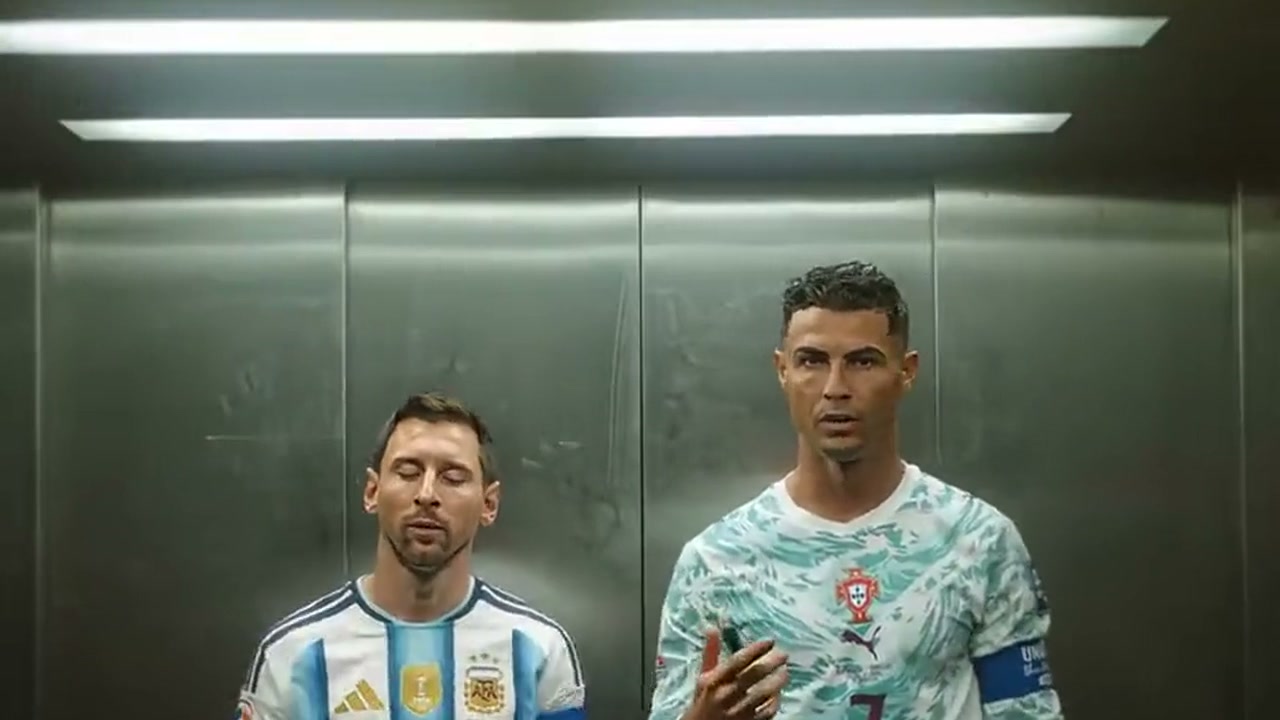
The 365 Steel Elevator Duo Trend Explained (Walk-In & Stare)
One person waits in a steel elevator while the other walks in, turns, and locks eyes with the camera. How the Sampagne 365 duo edit works from 2 photos.
Pick a scene and make your own 365 Elevator video
Each scene is a ready-made version of this trend. Choose the one that fits you, upload one photo and get the video. No prompt, no editing.
In this article
One person is already waiting inside a brushed-steel elevator. A second person walks in, turns around, stands right beside them, and both stare deadpan straight into the lens.
Make your own 365 Elevator video from 2 photos. Open 365 Elevator Studio →
What the 365 Elevator trend is
Paired with the chorus beat of Sampagne’s track "365" (often searched as 365 Tage, Sampagne elevator, or 365 elevador), the format relies on deliberate restraint. Instead of flashy cuts or fast choreography, the camera stays locked in a wide 16:9 shot inside a bright, metallic elevator cabin:
- Photo 1 waits inside (right side): Already standing in the elevator under cool overhead strip lights.
- Photo 2 walks in and turns (left side): Steps cleanly into frame, pivots toward the camera, and takes their place side by side.
- Shared deadpan stare: Both subjects hold eye contact with the lens for the beat—letting the pairing itself carry the entire joke or flex.
Not the same as "I Love The Smiths"
People often lump every elevator meme together, so it helps to separate the two:
- I Love The Smiths: Headphones on, the classic movie quote, and the elevator doors sliding shut.
- 365 Elevator: A fixed wide steel-elevator shot built around two people—one waiting, one walking in, turning around, and standing shoulder to shoulder to the "365" chorus.
If you want the two-person walk-in and side-by-side stare, 365 Elevator is the dedicated format.
Why it needs two separate photos
A single group selfie forces the model to guess who is already in the elevator and who enters later. Uploading two separate clear solo portraits solves role placement cleanly:
- Photo 1 is locked to the person waiting inside on the right.
- Photo 2 is locked to the person walking in and turning to stand on the left.
That also means long-distance couples, best friends in different cities, or comedy pairings can share the same steel elevator without ever standing in the same room.
Two dedicated looks
TrendSwap ships two independent 14-second landscape 16:9 references so switching looks switches the actual motion reference:
Elevator Walk-In (Duo)
Full wide entrance: see the door, the walk-in, the turn, and both subjects locking eyes with the lens.
Side-by-Side Stare (Women)
Tighter side-by-side duo framing focused on matching outfits, attitude, and synchronized eye contact.
How to make your own in 3 steps
TrendSwap launched its dedicated 2-photo steel-elevator template on November 25, 2026. For a full step-by-step walkthrough with photo framing tips and resolution specs, see our How to Make the 365 Elevator Video guide.
- Prep 2 clear solo photos. Front-facing or slight three-quarter angle, waist-up or chest-up, clear eyes with no heavy sunglasses or filters.
- Upload in role order. Put the person waiting inside into Slot 1 and the person walking in into Slot 2 on the 365 Elevator AI studio.
- Export and post. Pick 480p, 720p, or 1080p, download your watermark-free 14-second 16:9 MP4, and attach your chosen audio track when posting to TikTok, Reels, or Shorts.
Frequently asked questions
Does photo order matter?
Yes. Photo 1 waits inside the elevator on the right; Photo 2 walks in, turns, and stands on the left.
Can I make this without a prompt?
Yes. Pick your look, upload two clear solo photos, and generate—no text prompt or CapCut keyframing required.
What format do I get?
A 14-second landscape 16:9 watermark-free MP4 with scene audio, ready to post directly or pair with your chosen TikTok sound.
365 Elevator AI
Upload two photos for the steel-elevator walk-in, turn, and deadpan side-by-side stare in 16:9 landscape.
Related Guides & Tutorials
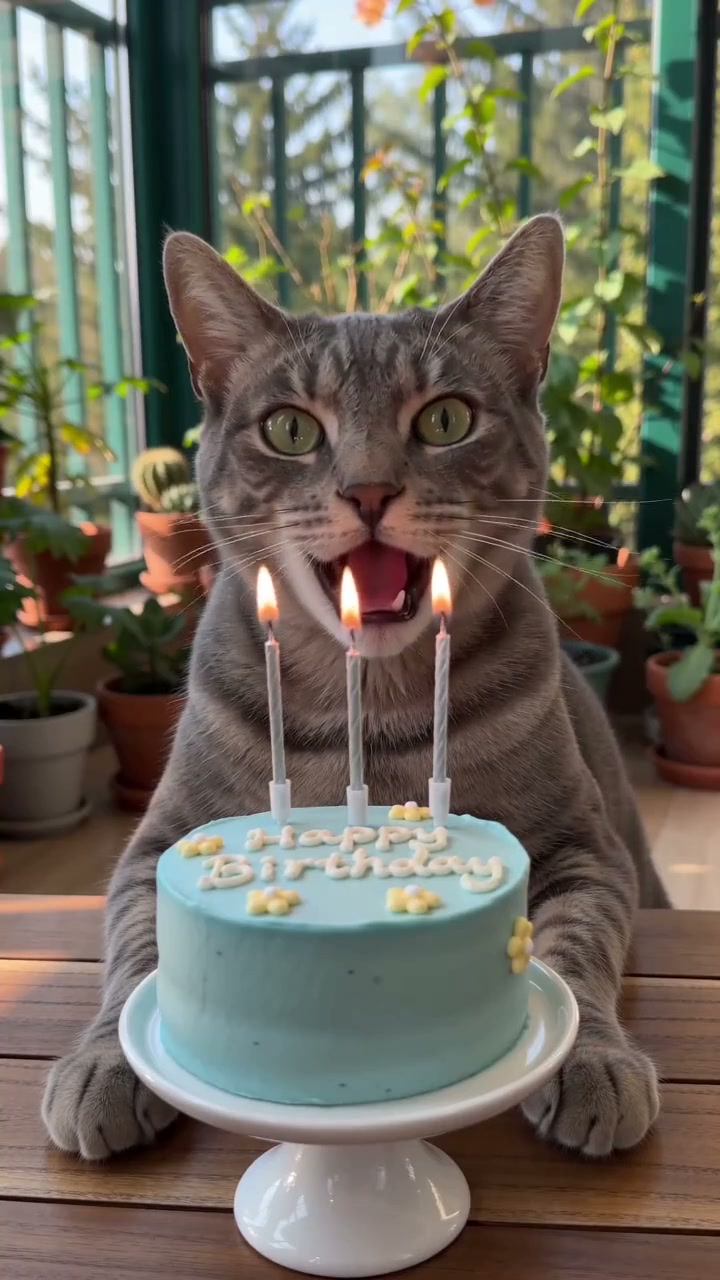
Singing Birthday Cat & Happy Catday: Behind-the-Cake Pet Trend
Put your own cat or dog behind a glowing birthday cake singing Happy Birthday to the camera. How the Happy Catday pet greeting works from 1 clear photo.
 David Lee
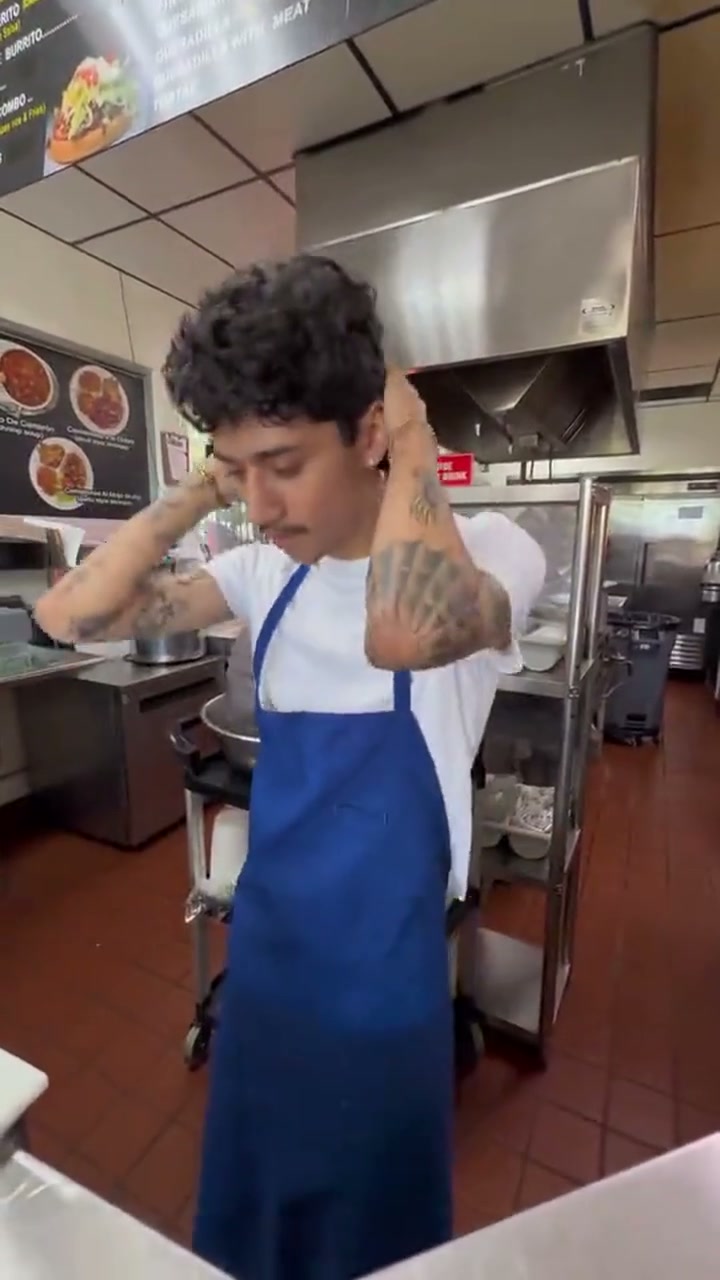
Waiting On My Fries: The Taco-Shop Counter Skit Explained
A customer asks for their fries, the coworker in back forgot them, and the front worker stalls with a dead-serious slow dance. How the 2-photo skit works.
David Lee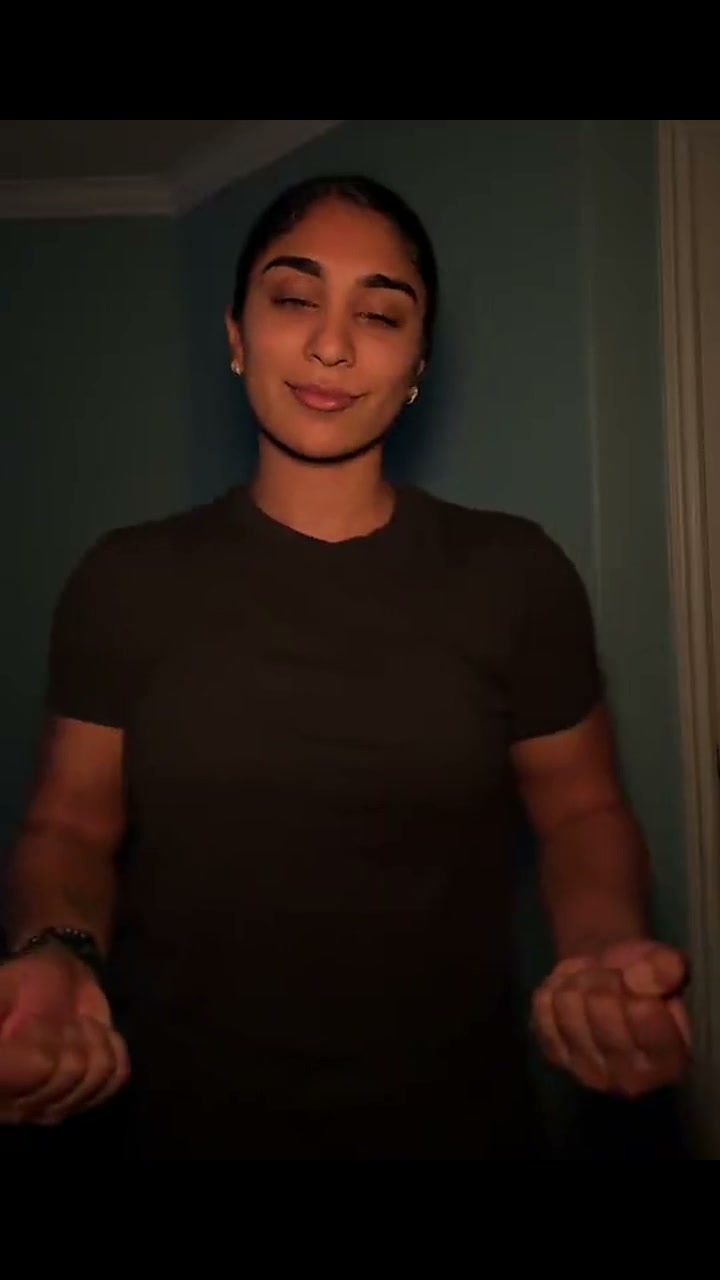
How to Do the Bicep Heart Trend With AI (No Gym Needed)
What the TikTok bicep heart trend is, the exact moves on the beat, and how to make your own bicep heart video from 1 photo, no gym needed.
David Lee