Waiting On My Fries: The Taco-Shop Counter Skit Explained
A customer asks for their fries, the coworker in back forgot them, and the front worker stalls with a dead-serious slow dance. How the 2-photo skit works.
Pick a scene and make your own Waiting On My Fries video
Each scene is a ready-made version of this trend. Choose the one that fits you, upload one photo and get the video. No prompt, no editing.
In this article
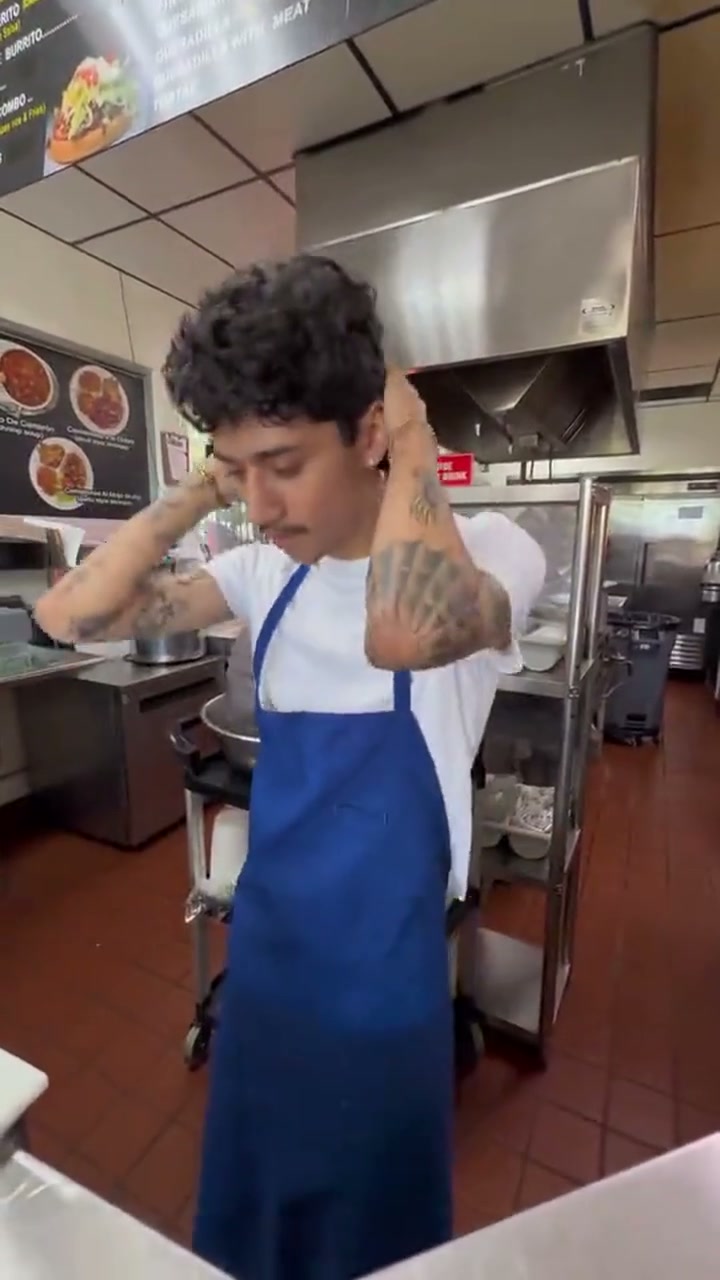
"Excuse me, I’m still waiting on my fries." Behind the taco-shop counter, one coworker realizes the other never dropped the fries—and decides the only way out is a painfully slow, dead-serious dance right in front of the customer’s phone.
Star in the Waiting On My Fries skit with 2 photos. Open Waiting On My Fries Studio →
What happens in the counter skit
Shot from the customer’s point of view at a taco-shop counter, the comedy plays out in three crisp beats across 23 seconds:
- The missing fries: The customer asks about their order and the worker up front discovers their coworker in back completely forgot to make the fries.
- The stalling dance: After telling their coworker to go make the fries, the front worker locks eyes with the camera and breaks into a slow, committed counter dance to buy time.
- The customer gives in: Instead of walking out annoyed, the customer reacts with "Oh, you’re hitting that for real" as the slow dance keeps going without breaking character.
Different from the W Chews food meme
Both clips involve food, but they are completely different formats:
- W Chews AI: A 1-photo solo food verdict meme (W chews for good food, L nibbles for bad food).
- Waiting On My Fries AI: A 2-photo taco-shop counter comedy skit with two distinct roles—the front dancer stalling for time and the coworker in back who forgot the fries.
Why photo order makes the joke land
Casting two specific people (or two pets) is half the comedy, so role assignment matters:
- Photo 1 (Front Dancer): Holds center frame at the counter and carries the dead-serious slow dance. Use an especially sharp, front-facing photo here.
- Photo 2 (Fry Coworker): Stands in back near the fry station—perfect for the friend or coworker who always forgets the one thing they were supposed to do.
Two dedicated looks: People & Pets
TrendSwap includes two separate 23-second vertical 9:16 counter-skit references:
Taco Shop Counter Duo (People)
Cast yourself and a friend, partner, or coworker into the full 23s taco-shop counter skit.
Taco Shop Counter Duo (Pets)
Put two pets behind the counter—one doing the slow dance up front, the other scrambling by the fryers.
How to make your version in 3 steps
TrendSwap added the 2-photo People and Pets counter-skit presets on November 25, 2026. For the complete upload checklist and resolution breakdown, check our How to Make the Waiting On My Fries Video guide.
- Open the Waiting On My Fries AI studio and choose People or Pets.
- Upload Photo 1 (front counter dancer) and Photo 2 (coworker who forgot the fries).
- Choose 480p, 720p, or 1080p, generate your 23-second vertical 9:16 MP4, and post with the caption tagging whoever forgot the fries.
Frequently asked questions
How many photos do I need?
Two clear photos—one subject per photo. Photo 1 dances at the counter; Photo 2 is the coworker in back who forgot the fries.
Can I use two pets instead of people?
Yes. Choose the Taco Shop Counter Duo (Pets) look so the studio uses the dedicated pet counter-skit reference.
How long is the finished video?
The finished clip is a 23-second vertical 9:16 watermark-free MP4 sized for TikTok, Reels, and Shorts.
Waiting On My Fries AI
Cast two people or two pets into the viral taco-shop counter skit: forgotten fries and a dead-serious slow dance.
Related Guides & Tutorials
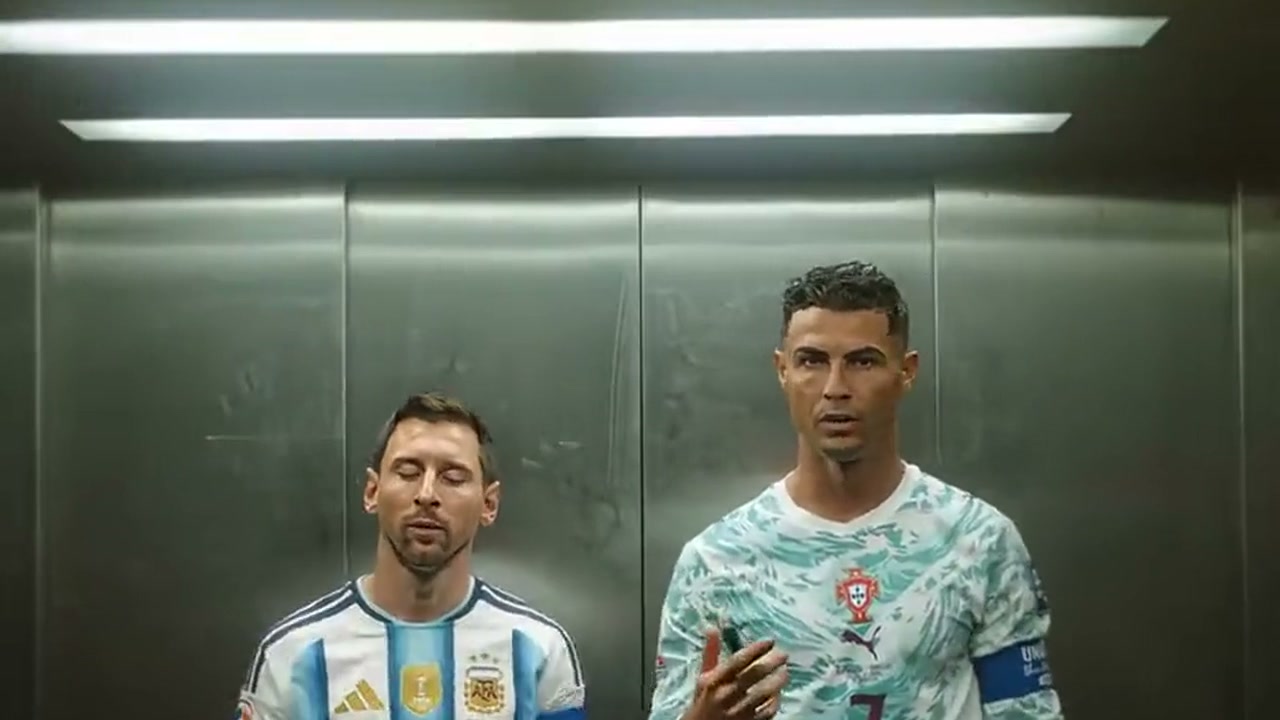
The 365 Steel Elevator Duo Trend Explained (Walk-In & Stare)
One person waits in a steel elevator while the other walks in, turns, and locks eyes with the camera. How the Sampagne 365 duo edit works from 2 photos.
 David Lee
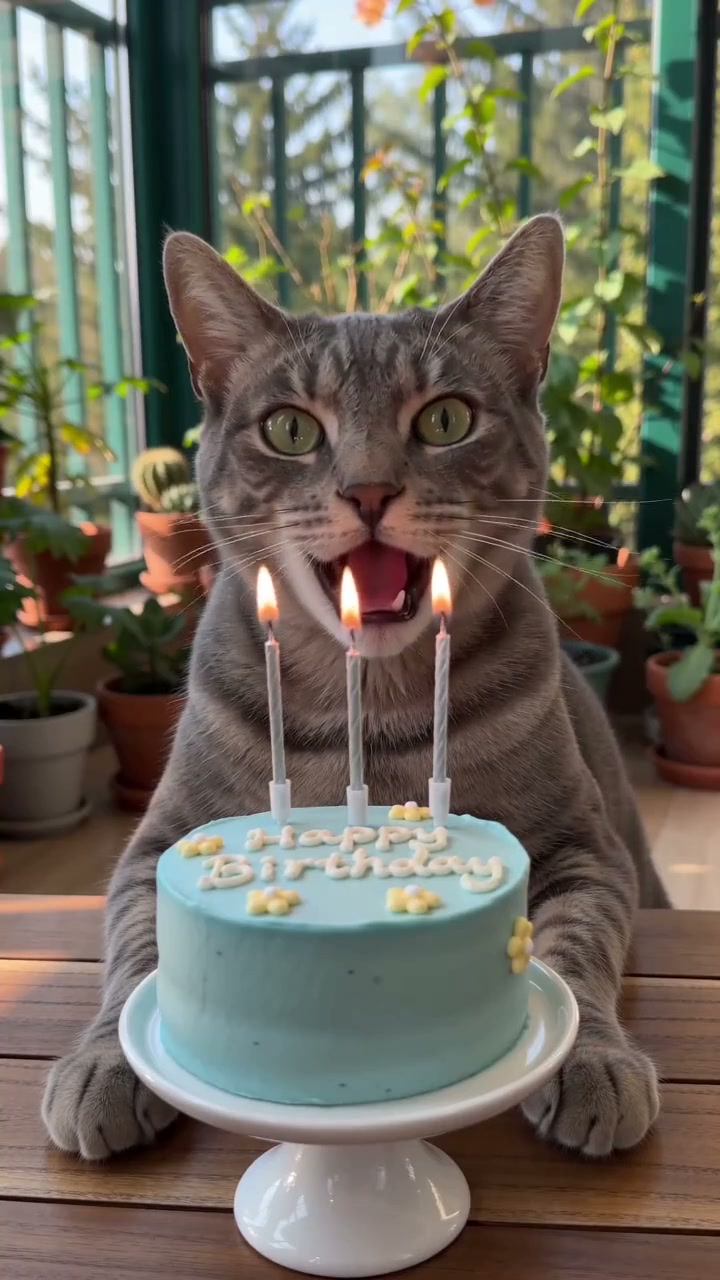
Singing Birthday Cat & Happy Catday: Behind-the-Cake Pet Trend
Put your own cat or dog behind a glowing birthday cake singing Happy Birthday to the camera. How the Happy Catday pet greeting works from 1 clear photo.
David Lee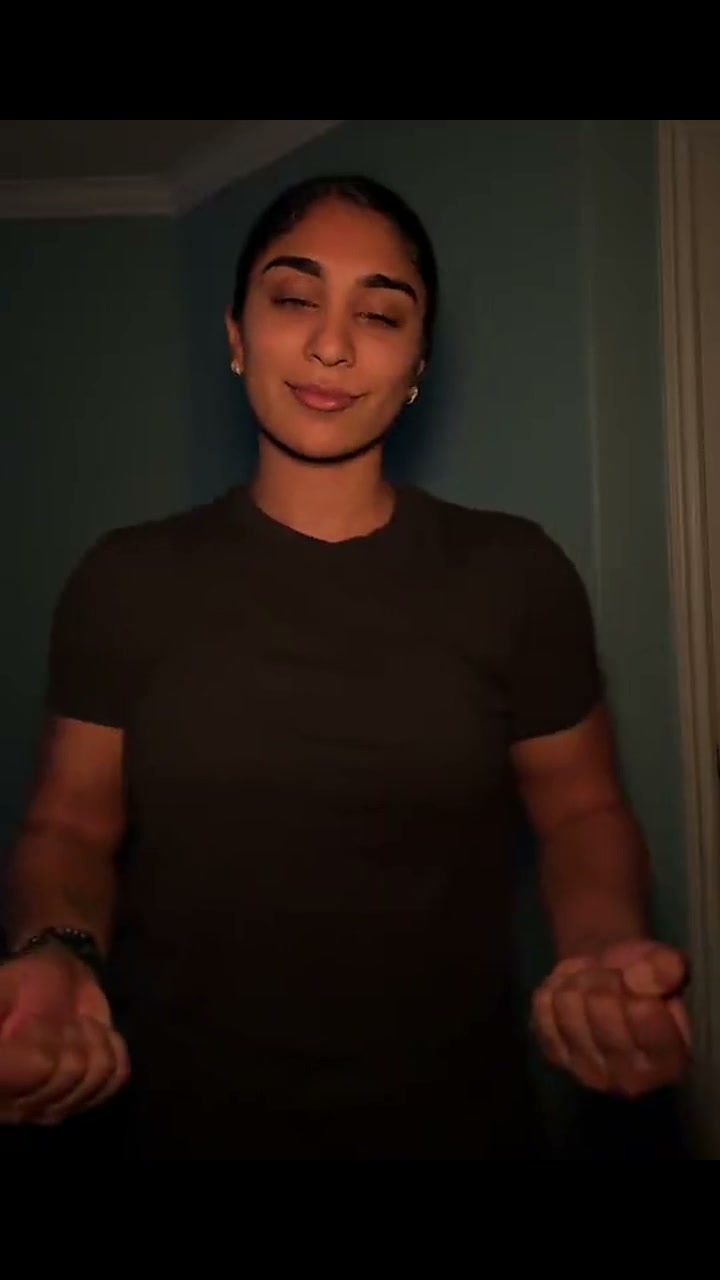
How to Do the Bicep Heart Trend With AI (No Gym Needed)
What the TikTok bicep heart trend is, the exact moves on the beat, and how to make your own bicep heart video from 1 photo, no gym needed.
David Lee