FREE ONLINE GIF EDITOR · NO WATERMARK
Add Text to GIF Online Free
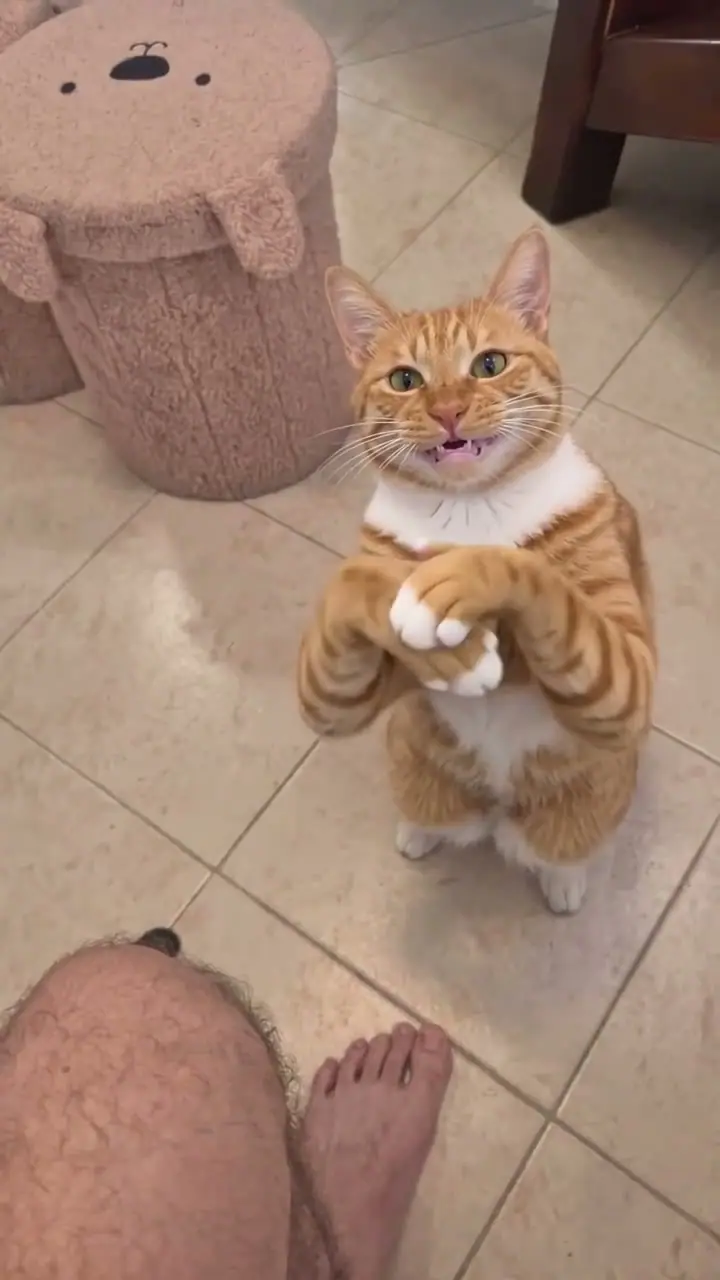
Upload any animated GIF—or start from viral reaction memes like Black Cat Clapping and Hit the Road Dude—add top, bottom, or white caption box text, preview live, and download a looping GIF with zero watermark.
- Keeps Full Animation
- No Watermark
- No Sign-Up
- 100% In-Browser Privacy
Caption style
Try a caption:
Text size
Speed
Runs 100% inside your browser. Your GIFs are never uploaded to a server.
BUILT-IN REACTION MEME GIFS
Start From a Viral Meme Clip
Click any trending clip below to load its animated frames right into the GIF caption editor—no hunting for clean templates.
How to Add Text to a GIF in 3 Steps
1. Upload a GIF or Pick a Viral Meme
Drag and drop any animated .gif from your device, or click a built-in reaction meme like Black Cat Clapping or Hit the Road Dude.
2. Choose Style & Preview Live
Pick White Caption Box, Classic Top & Bottom Impact, or Bottom Bar. Type your caption and watch it update live over the looping animation.
3. Download Your Looping GIF
Click Download Animated GIF to export a crisp, watermark-free GIF89a file ready for Discord, X, Slack, Reddit, or iMessage.
Frequently Asked Questions
Will my GIF stay animated after I add text to it?
Yes. Every single frame of your GIF (or selected viral meme clip) is composited with your text overlay and re-encoded into a standard looping GIF89a file, preserving original timing and smooth playback.
Does TrendSwap add a watermark or require an account?
No watermark and no login required. You can upload unlimited GIFs, add captions, and download clean animated GIFs for free.
What is the best caption style for reaction memes like Black Cat Clapping?
The White Caption Box style adds a clean white header above the GIF so your punchline stays readable without covering the cat or character face. Classic Top & Bottom works best for bold Impact-style punchlines.
Are my uploaded GIF files sent to a server?
No. Decoding, text rendering, and GIF encoding all run locally inside your browser using JavaScript and Canvas—your files never leave your device.
Can I resize or shrink the GIF for Discord, Slack, or X?
Yes. Choose 360px for compact chat-friendly file sizes, 480px for balanced social sharing, or 640px for sharper detail. You can also adjust playback speed or reverse the GIF before exporting.