Topo Gigio AI Video: The Ear-Cup Celebration
 TrendSwap Team
Understand the hands-behind-ears pose shown in the Topo Gigio template and learn how to make your own authorized portrait clip.
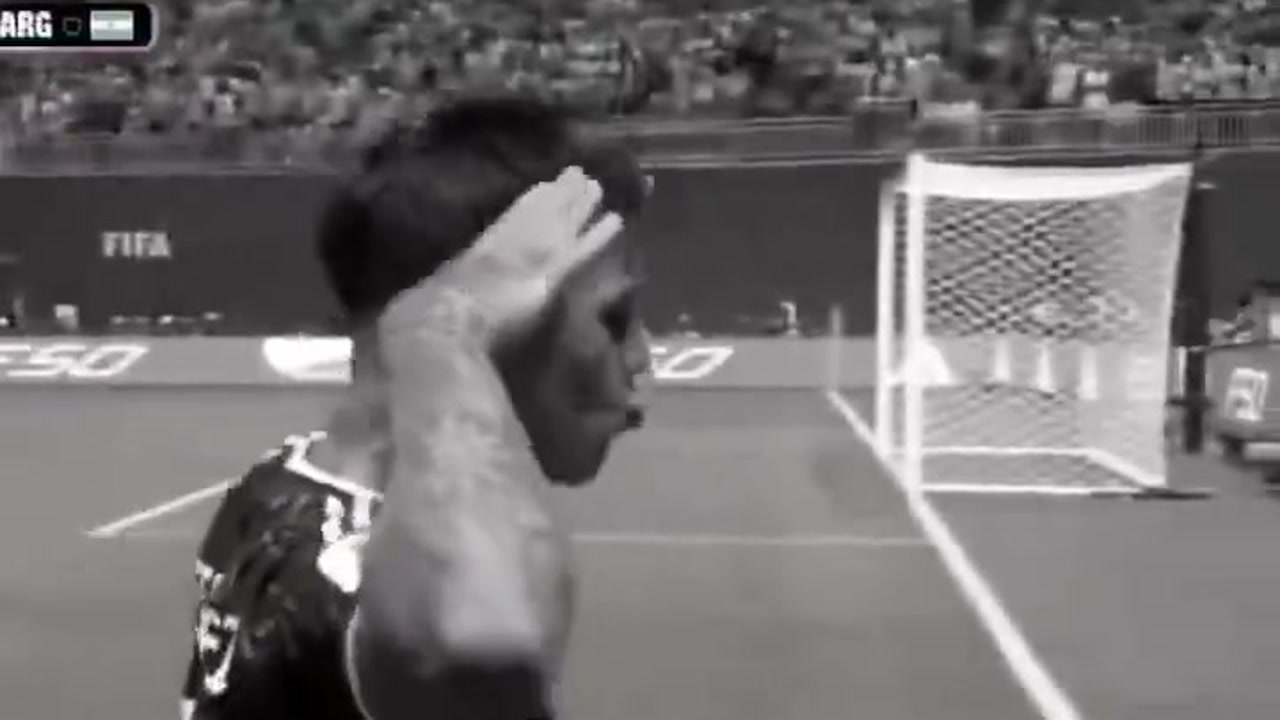
The Topo Gigio template shows a football-style celebration: a short run, a stop facing the stands, and both hands cupped behind the ears. The pose draws attention to the performer and the crowd.
This guide describes the scene available in TrendSwap’s ear-cup template. It does not attribute the clip to a particular match, tournament, player or filming crew.
Make your own version
Use a clear adult portrait and review the studio example. The preset supplies the stadium scene and celebration movement. Your result follows the current reference duration shown in the studio.
Keep your caption playful and avoid impersonation, harassment or claims of official endorsement. TrendSwap is not affiliated with FIFA, any team or player, or Topo Gigio rightsholders.
For the creation steps, read How to Make an Ear-Cup Celebration AI Video.
Output settings and credits
Check the current reference duration and format in the studio before generating. The Topo Gigio template follows the stadium reference (~8 seconds) with original 16:9 widescreen matchday framing to preserve the full running celebration and atmosphere. Example clips are illustrative; your output follows the studio reference.
| Resolution | Credits per clip | Access |
|---|---|---|
| 480p | 25 | Basic access |
| 720p HD | 50 | Basic access |
| 1080p Full HD | 100 | Unlocked by Trio or Party |
Check pricing packs: Single is $9.90 for 50 credits, Trio $24.90 for 150, and Party $59.90 for 400. These are one-time packs with no subscription, and pack credits never expire. That covers up to 2 / 6 / 16 clips at 480p, 1 / 3 / 8 at 720p, or 1 clip from Trio and 4 from Party at 1080p, before any mixed-resolution usage.
If a generation job fails, the credits charged for that job return to your account. This is different from a card refund, and a completed clip you dislike is not automatically a failed job. See the Refund Policy for billing help.
Photos and sharing permissions
Use your own adult photo or another adult with explicit written consent. Do not upload celebrities, public figures, minors or unauthorized third-party images. Pet and fictional-character examples do not establish support for those uploads or permission to use their likenesses.
A pack pays for video creation. It does not grant commercial rights to music, footage, characters or likenesses. Review your MP4 before posting, and add platform audio only where its license permits your use. TrendSwap is independent and is not endorsed by featured artists or rightsholders.
For the step-by-step creation guide, see How to Make an Ear-Cup Celebration AI Video. Ready to create your own clip? Head over to the Topo Gigio AI Studio.
Topo Gigio AI Video Generator
Star in the viral stadium celebration scene with hands cupped behind ears from 1 photo.
Related Guides & Tutorials
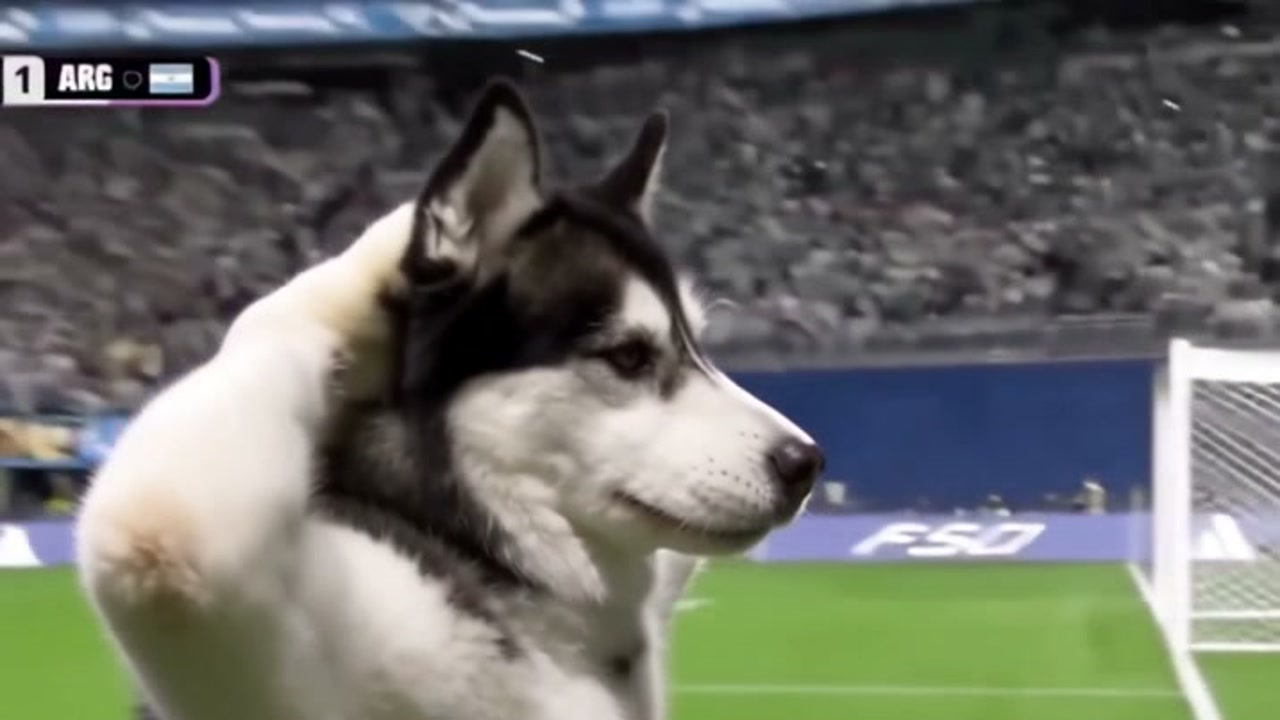
How to Make an Ear-Cup Celebration AI Video
Create an ear-cup celebration clip from one adult portrait. Review the scene, reference duration, credits and sharing permissions.
TrendSwap Team
How to Make the SaWaDiKa Dance AI Video From One Photo (15s, With the Song)
Turn one full-body photo into the viral LISA SaWaDiKa chorus dance video with palms-together hooks, hip sways, and authentic Thai wai choreography.
 TrendSwap Team
SaWaDiKa Dance Explained: From LISA’s 212M-View MV to the Global AI Dance Trend
Explore the cultural origins of LISA’s SaWaDiKa dance, the meaning of the Thai wai greeting, and how it evolved into a worldwide AI video sensation.
TrendSwap Team