The End of Watch Trend Explained: From a 2012 Locker Room Scene to the AI Gear-Up Selfie
Why a 2012 Jake Gyllenhaal locker room scene became a TikTok meme, how "Twirlanta" got attached to it, and how to star in the gear-up selfie from 1 photo.
Pick a scene and make your own End of Watch video
Each scene is a ready-made version of this trend. Choose the one that fits you, upload one photo and get the video. No prompt, no editing.
In this article
Someone in uniform holds a camera at arm's length. Locker room light. He shows the lens his kit, piece by piece. Deadpan. Then the beat drops.
Star in the End of Watch gear-up selfie from 1 photo — handheld look, sound included. Open End of Watch Studio →
This is the End of Watch trend, also known as the End of Watch locker scene or the Jake Gyllenhaal locker room meme.
The origin: a 2012 found-footage cop film
End of Watch is a 2012 film written and directed by David Ayer. Jake Gyllenhaal and Michael Peña play LAPD officers Brian Taylor and Mike Zavala. It premiered at the Toronto International Film Festival on September 8, 2012. Open Road Films released it in US theaters on September 21, 2012.
The hook is the camera. The film mixes found footage with regular shots: a handheld camera run by Gyllenhaal himself, cameras clipped to the actors' vests, and dash-cam footage. In the story, Taylor films his shifts for a class project.
The locker room scene
Before roll call, Taylor records himself and Zavala getting ready in the squad locker room. Straight to the lens. A YouTube clip of the scene, posted August 16, 2018, has 359K views as of November 8, 2026.
The "Twirlanta" breakout
In 2023, TikTok edits set the scene to "Twirlanta" by 22Gz, slowed and looped. A YouTube upload of that loop, labelled the Jake Gyllenhaal TikTok version, went up on September 10, 2023 and has 14.9M views as of November 8, 2026. On October 30, 2023, TheSilentMan posted "Twirlanta - Locker room meme - Jake Gyllenhaal - End of Watch": 338K views as of the same date.
The latest: the AI gear-up selfie
In November 2026, the scene turned into an AI video format. Instead of editing Gyllenhaal, people put themselves in: one photo, a dark cabin or locker, flashlight beams, a kit check and a thumbs-up to the lens. By the first week of November, YouTube tutorials were already teaching it as "the End of Watch trend".
View counts above are as of November 8, 2026. Facts last verified November 8, 2026.
Why it works
- Selfie framing. It already looks like a phone video, so it fits the feed.
- Gear is a flex. Everyone has a "kit": tools, gym bag, camera, makeup.
- The deadpan. No smile until the end. The music carries the swagger.
4 remix ideas
Each clip stars one person from one photo. Pick what your "gear" says about you:
Clocking In
Nurses, guards, delivery drivers: "Gearing up for the 12-hour shift." Pure main-character energy.
Ranked Match Prep
"Me before one more ranked game." Treat the headset like tactical gear.
Shopping Mission Mode
"Heading to the mall at 6 am." Overkill prep for the most normal mission.
Your Original Character
Upload art of a character you created and give them their own gear-up intro.
With TrendSwap's End of Watch AI Video Generator you upload one photo and get the gear-up clip with sound. Step by step: how to make the End of Watch video.
TrendSwap is not affiliated with the film or its studios. The AI clip is an original scene inspired by the trend, not footage from the movie.
Related memes
End of Watch AI
Star in the viral handheld tactical gear-up selfie video from one photo. Authent
Related Guides & Tutorials
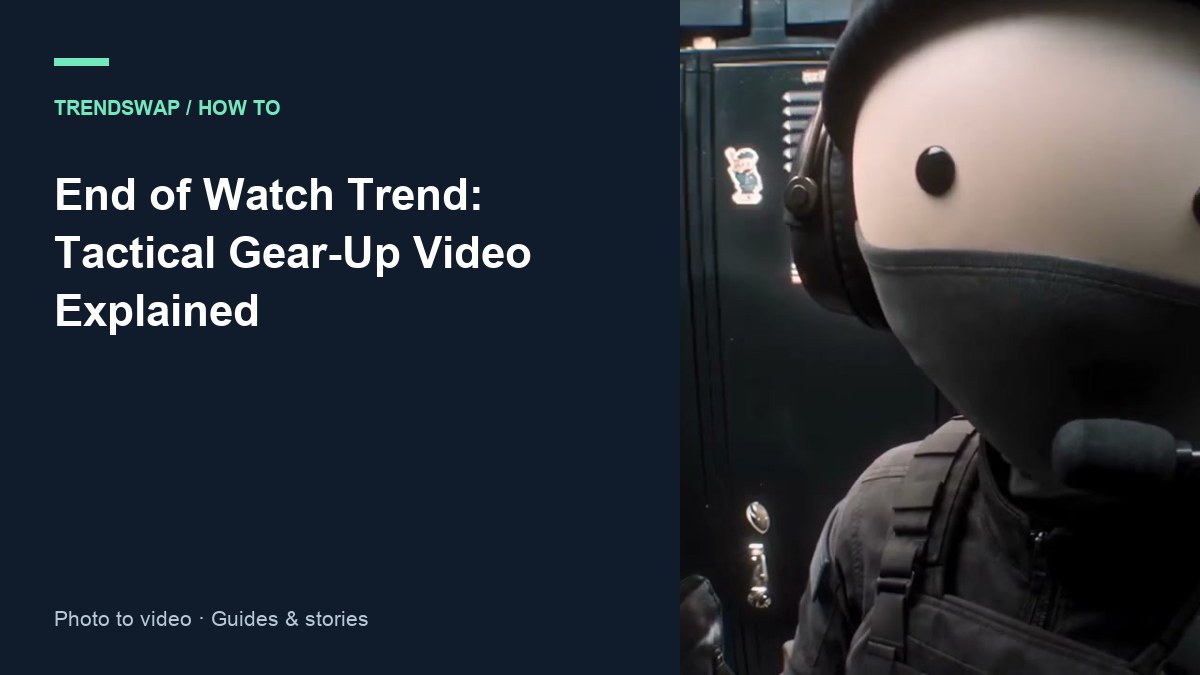
How to Make the End of Watch AI Video (One Photo)
Explore the End of Watch gear-up trend: a dark cabin, flashlights and a kit check. Make your own video from one photo.
 David Lee
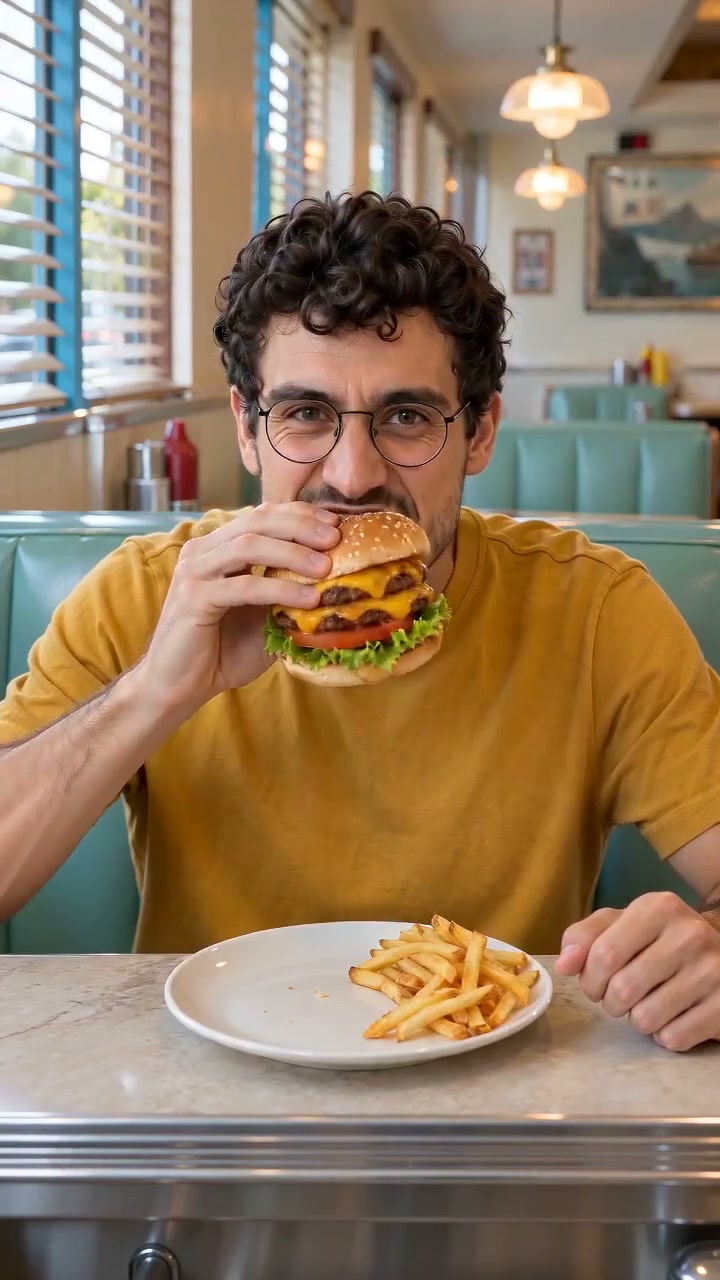
How to Make the W Chews Video With AI (No Prompt Needed)
W Chews means a win, L Nibbles a loss. Explore the food-verdict meme and make a video with a portrait and a food photo.
David Lee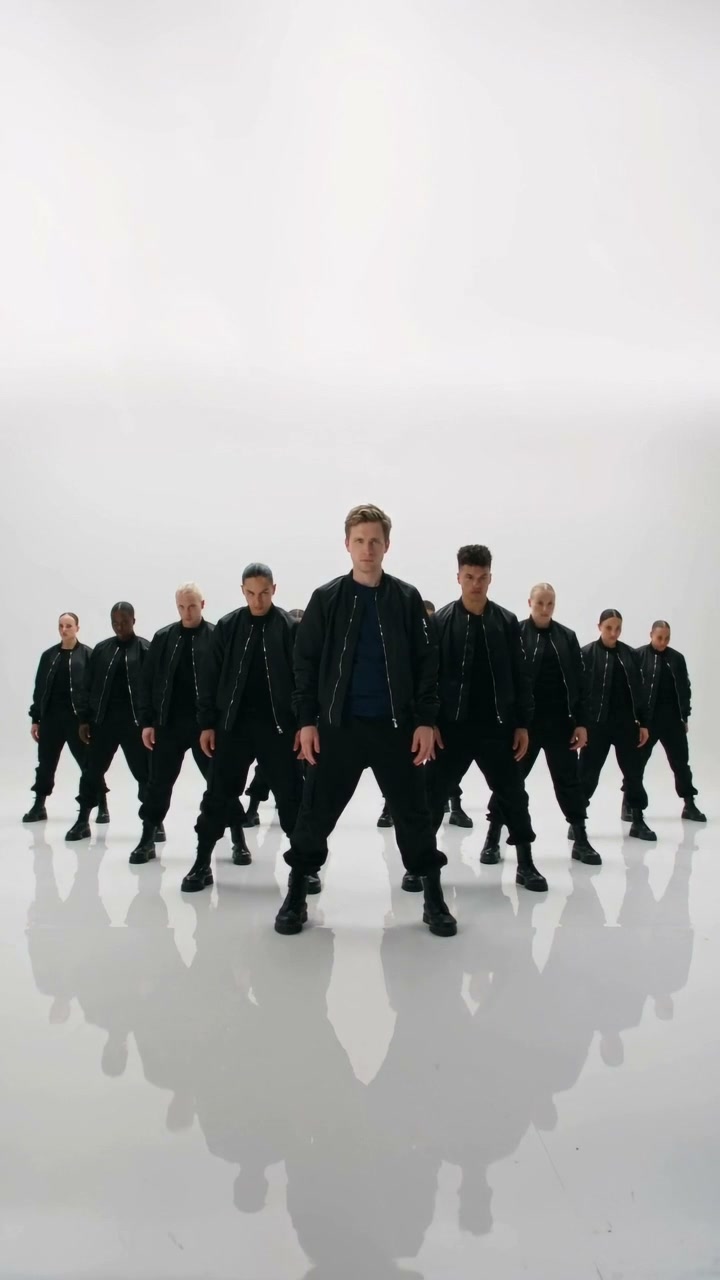
How to Make the Like JENNIE AI Video (One Photo)
Explore the Like JENNIE dance trend and make a video starring a person or pet in front of a group of backup dancers from one photo.
David Lee