How to Make the W Chews Video With AI (No Prompt Needed)
W Chews means a win, L Nibbles a loss. Explore the food-verdict meme and make a video with a portrait and a food photo.
Pick a scene and make your own W Chews video
Each scene is a ready-made version of this trend. Choose the one that fits you, upload one photo and get the video. No prompt, no editing.
In this article
Short answer: open the W Chews AI studio, upload 1 clear selfie of yourself, or 1 clear photo of your pet, plus 1 food photo, and press Generate. TrendSwap turns it into the viral scene: A diner booth taste test: taking a bite, pausing with a deadpan stare, and celebrating W Chews or grimacing at L Nibbles. You get a 8-second watermark-free MP4 with audio already synced. No prompt writing, no video editing.
What the trend is
Take one bite and judge it: W Chews means it's a win, L Nibbles means it's a loss. Create the viral food-verdict video from one selfie and food photo.
What you upload and what you get
| You provide | You receive |
|---|---|
| 1 clear selfie of yourself, or 1 clear photo of your pet, plus 1 food photo | A 8-second MP4, 9:16 vertical |
| Your choice of resolution: 480p, 720p or 1080p | A diner booth taste test: taking a bite, pausing with a deadpan stare, and celebrating W Chews or grimacing at L Nibbles |
| Nothing else: no prompt, no reference video, no editing | Audio already mixed into the file, no watermark |
How to make it in 3 steps
- Upload your photo. Use a clear photo. Watch the sample video for free, then choose your resolution and press Generate.
- Select resolution and generate. Choose 480p, 720p or 1080p. Rendering usually takes about 5–15 minutes; you can leave the page while it processes.
- Download and share. Open My videos, play the clip and download the watermark-free video with audio in sync.
Price, credits and failed renders
| Resolution | Credits per clip | Available with |
|---|---|---|
| 480p | 25 | Any pack |
| 720p HD | 50 | Any pack |
| 1080p Full HD | 100 | Creator or Studio (the Single goes up to 720p) |
The Single is $9.90 for 50 credits, the Creator $24.90 for 150 and the Studio $59.90 for 400 (see pricing). These are one-time packs with no subscription, and credits never expire.
If a generation fails, times out or is blocked by a safety check, the credits for that job return to your balance automatically. A completed video uses its credits, so start with a clear photo. If a finished file is broken or missing audio, email support@trendswap.app with the video reference. Card refunds follow the Refund Policy.
See pricing and the Refund Policy.
FAQ
Is W Chews for one person or two?
One. Upload 1 clear, front-facing photo with a single person in frame. Group photos are not supported.
Can I use a photo of my pet?
This template is built around a human performer, so we recommend a photo of a person. Pet photos are not supported for this scene; templates such as Flying Tesla Roadster, Baby Knight and Spooky Scary Skeletons are made for pets.
Does the exported video include the original sound?
Yes. The original scene audio is precisely synchronized in every downloaded MP4, so you do not need to add or align the soundtrack in an editor.
How long is the video and what resolution do I get?
Every video from this template is 8 seconds, 9:16 vertical, as a watermark-free MP4. Choose 480p (25 credits), 720p (50 credits) or 1080p (100 credits). The Single covers up to 720p; the Creator or Studio unlocks 1080p.
What happens to my credits if the video fails?
If a generation fails, times out or is blocked by a safety check, the credits for that job return to your balance automatically (25, 50 or 100 by resolution). The video page shows the job status and whether the credits were returned.
What if I'm not happy with the result?
Credits come back automatically only when a generation fails; a completed video uses its credits. Results depend on photo clarity and lighting, so a sharp, front-facing, well-lit photo works best. Watch the original sample video for free, then review the actual price and use purchased or existing credits to generate. If a finished video has a serious technical problem, such as a broken file or missing audio, email support@trendswap.app with the video reference. Duplicate charges and purchases that never reached your account are handled under our refund policy.
How long are my photos and videos kept, and how do I delete them?
Uploaded photos are deleted automatically after 7 days. Finished videos stay in your account until you delete them. Delete a video in My videos (/videos): this permanently removes the video file and the photo it was made from. To have a photo deleted sooner, or to erase your whole account, email support@trendswap.app with the subject "Privacy Request". We do not use your photos or videos to train public AI models.
Photos and permissions
Use photos you have the right to use. TrendSwap is an independent tool, not affiliated with the original creators.
Where the meme came from: W Chews and L Nibbles explained.
W Chews AI
Take one bite and judge it: W Chews means it's a win, L Nibbles means it's a los
Related Guides & Tutorials
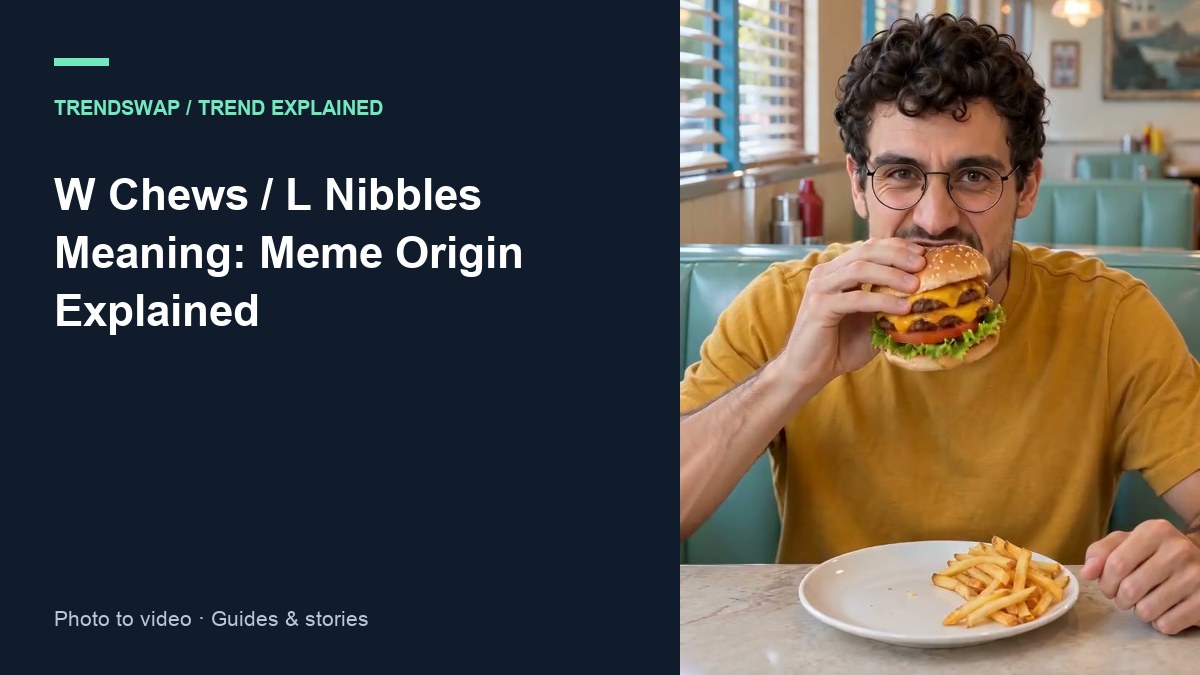
W Chews and L Nibbles: Where the Food-Verdict Meme Came From
W Chews means good food, L Nibbles means bad food. The slang traces to an @jbexte post on October 25, 2026. Origin, spread, and how to make your own verdict video from 1 photo.
 David Lee
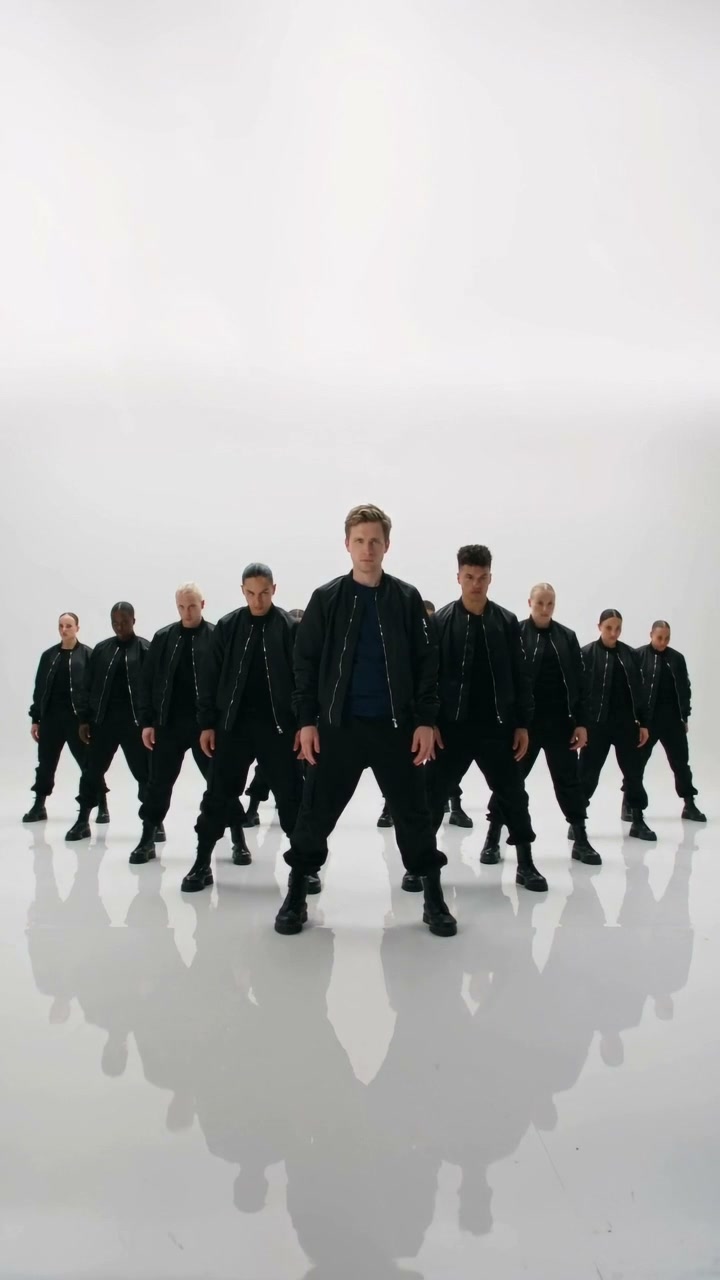
How to Make the Like JENNIE AI Video (One Photo)
Explore the Like JENNIE dance trend and make a video starring a person or pet in front of a group of backup dancers from one photo.
David Lee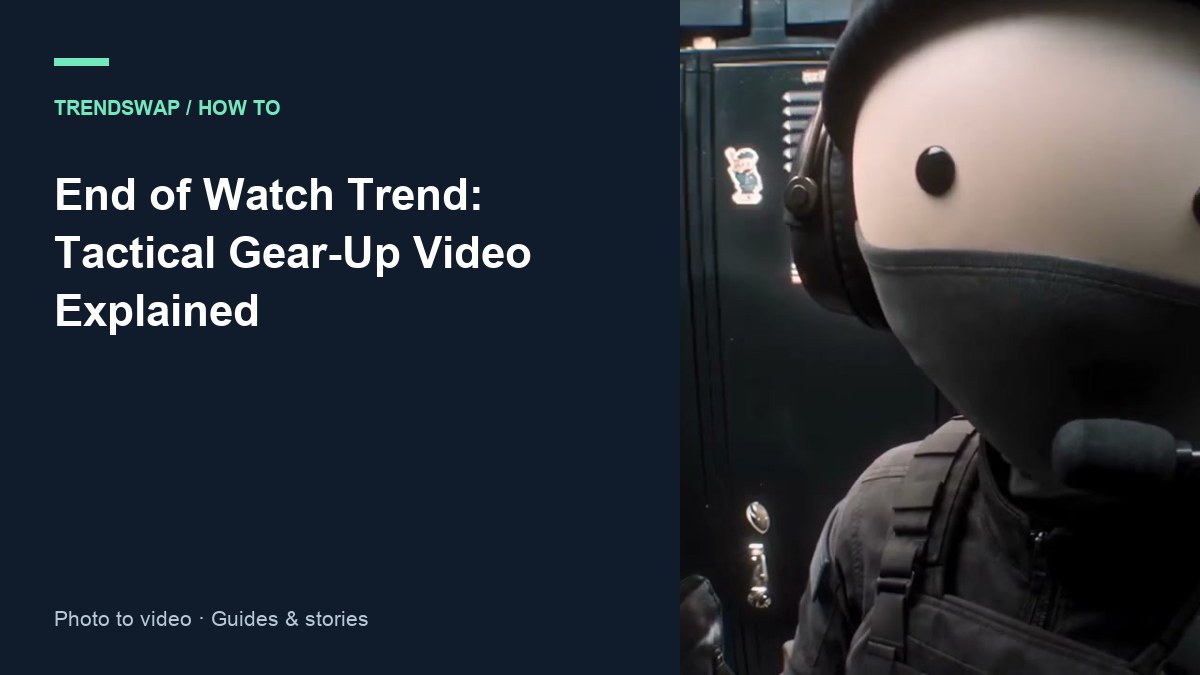
How to Make the End of Watch AI Video (One Photo)
Explore the End of Watch gear-up trend: a dark cabin, flashlights and a kit check. Make your own video from one photo.
David Lee