How to Make a Tiny Desk AI Video From One Photo (No CapCut Template Needed)
 By TrendSwap@trendswapapp
Stand in front of the NPR Tiny Desk band laughing through Outstanding: one photo in, a 19s 9:16 video with live audio out from $9.90.
Pick a scene and make your own Tiny Desk AI video
Each scene is a ready-made version of this trend. Choose the one that fits you, upload one photo and get the video. No prompt, no editing.
In this article
Short answer: open the Tiny Desk AI studio, upload one clear photo of yourself or a friend, and press Generate. TrendSwap puts you in front of the Tiny Desk band in a packed office corner, laughing through the chorus of "Outstanding" with a live sax solo and swaying backing singers. You get a 19-second vertical MP4 with the concert sound already in sync. No CapCut template to find, no prompt to write.
What the Tiny Desk Outstanding clip is
The Tiny Desk AI video recreates the joyful climax of Charlie Wilson's NPR Tiny Desk concert, where the band plays the 1982 Gap Band classic "Outstanding". Wilson laughs through the chorus, the sax player steps in for a soulful solo, and the backing singers groove in unison. In October 2026, the clip went viral when college football coaches who had just lost were edited into the band, passing 2.7 million plays on TikTok.
What you upload and what you get
| You provide | You receive |
|---|---|
| 1 clear, front-facing photo of one person or pet, face fully visible | A 19-second MP4, 9:16 vertical |
| Your choice of resolution: 480p, 720p or 1080p | NPR Tiny Desk concert: you as lead vocalist in front of the band, laughing through the chorus with sax solo and live backing singers |
| Nothing else: no prompt, no reference video, no editing | Audio already mixed into the file, no watermark |
What happens in the video
- The groove (0s–3s): Wide shot of the cozy office desk setup; you lead the band into the rhythm of "Outstanding".
- The laugh (3s–8s): Close-up on your face as you laugh joyfully through the chorus with infectious energy.
- The sax solo (8s–13s): The camera cuts to the saxophone soloist hitting the melody while you smile and listen.
- The grand finale (13s–19s): Return to the full band swaying and singing together to hit the final beat.
Choosing the right photo
- Face: one person or pet per photo, clearly lit with both eyes visible.
- Expression: a smiling or cheerful expression works best with the celebratory performance.
- Lighting: clear, even light without heavy shadows or dark sunglasses.
How to make it in 3 steps
- Upload your photo. Use a clear portrait. The studio shows a free framing preview before generating.
- Pick a resolution and generate. The clip is vertical 9:16, made for TikTok, Reels and Shorts; credits per resolution are in the table below. Choose your resolution and press Generate. Rendering usually takes about 5–15 minutes; you can leave the page while it works.
- Download and post. Open My videos, play the clip and download the watermark-free MP4 with the audio already in sync.
Price, credits and failed renders
| Resolution | Credits per clip | Available with |
|---|---|---|
| 480p | 50 | Any pack |
| 720p HD | 100 | Any pack |
| 1080p Full HD | 150 | Creator or Studio (the Single goes up to 720p) |
The Single is $9.90 for 50 credits, the Creator $24.90 for 150 and the Studio $59.90 for 400 (see pricing). These are one-time packs with no subscription, and credits never expire.
If a generation fails, times out or is blocked by a safety check, the credits for that job return to your balance automatically. A completed video uses its credits, so start with a clear photo. If a finished file is broken or missing audio, email support@trendswap.app with the video reference. Card refunds follow the Refund Policy.
See pricing and the Refund Policy.
FAQ
Does the video have the real "Outstanding" audio?
Yes. The exported video includes the authentic live performance audio from the concert, perfectly timed to the laugh and the sax solo.
Can I put my pet on vocals?
Yes. Dogs and cats look hilarious singing lead vocals in front of the band.
Is Tiny Desk AI for one person or two?
One. Upload 1 clear, front-facing photo with a single person or pet in frame. Group photos are not supported.
Can I use a photo of my pet?
Yes. This template works with a cat, dog or other pet photo as well as people. Use a clear photo with the pet's face visible.
Does the exported video include the original sound?
Yes. The original scene audio is precisely synchronized in every downloaded MP4, so you do not need to add or align the soundtrack in an editor.
How long is the video and what resolution do I get?
Every video from this template is 19 seconds, 9:16 vertical, as a watermark-free MP4. Choose 480p (50 credits), 720p (100 credits) or 1080p (150 credits). The Single covers up to 720p; the Creator or Studio unlocks 1080p.
What happens to my credits if the video fails?
If a generation fails, times out or is blocked by a safety check, the credits for that job return to your balance automatically (50, 100 or 150 by resolution). The video page shows the job status and whether the credits were returned.
What if I'm not happy with the result?
Credits come back automatically only when a generation fails; a completed video uses its credits. Results depend on photo clarity and lighting, so a sharp, front-facing, well-lit photo works best, and the studio shows a free framing preview before you spend credits. If a finished video has a serious technical problem, such as a broken file or missing audio, email support@trendswap.app with the video reference. Duplicate charges and purchases that never reached your account are handled under our refund policy.
How long are my photos and videos kept, and how do I delete them?
Your uploaded photo and finished videos stay in your account until you delete them; nothing expires automatically. Delete a video in My videos (/videos): this permanently removes the video file and the photo it was made from. You can remove an unused photo in the studio. To erase your whole account, email support@trendswap.app with the subject "Privacy Request". We do not use your photos or videos to train public AI models.
Photos and permissions
Use photos you have the right to use. TrendSwap is an independent tool, not affiliated with NPR, Charlie Wilson or the original creators.
Open the Tiny Desk studio. More: the Tiny Desk AI trend explained. Also see AI meme video tools that need no prompt.
Tiny Desk AI Video Generator
You at the front of the NPR Tiny Desk band laughing through Outstanding with a live sax solo, from one photo.
Related Guides & Tutorials
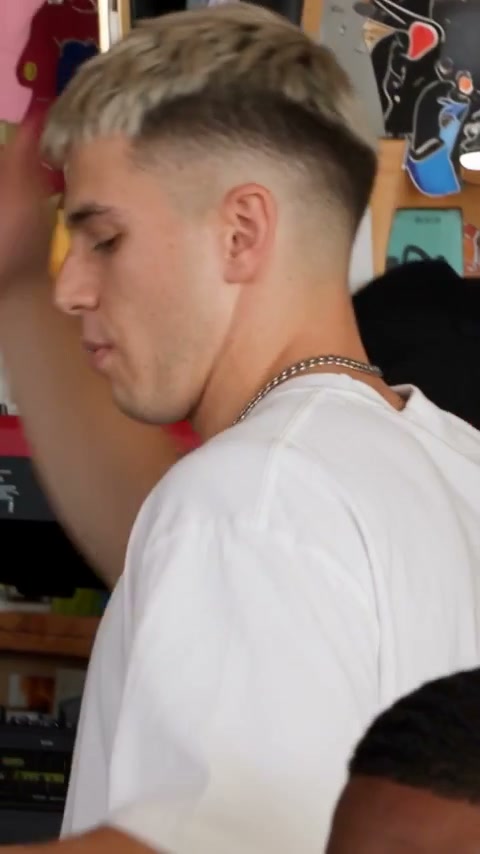
Tiny Desk AI Explained: From Charlie Wilson’s NPR Concert to the 2.7M-Play Band
Where the Tiny Desk Outstanding trend came from, how college football coaches made it viral, and four ways to make your own Tiny Desk video.
TrendSwap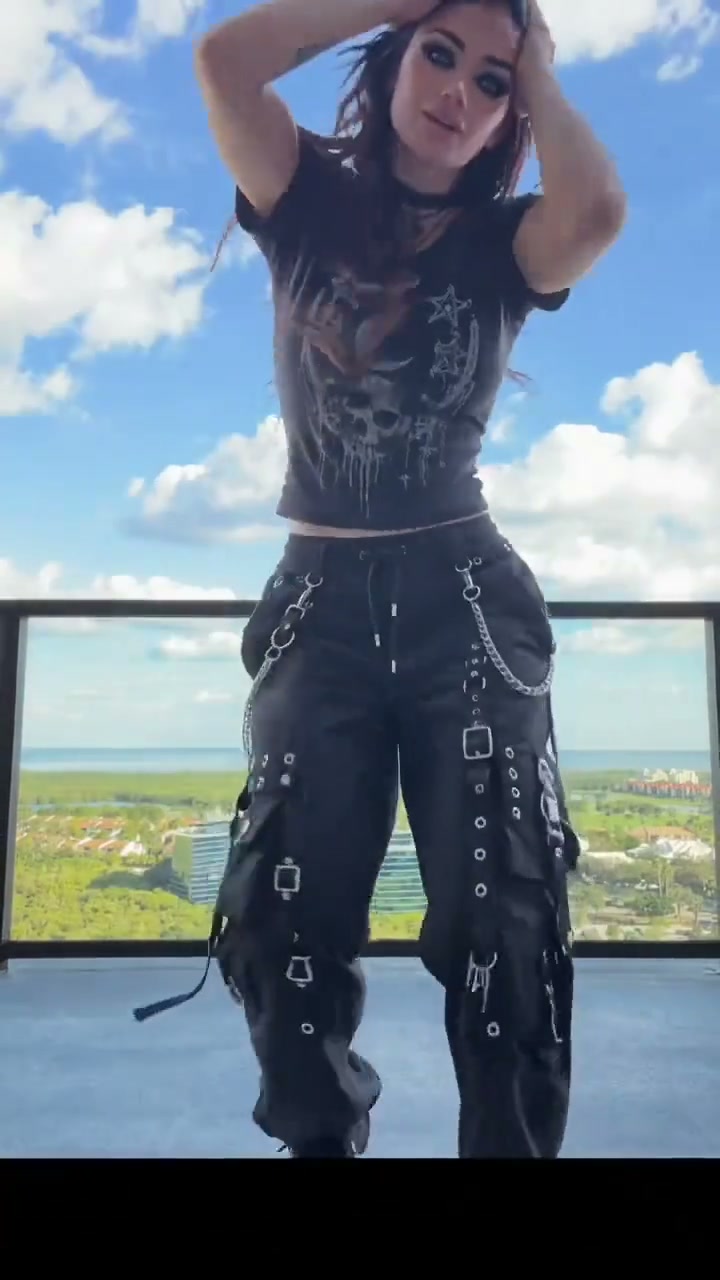
How to Make a Halloween AI Video From One Selfie (Skeleton Dance & Costumes)
Turn one selfie into a viral Halloween video: skeleton dance and costume reveals in a 10s 9:16 clip with spooky music from $9.90.
TrendSwap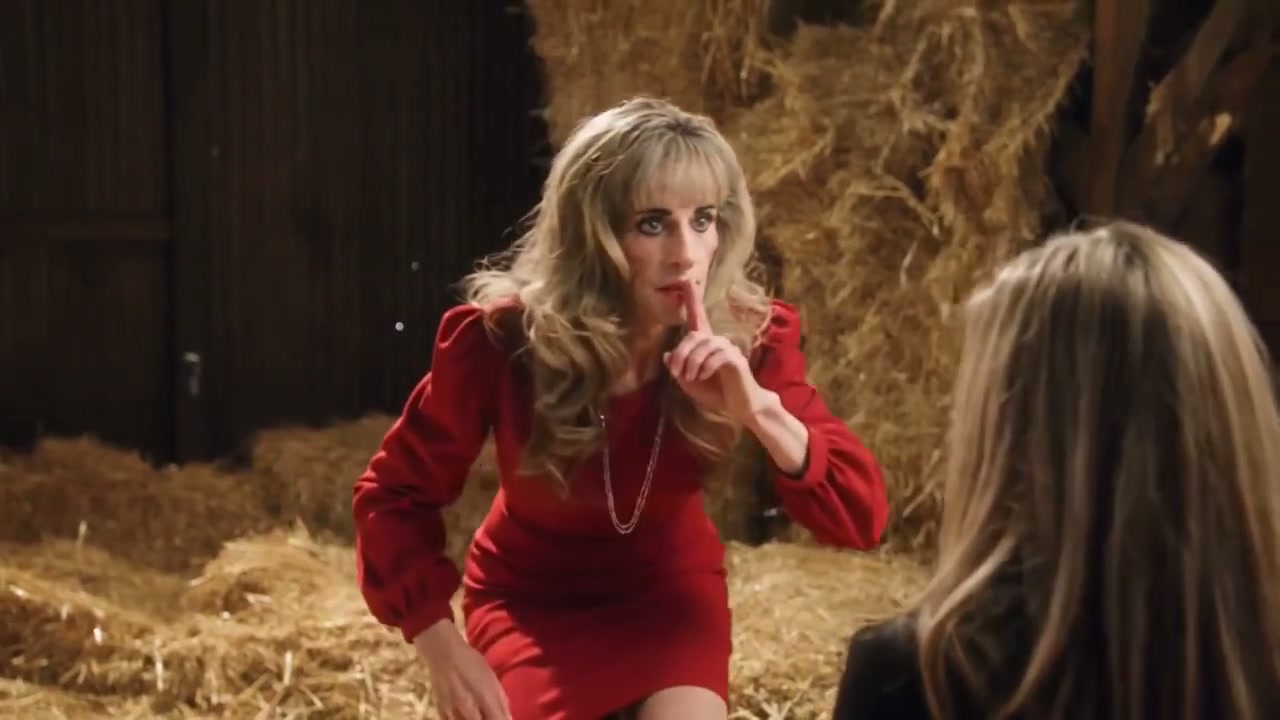
How to Make the 1987 Rumpelstiltskin AI Video With Your Own Face
Star in the lost 1987 retro barn tiptoe scene: shush, sly grin and curled shoes in a 12s 16:9 film look from $9.90.
TrendSwap