How to Compare Burning Bridges AI Generators
 TrendSwap Team
Compare preview quality, duration, resolution, cost per clip, rights and failed-job policies before buying a video pack.
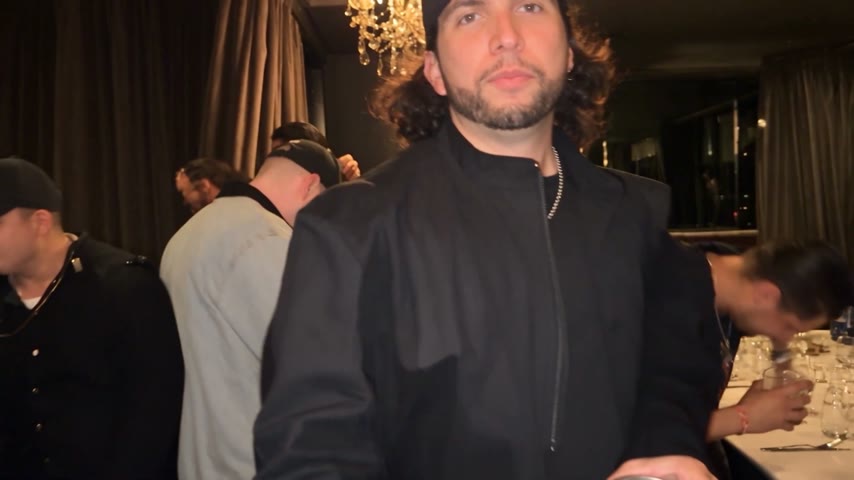
Choosing a Burning Bridges generator is easier when you compare the output you need and the total cost to create it. This guide explains what to check; it does not rank tools based on unverified reviews or competitor prices.
What to compare
| Question | What to look for |
|---|---|
| What does the free preview show? | A still framing preview is different from a generated video. |
| How long is the output? | Check the active reference duration, not only showcase examples. |
| Which formats can I choose? | Review portrait and landscape availability for the template. |
| What does one clip cost? | Compare credits used at your selected resolution and pack price. |
| What happens when a job fails? | Distinguish returned credits from a payment refund. |
| Can I use the audio commercially? | A creation fee does not grant third-party music rights. |
Check each provider’s current pricing and policies before buying. On TrendSwap, the available packs and output settings are described below.
Output settings and credits
Check the current reference duration in the studio before generating. Your output follows that reference, not the length of an example clip. Burning Bridges has an 18-second display example; it does not promise an 18-second generated video. Available portrait and landscape formats depend on the template.
| Resolution | Credits per clip | Access |
|---|---|---|
| 480p | 25 | Basic access |
| 720p HD | 50 | Basic access |
| 1080p Full HD | 100 | Unlocked by Trio or Party |
Single is $9.90 for 50 credits, Trio $24.90 for 150, and Party $59.90 for 400. These are one-time packs with no subscription, and pack credits never expire. That covers up to 2 / 6 / 16 clips at 480p, 1 / 3 / 8 at 720p, or 1 clip from Trio and 4 from Party at 1080p, before any mixed-resolution usage.
If a generation job fails, the credits charged for that job return to your account. This is different from a card refund, and a completed clip you dislike is not automatically a failed job. See the Refund Policy for billing help.
Photos and sharing permissions
Use your own adult photo or another adult with explicit written consent. Do not upload celebrities, public figures, minors or unauthorized third-party images. Pet and fictional-character examples do not establish support for those uploads or permission to use their likenesses.
A pack pays for video creation. It does not grant commercial rights to music, footage, characters or likenesses. Review your MP4 before posting, and add platform audio only where its license permits your use. TrendSwap is independent and is not endorsed by featured artists or rightsholders.
For the creation steps, read How to Make a Burning Bridges AI Video. For scene styling inspiration, check our Burning Bridges trend prompts & ideas, or jump straight into the Burning Bridges AI Studio.
Burning Bridges Banquet AI Video
Take the lead role in the Drake chandelier banquet scene from one clear adult portrait.
Related Guides & Tutorials
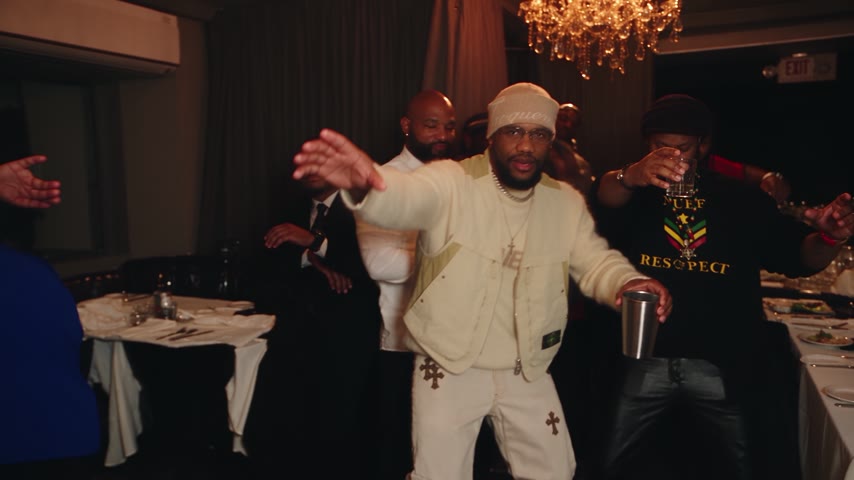
Automate Viral TikTok AI Video Drops with Zapier
Step-by-step guide to connect TrendSwap with Zapier. Automatically generate viral meme video drops from new photos in Google Drive, Typeform, or webhooks.
TrendSwap EngineeringHow to Make a Burning Bridges AI Video
Create a banquet clip from one adult portrait. Photo tips, preview limits, output settings, credit costs and sharing permissions.
TrendSwap Team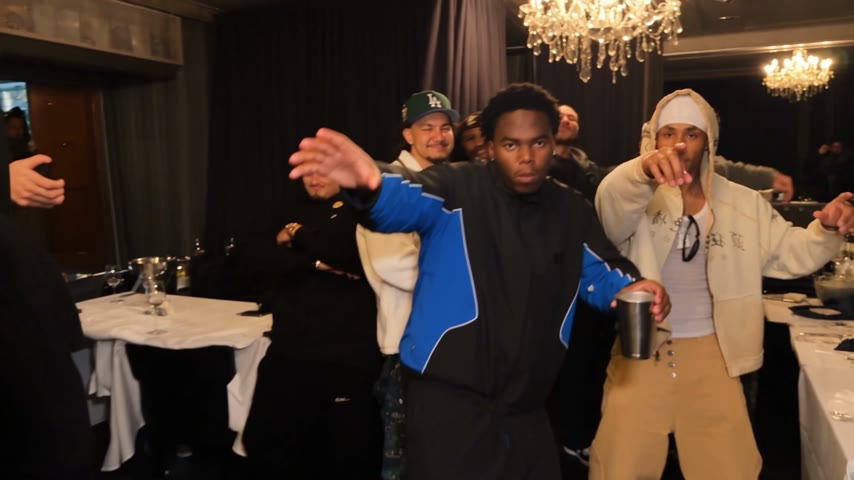
Burning Bridges AI Video: Photo and Caption Ideas
Photo and caption ideas for your own banquet clip, with clear limits on duration, likeness permission and commercial rights.
TrendSwap Team