How to Make a Zombie Couple AI Video
 TrendSwap Team
Create the viral 4-act zombie love story from two photos. Dual-portrait tips, standoff to embrace narrative, output credits and posting guidelines.
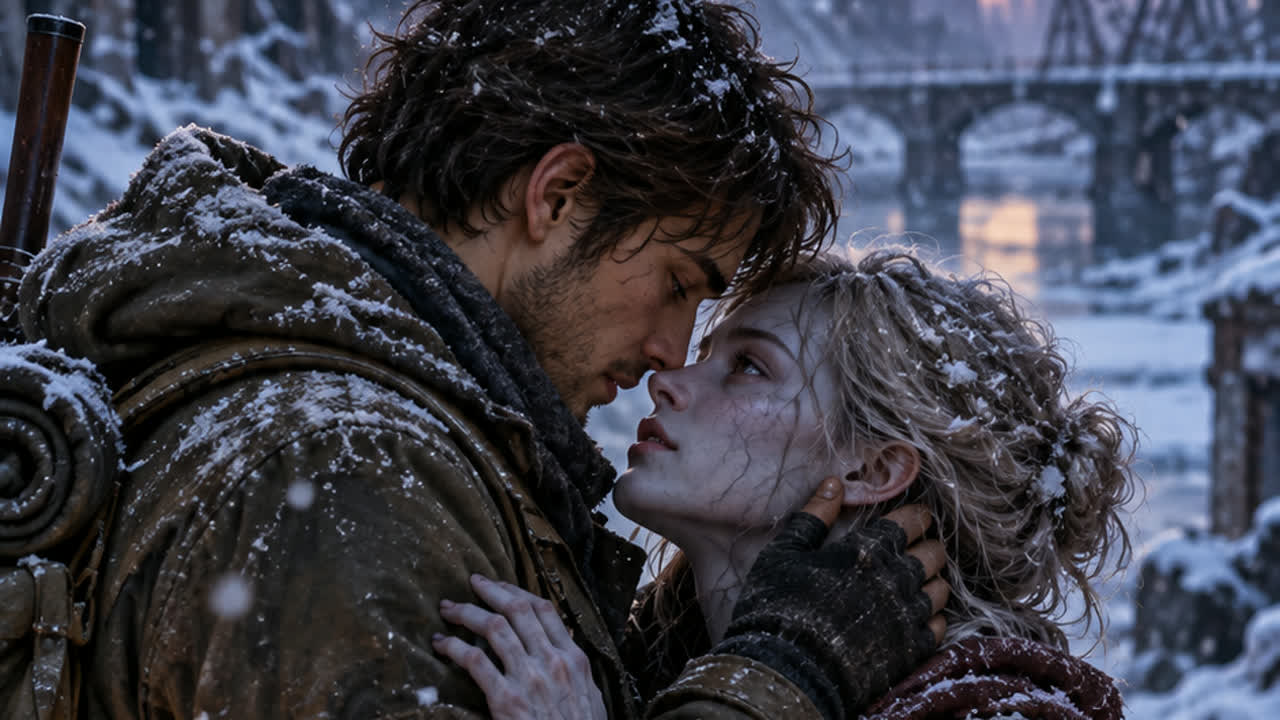
The Zombie Couple AI Video Maker transforms two solo portraits (or one couple photo) into the viral 4-act cinematic zombie love story trending across TikTok and Instagram Reels. The preset supplies the dramatic standoff, apocalyptic embrace, and nostalgic flashback cut—no complex text prompts required.
The 4-act viral narrative structure
Every generated clip follows the cinematic storyline that captivated tens of millions of viewers:
- Act I: The Standoff — The survivor points a weapon with trembling hands across an apocalyptic ruined street, confronting their turned partner.
- Act II: The Recognition — The infected partner pauses; a tender, human flicker of recognition breaks through their clouded gaze.
- Act III: The Apocalyptic Embrace — The survivor lowers the weapon to the ground and steps into a tearful, emotional hug.
- Act IV: The Hard Cut Flashback — A sharp, nostalgic hard cut transitions into a warm 35mm golden-hour memory of the couple happy and in love before the outbreak.
Step-by-step: Make your zombie love story
- Select two clear photos: Upload Photo 1 for the survivor holding the weapon, and Photo 2 for the partner who undergoes the aesthetic zombie transformation. You can tap "Swap roles" anytime to switch characters.
- Review the framing preview: Check the still framing preview before rendering. It confirms face detection and positioning, though it is not a rendered video.
- Choose output resolution: Pick 480p, 720p HD, or unlocked 1080p Full HD based on your intended platform.
- Acquire credits if needed: Sign in and choose a one-time pack on the pricing page. Credits never expire and failed renders are automatically refunded to your balance.
- Generate your video: Click Generate. The dual-character recast engine renders the complete 4-act narrative in approximately 2 to 4 minutes.
- Download and share: Download your clean, watermark-free vertical 9:16 MP4. Add the trending "Zombie Love Story" audio inside TikTok or Instagram Reels before publishing.
Tips for the best recast results
- Lighting & Angle: Use clear, well-lit, front-facing portraits without heavy filters or sunglasses.
- Pet Mode Support: You can also cast your dog or cat as Photo 2 for a viral pet-and-owner reunion.
- Subtle Aesthetic Zombie Styling: The AI applies porcelain pale skin, faint veins, and glassy eyes with zero graphic gore or blood.
- Aspect Ratio: The output is rendered in vertical 9:16 format, natively optimized for mobile short-form video feeds.
Output settings and credits
Check the active reference duration in the studio before generating. The Zombie Couple narrative is rendered as a complete 12 to 15-second multi-act clip.
| Resolution | Credits per clip | Access |
|---|---|---|
| 480p | 25 | Basic access |
| 720p HD | 50 | Basic access |
| 1080p Full HD | 100 | Unlocked by Trio or Party |
Check pricing packs: Single is $9.90 for 50 credits, Trio $24.90 for 150, and Party $59.90 for 400. One-time purchases with no recurring subscription.
If a generation job fails due to processing errors, credits return immediately to your balance. Review the Refund Policy for full billing terms.
Ethics and sharing permissions
Only upload your own photo or photos of consenting adults (or pets you own). Do not upload celebrities, unauthorized public figures, or minors.
TrendSwap generates watermark-free visual MP4s without background music so you can pair the official trending sound on TikTok or Reels under platform licensing. TrendSwap is independent and not affiliated with third-party audio rightsholders.
Ready to see how your story unfolds? Launch the Zombie Couple AI Studio. For more storytelling prompts and viral ideas, explore our Zombie Couple trend prompts & ideas guide, or check out other viral templates like the Bulin 47 Freestyle and Topo Gigio celebration.
Burning Bridges Banquet AI Video
Take the lead role in the Drake chandelier banquet scene from one clear adult portrait.
Related Guides & Tutorials
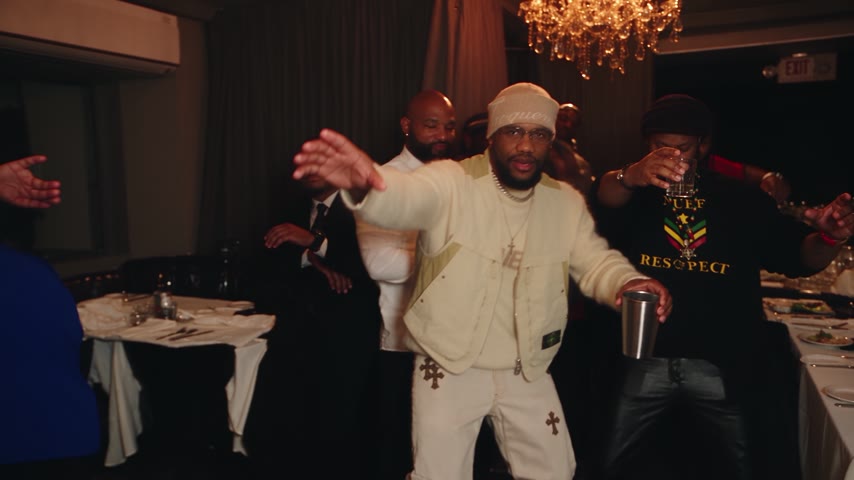
How to Make a Burning Bridges AI Video
Create a banquet clip from one adult portrait. Photo tips, preview limits, output settings, credit costs and sharing permissions.
TrendSwap Team
How to Compare Burning Bridges AI Generators
Compare preview quality, duration, resolution, cost per clip, rights and failed-job policies before buying a video pack.
TrendSwap Team
Burning Bridges AI Video: Photo and Caption Ideas
Photo and caption ideas for your own banquet clip, with clear limits on duration, likeness permission and commercial rights.
TrendSwap Team