How to Automate Viral TikTok & Reels AI Video Drops with Zapier
 TrendSwap Engineering
Step-by-step guide to connect TrendSwap with Zapier. Automatically generate viral meme video drops from new photos in Google Drive, Typeform, or webhooks.
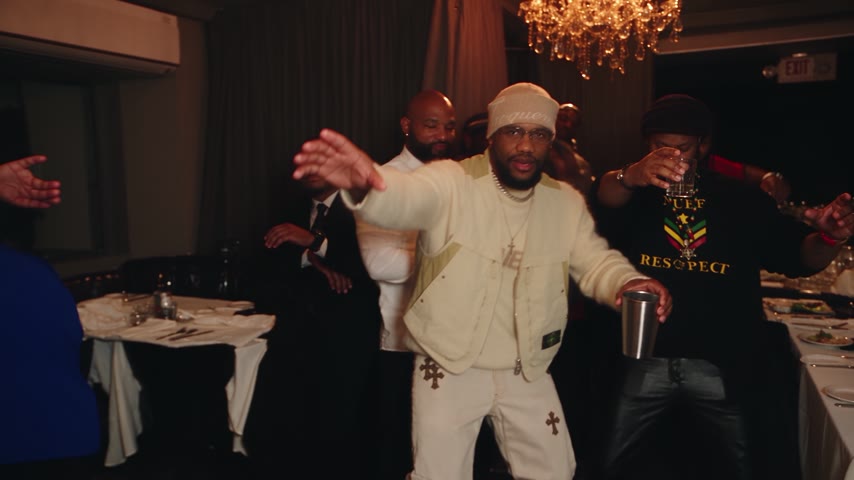
Learn how to connect TrendSwap to Zapier to automate AI video face-swapping pipelines without writing custom backend infrastructure.
What you can build
- Batch Drive Pipeline: Drop employee or customer photos into a Google Drive folder and receive rendered 9:16 vertical TikTok clips in Slack or Buffer.
- Form-to-Video Lead Magnet: Connect Typeform or Tally submissions to render personalized viral dance clips for new signups.
- CRM Integration: Trigger automated video drops whenever a new deal closes or milestone is hit.
Prerequisites
- An active TrendSwap account.
- A TrendSwap API Key generated in your API Key settings.
- The official TrendSwap Zapier Invite.
Step 1: Install the TrendSwap Zapier Integration
Click the direct invite link: 👉 Accept TrendSwap (1.0.0) on Zapier
Once accepted, TrendSwap will appear as an available Action in your Zapier account editor.
Step 2: Connect Your API Key
- In your Zap editor, add a step and choose TrendSwap (1.0.0).
- Under Action Event, choose Create Video Swap.
- When prompted to connect an account, paste your
sk_...API Key created from TrendSwap API Keys. - Zapier verifies the credentials securely against our official Model Context Protocol (MCP) server.
Step 3: Configure Video Inputs
Configure the required parameters:
- Template ID: Choose from active live templates:
burning-bridges(Drake Sotto Sotto banquet motion choreo)bulin-47(Dominican street freestyle dance)topo-gigio(Stadium roar ear-cup celebration)
- Photo Image URL: A direct public image link (JPEG, PNG, WebP) of the front-facing portrait.
- Resolution:
480pis standard for fast automated processing (25 credits per generation).
Step 4: Test and Publish Your Zap
- Click Test step in Zapier. A render job is queued immediately on TrendSwap's GPU cluster.
- Review the returned
idand status. - Turn your Zap On to start processing automated video drops continuously.
Burning Bridges Banquet AI Video
Take the lead role in the Drake chandelier banquet scene from one clear adult portrait.
Related Guides & Tutorials
How to Make a Burning Bridges AI Video
Create a banquet clip from one adult portrait. Photo tips, preview limits, output settings, credit costs and sharing permissions.
TrendSwap Team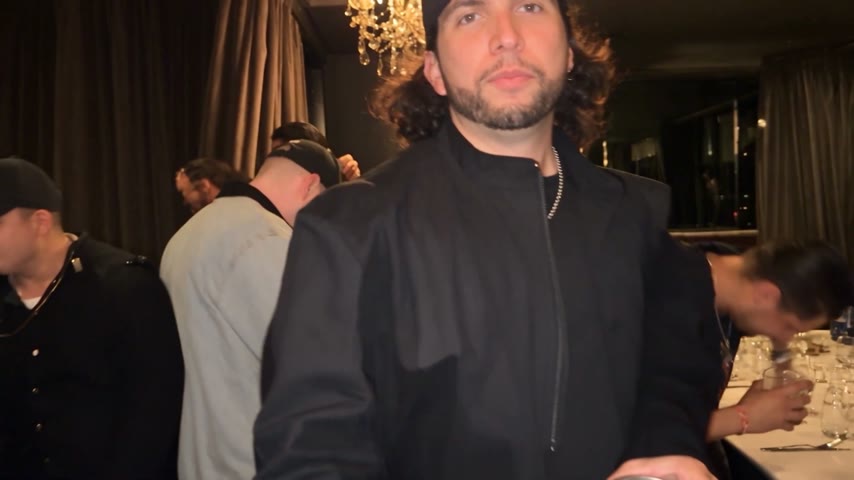
How to Compare Burning Bridges AI Generators
Compare preview quality, duration, resolution, cost per clip, rights and failed-job policies before buying a video pack.
TrendSwap Team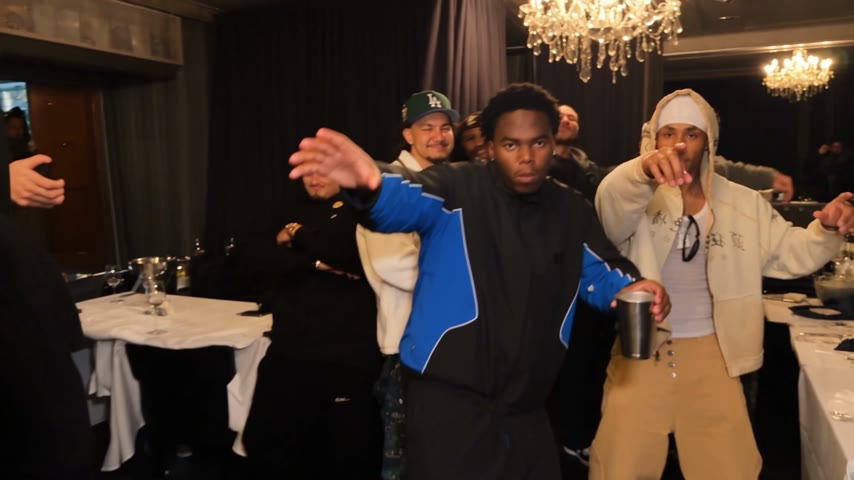
Burning Bridges AI Video: Photo and Caption Ideas
Photo and caption ideas for your own banquet clip, with clear limits on duration, likeness permission and commercial rights.
TrendSwap Team