How to Make a Hit the Road Dude AI Video (Private Property Meme)
 TrendSwap Team
Learn how to turn 1 photo into the viral "This is private property... Hit the road, dude" pickup confrontation meme with synced original dialogue.
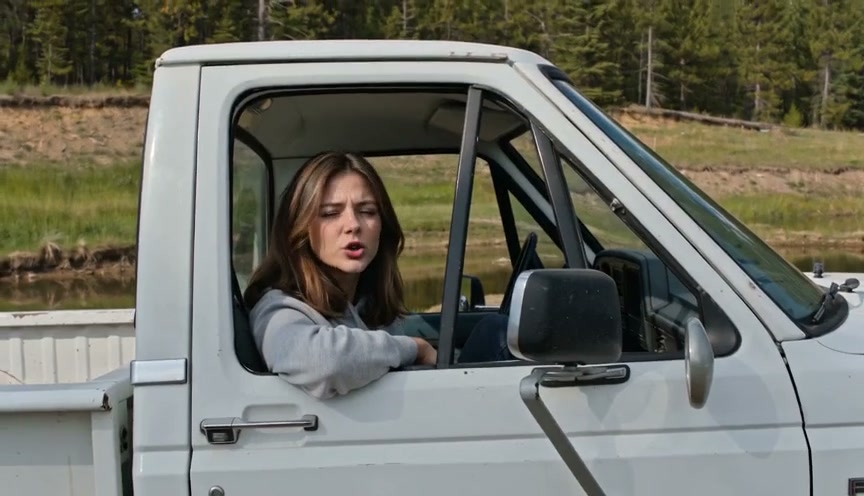
The Hit the Road Dude template casts your portrait or pet photo directly into the driver’s seat of the iconic white pickup truck from the viral 2026 private property confrontation. With Seedance 2.5 neural motion transfer, every head tilt, suspicious side-eye, and the signature finger-point down the road is mapped to your photo with the original dialogue audio precision-synced.
Step-by-Step Creation Guide
Creating your own private property meme video takes less than two minutes:
- Select 1 solo photo: Choose a clear, front-facing adult portrait or a clear pet photo (dog or cat). Waist-up or chest-up framing works best to align naturally with the pickup truck’s door frame.
- Review the framing preview: Confirm your subject is centered. Avoid heavy sunglasses, extreme backlighting, or group photos to ensure maximum facial likeness preservation.
- Choose format & resolution: The template renders in authentic 16:9 landscape (matching the original viral handheld video framing). Select your resolution: 480p (25 credits), 720p HD (50 credits), or 1080p Full HD (100 credits).
- Generate your video: Click TELL THEM TO HIT THE ROAD. Rendering typically completes in 2 to 4 minutes depending on queue load.
- Download your watermark-free MP4: Your finished 10-second clip includes the authentic dialogue track: "State? This? State?… It ain't. Hit the road, dude. This is private property."
Photo Selection & Optimization Tips
To achieve the crispest facial expressions and mouth movements:
- Lighting: Bright natural daylight or clear indoor lighting helps the neural model detect subtle eyelid, eyebrow, and lip contours.
- Angle: A slight three-quarter or straight-on front angle mirrors the camera’s perspective from the dirt road outside the driver's window.
- Pets: For dogs and cats, photos where both ears and eyes are unobstructed yield hilarious anthropomorphic facial animations.
- Zero Editing Required: You do not need video editing software, green screens, or pickup truck rentals. The entire scene is generated in a single pass.
Output Specifications & Pricing
| Resolution | Credits per clip | Best For | Included In |
|---|---|---|---|
| 480p | 25 credits | Quick sharing & WhatsApp groups | Single ($9.90) |
| 720p HD | 50 credits | TikTok, Instagram Reels, YouTube Shorts | Single / Trio / Party |
| 1080p Pro | 100 credits | High-res monitors & creator archives | Trio ($24.90) / Party ($59.90) |
Check pricing packs: Single Pass gives you 50 credits for $9.90 (no monthly subscription). Credits never expire and work across any template on TrendSwap. If an upstream generation fails or gets interrupted, your credits are 100% automatically refunded within seconds.
Rights and Safe Sharing
Use your own photo or obtain explicit permission from the person pictured. Never upload minors or unauthorized images. TrendSwap is an independent AI video generation tool and is not affiliated with the individuals in the original viral clip.
Ready to take the driver's seat? Launch the Hit the Road Dude AI Studio now.
Burning Bridges Banquet AI Video
Take the lead role in the Drake chandelier banquet scene from one clear adult portrait.
Related Guides & Tutorials
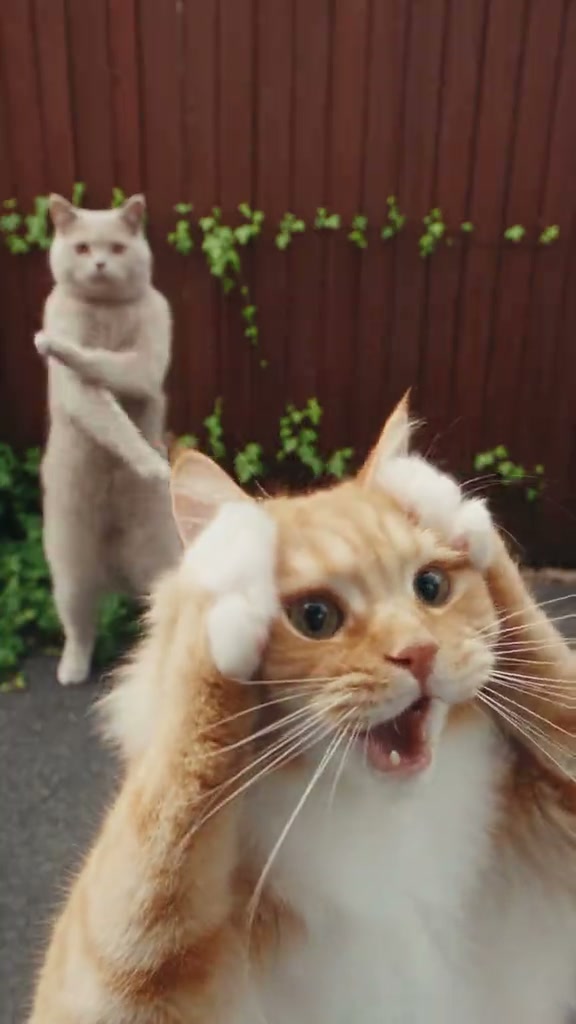
How to Do the Smalltown Boy AI Cat Dance Trend (No CapCut Needed)
Turn two photos of your cats, dogs, or you and a friend into the viral Smalltown Boy scream dance meme with original synth-pop audio synced.
TrendSwap Team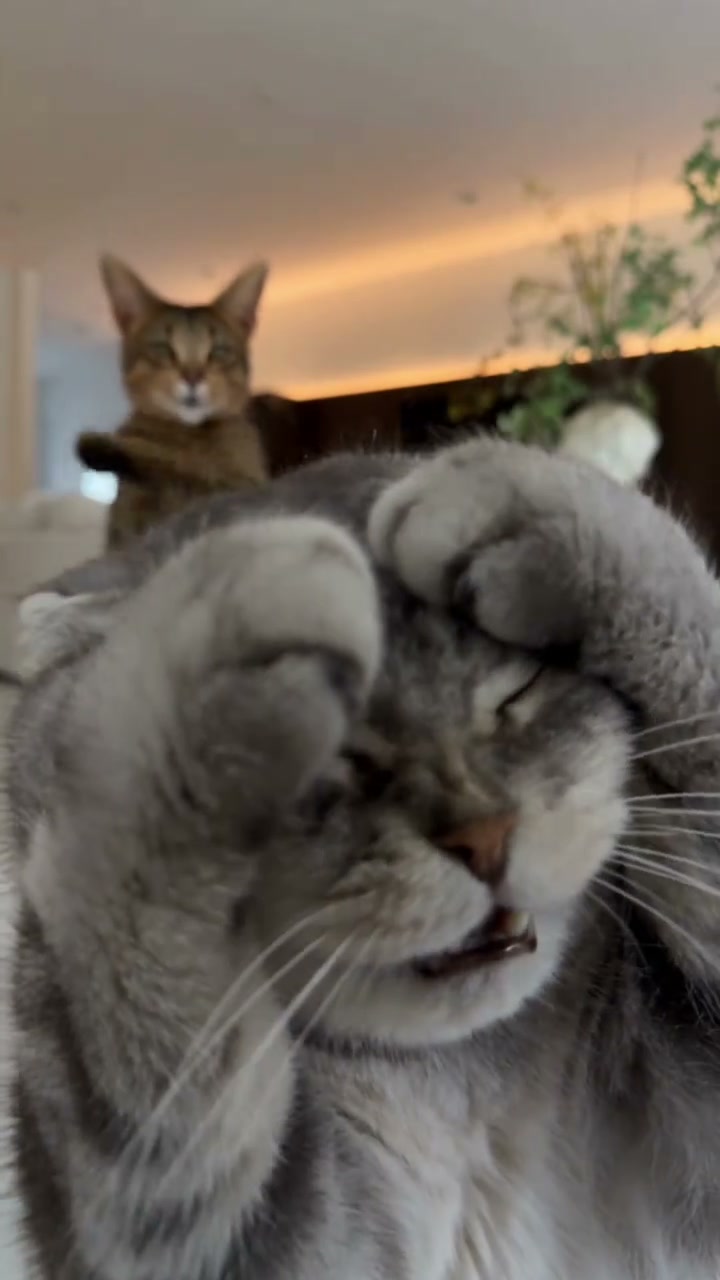
Smalltown Boy Dance: From Bronski Beat's 1984 Anthem to the Screaming Cats Trend
The complete history of how a 1984 British synth-pop classic became 2026’s biggest viral two-cat dance trend on TikTok and Instagram Reels.
TrendSwap Team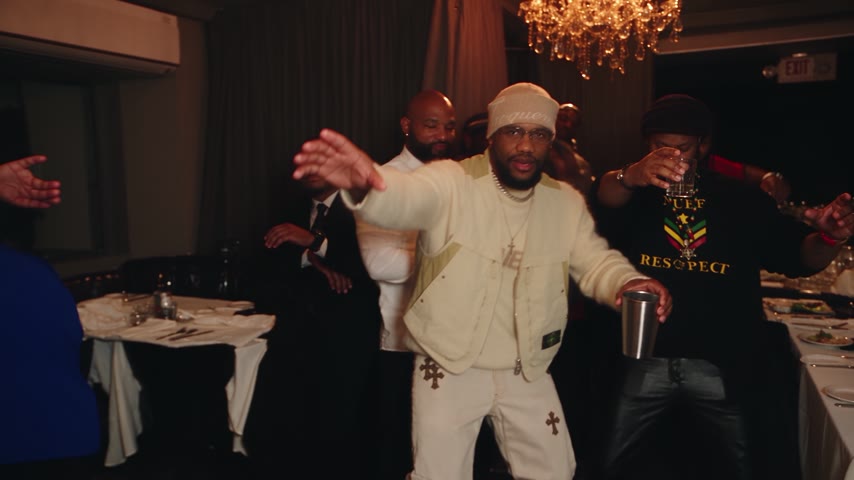
How to Make a Burning Bridges AI Video
Create a banquet clip from one adult portrait. Photo tips, preview limits, output settings, credit costs and sharing permissions.
TrendSwap Team