How to Make the Flying Tesla Roadster AI Video (1 Photo, Pets and Your Own Car Too)
 TrendSwap Team
Turn a photo of yourself, your dog, or your cat into the viral flying Tesla Roadster meme. Press the button, fire thrusters, and escape the traffic jam in 12s.
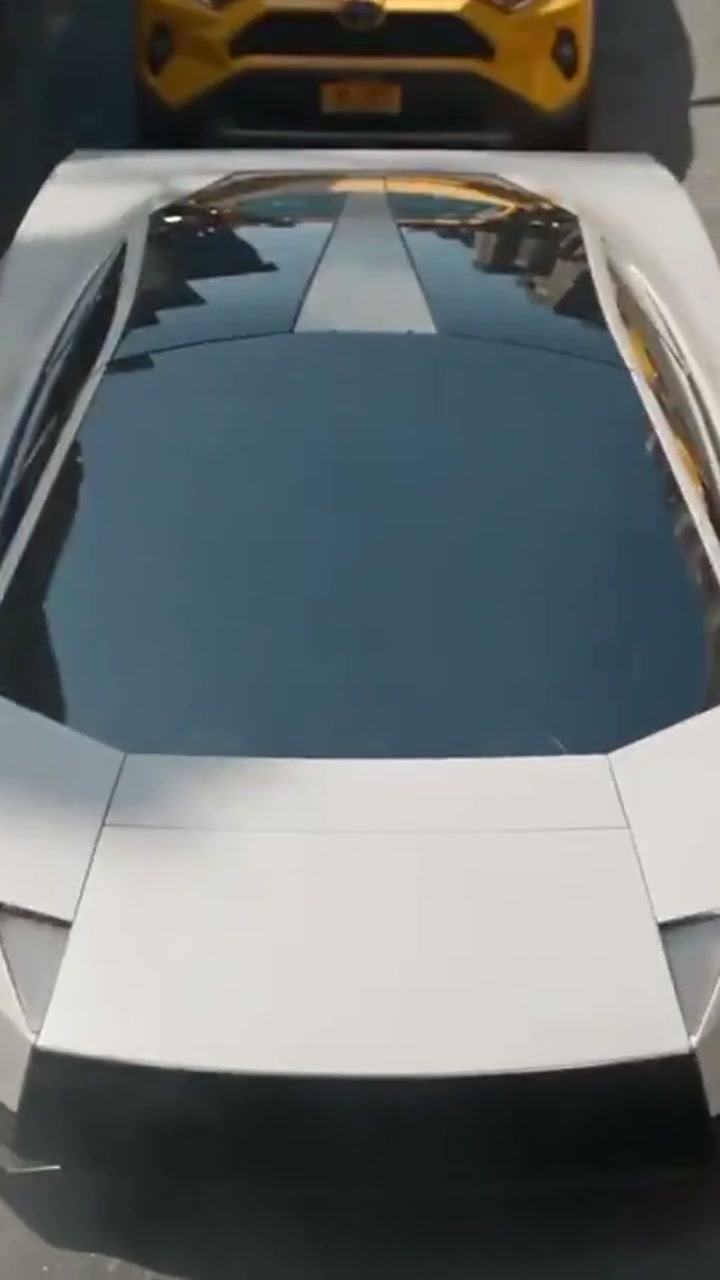
The Flying Tesla Roadster AI Video Generator turns one photo into the ultimate commuter fantasy that took over social media in October 2026: sitting trapped in a deadlocked traffic jam, you press a button by the cupholder, rocket thrusters fire, and your car barrel-rolls into the sky to fly over the gridlock.
What the Flying Tesla Roadster AI Clip Looks Like
The viral video follows a high-octane 5-beat sequence:
- The Gridlock Grimace (0s–3s): You sit behind the wheel of a sleek white Tesla Roadster, surrounded by hundreds of bumper-to-bumper cars and taxis. You look out the window in frustration, then spot the red thruster button on the center console.
- The Launch Button Click (3s–5s): Your hand (or pet's paw) firmly presses the launch toggle. A sharp metallic click echoes through the cabin.
- Thrusters Ignite (5s–7s): Cold-gas thrusters fire violently underneath the chassis with a deafening roar and cloud of compressed gas. The vehicle lifts off the asphalt.
- Mid-Air Barrel Roll (7s–10s): The car executes a dramatic mid-air barrel roll over the highway. Inside the cockpit, your coffee and sunglasses float weightlessly in zero gravity.
- Highway Flyover (10s–12s): The Roadster levels out and rockets into the horizon above the stationary morning commute, landing smoothly miles ahead of the jam.
Step-by-Step Creation on TrendSwap
Unlike complex 3D VFX workflows or multi-step prompt engineering in Discord, TrendSwap generates the complete 12-second vertical scene directly from your photo:
- Upload Your Driver Photo: Upload one clear, front-facing photo of yourself, your dog, or your cat. The AI seats your subject upright in the driver’s seat with natural posture and facial expressions.
- Optional: Add Your Own Car Photo: Want to make your actual daily driver fly? Upload a photo of your hatchback, sedan, or truck as the second image. The model equips thrusters directly onto your car instead of the white Roadster.
- Choose Your Resolution: Default output is set to 480p SD for 25 credits (a $9.90 Single Pass covers 2 full videos). You can expand the controls anytime to select 720p HD (50 credits) or 1080p Full HD (100 credits).
- Generate & Download: Click PRESS THE BUTTON. In about 2–3 minutes, your watermark-free 9:16 vertical MP4 downloads with all thruster blasts, clicking buttons, and honking horns master-synced.
Photo Selection Tips for Maximum Realism
To get the cleanest reflection and cockpit integration:
- Eye-Level Frontal Face: Upload a photo looking directly toward the lens. Your face appears prominently through the driver’s side window during the roll; eye contact heightens the comedic realism.
- Avoid Face Obstructions: Skip sunglasses, hats covering the brow, or hands over the cheeks.
- For Pet Drivers: Ensure your dog or cat’s face, ears, and paws are visible so the paw-pressing animation renders crisply.
- For Your Own Car: Use a clean, daylight exterior photo showing the entire vehicle from the side or three-quarter rear angle without other cars blocking it.
Pricing & Credits Breakdown
| Resolution | Credits per clip | Best For | Included In |
|---|---|---|---|
| 480p SD | 25 credits | TikTok & WhatsApp sharing | Single ($9.90 / 50 cr) |
| 720p HD | 50 credits | High-engagement Instagram Reels | Single / Trio / Party |
| 1080p Pro | 100 credits | Creator archives & 4K feeds | Trio ($24.90) / Party ($59.90) |
Packs are one-time payments with no monthly subscriptions. Credits never expire and carry an automated refund shield: if an upstream generation gets flagged by safety filters, your credits return immediately to your balance.
Ready to escape the traffic? Launch the Flying Tesla Roadster Studio now.
Flying Tesla Roadster AI Video
Press the button in traffic to fire rocket thrusters and fly over the gridlock with synced sound.
Related Guides & Tutorials
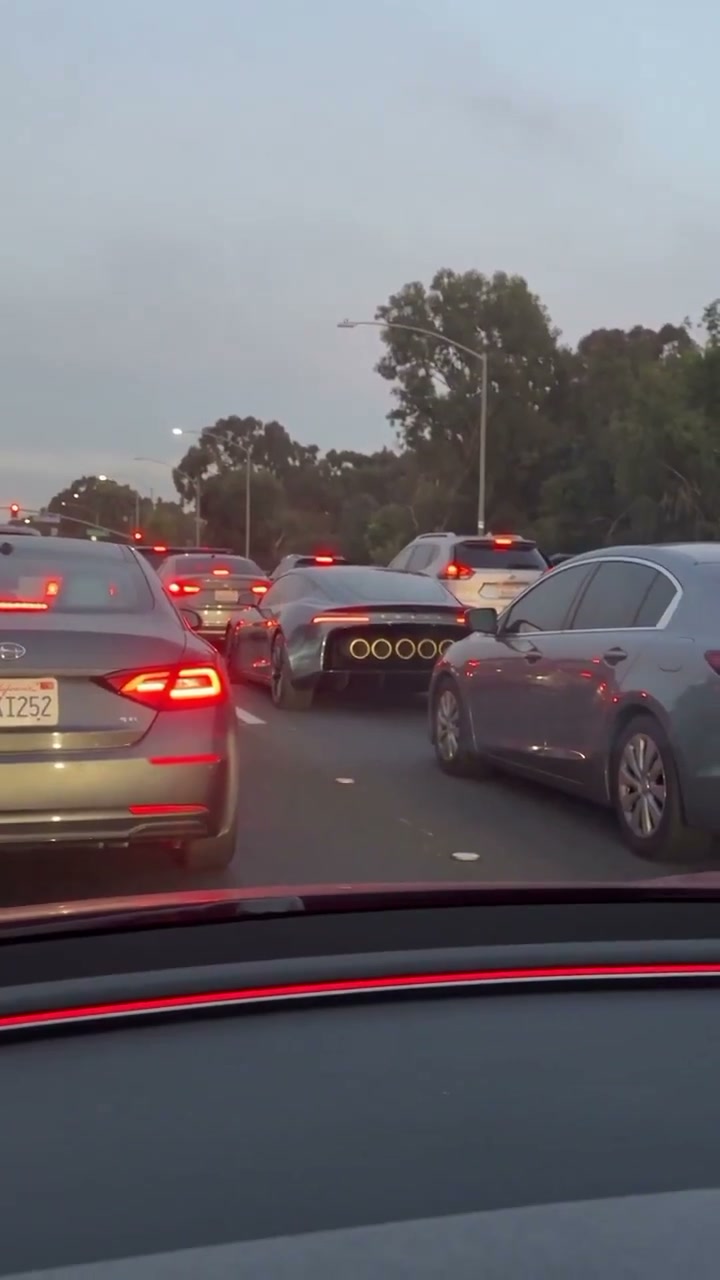
Is the Flying Tesla Roadster Real or AI? The Reveal, the Meme and 16M Views
Fact-checking the viral flying Tesla Roadster video: from the SpaceX McGregor test track reveal to the viral 16M-view traffic jam escape meme.
TrendSwap Team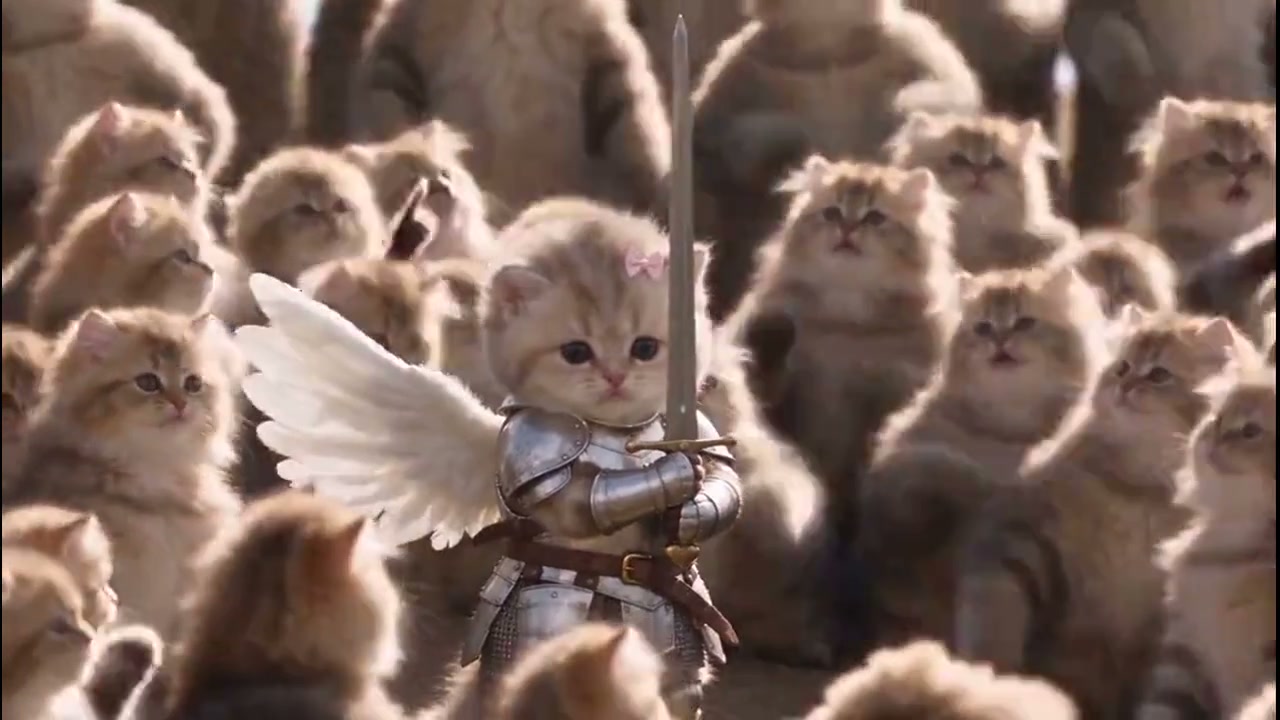
How to Make the Closed on Sunday AI Video (1 Photo, Pets and Any Choir)
Stand completely still while a huge choir sways and sings around you. Turn one photo into the viral Ye Closed on Sunday video in widescreen 16:9.
TrendSwap Team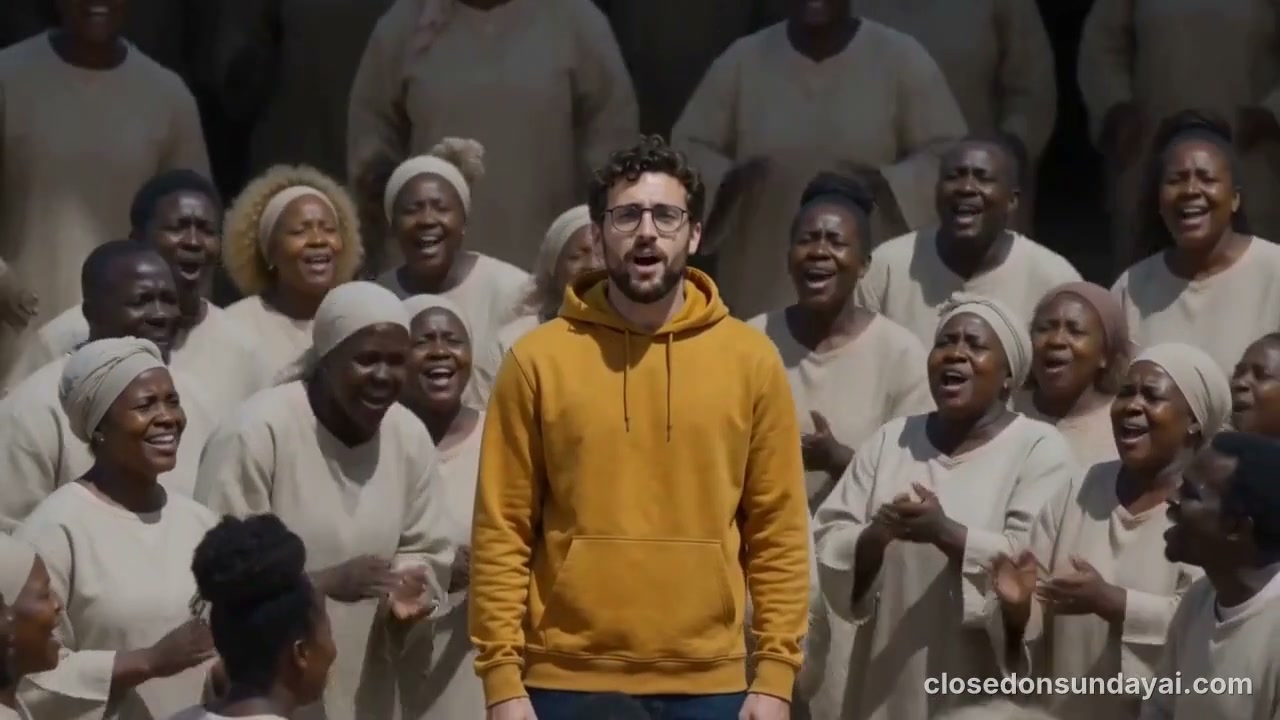
Closed on Sunday Trend Explained: From Ye's 2019 Video to the AI Cat Choir
The cultural history of how Ye’s Sunday Service choir scene became 2026’s viral centerpiece video trend on TikTok and Reels.
TrendSwap Team