How to Make a Le dije a ChatGPT AI Video
 By TrendSwap@trendswapapp
One selfie, glasses and braces: an 11.333-second reveal video with audio.
Pick a scene and make your own Le dije a ChatGPT video
Each scene is a ready-made version of this trend. Choose the one that fits you, upload one photo and get the video. No prompt, no editing.
In this article
Short answer: One selfie, glasses and braces: an 11.333-second reveal video with audio.
Choose your photos and mode
Use one well-lit, chest-up selfie of yourself or a consenting adult. Keep your face unobstructed and show your teeth for braces. TrendSwap is not affiliated with OpenAI or ChatGPT.
Make the video
- Choose the glasses-braces mode and review its available example. A reference shows movement and framing; it does not predict your exact result.
- Upload the photos described above. Selecting a photo runs local checks and displays its original thumbnail; it does not create a personalized AI preview.
- Review the resolution and actual credit price, then generate with the available glasses-braces mode.
- When the job completes, review the picture and audio in My videos, then download the MP4.
Available examples
The glasses-braces mode is currently the only available look. Its public preview and generation reference are 11.333 seconds long with audio.
Audio and sharing
These examples do not grant a license to commercial songs associated with the trend. The glasses-braces video includes audio. Review the export, and add licensed music through the platform where you share it. Use photos you have permission to use and identify realistic AI scenes as generated.
Price and failed jobs
Check the selected mode’s credit price in the studio and pricing. A failed generation returns its credits automatically. Completed results use credits; see the refund policy.
Le dije a ChatGPT
One selfie, glasses and braces: an 11.333-second reveal video with audio.
Related Guides & Tutorials
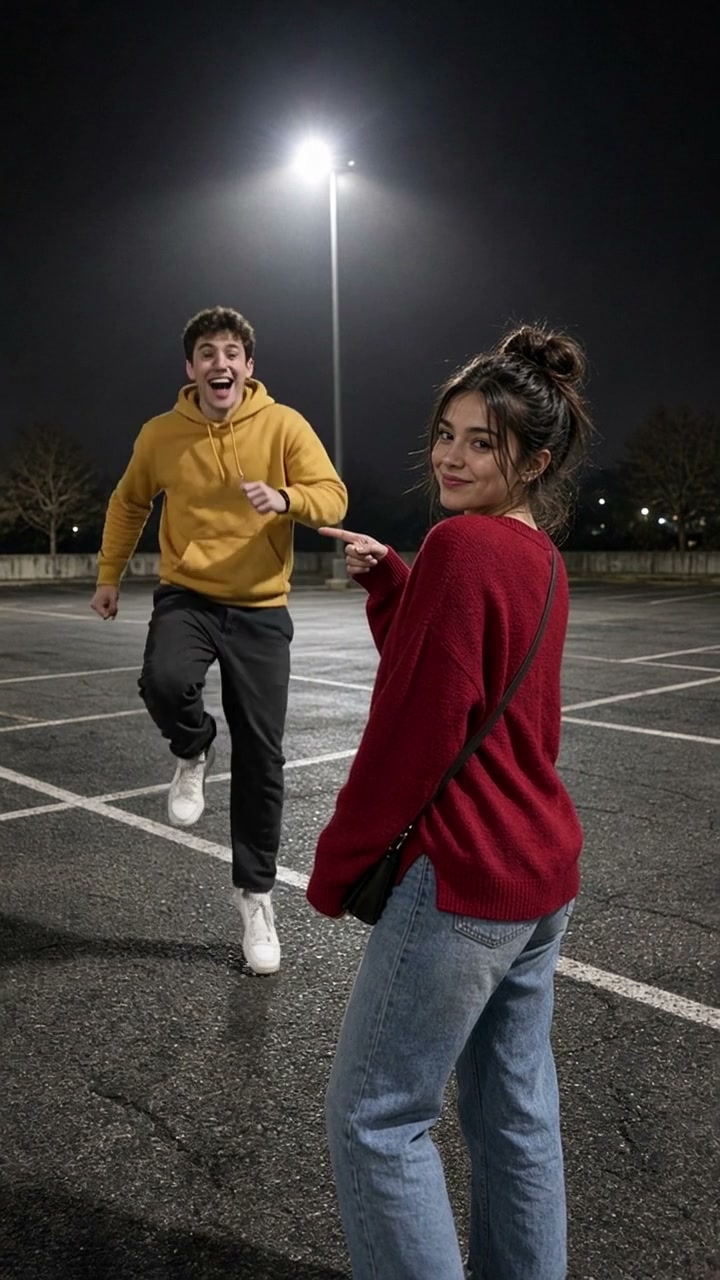
How to Make a Hop Hop Hop AI Video
Point, hop three times and swap places with a friend, your twin or a pet.
TrendSwap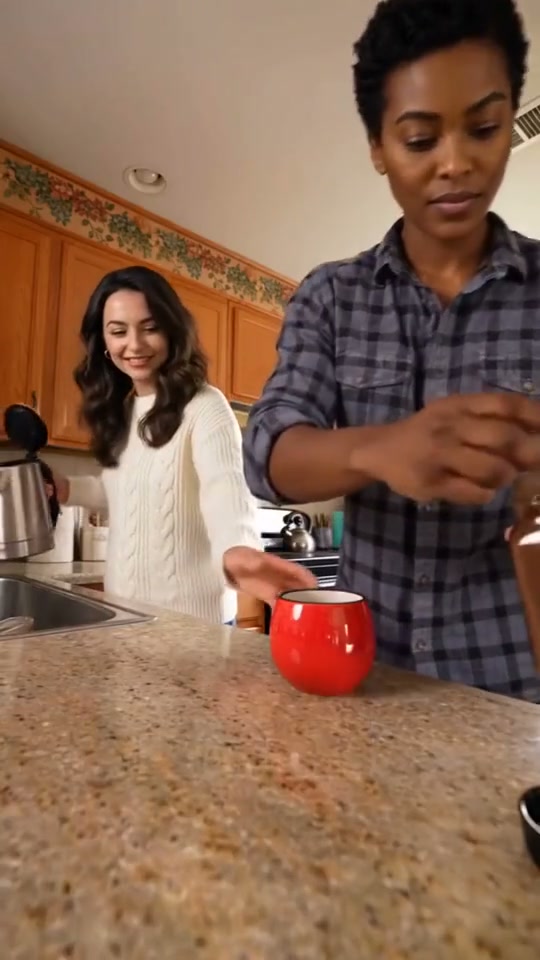
How to Make a Duo Coffee AI Video
Make coffee, spill the milk and share a completely serious stare with your duo.
TrendSwap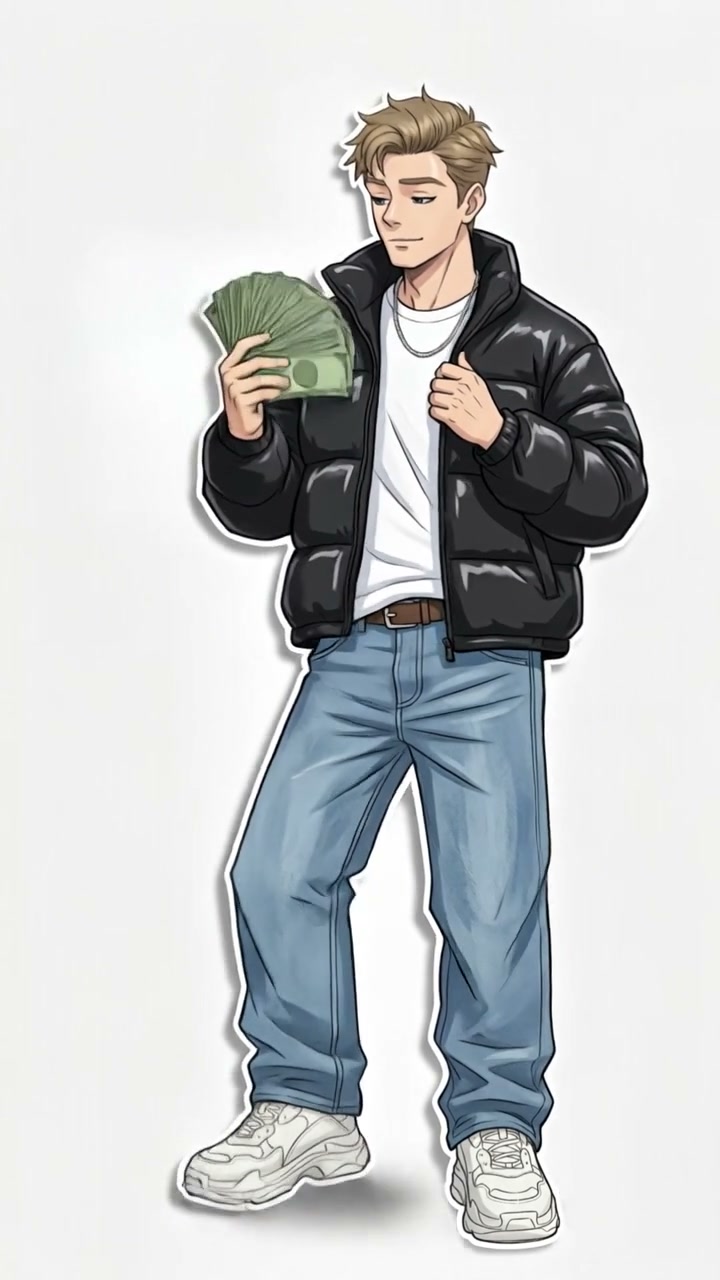
How to Make a Wassup in a Minute AI Video
Become an original streetwear drawing that sways and points on a white background.
TrendSwap