How to Make a Tesla Roadster Flip AI Video From One Photo (No Prompt)
 作者 TrendSwap@trendswapapp
Make the Tesla kickflip with your own car, bike or dog: one photo in, a 15s 9:16 ramp flip with thrusters, smoke and sound out. Photo tips, posting ideas and price from $9.90.
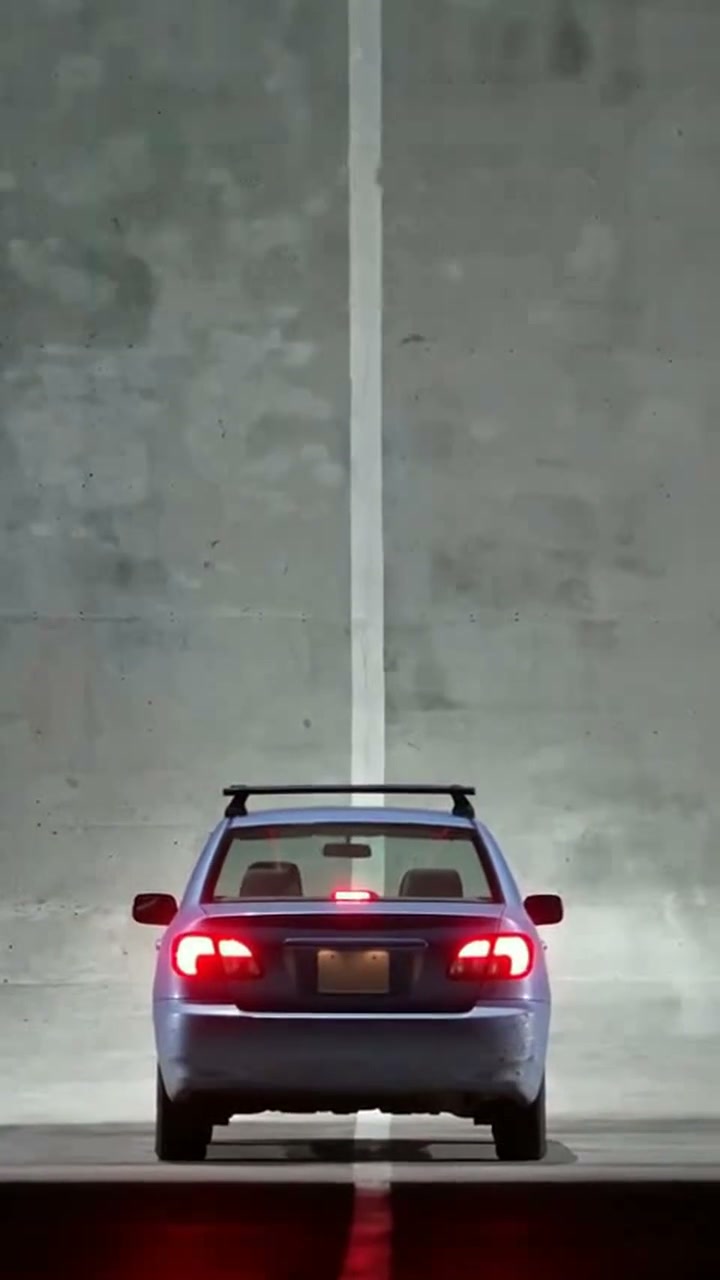
本文目录
Short answer: open the Tesla Roadster Flip AI studio, upload one clear photo of your car, your motorcycle with you on it, or your pet, and press Generate. TrendSwap sends it up the curling ramp at night, off the top upside down, through a cold-gas thruster roll and down into a cloud of white smoke. You get a 15-second vertical MP4 with engine and thruster sound. You do not write a prompt and you do not edit anything.
What the Tesla Roadster flip is
At the October 15, 2026 Roadster demo at SpaceX's McGregor test site, Tesla's car drove up a ramp that curls back on itself, left the top upside down, rolled level on cold-gas thrusters and landed in white vapor. People call it the Tesla kickflip or the Tesla Roadster ramp flip. The meme version puts the caption "Tesla: do a kickflip. My car:" over an ordinary car doing the same stunt.
What you upload and what you get
| You provide | You receive |
|---|---|
| 1 clear daylight photo of one car, one motorcycle with its rider, or one pet | A 15-second MP4, 9:16 vertical |
| Your choice of resolution: 480p, 720p or 1080p | Your car, bike or pet races up the curling ramp, flips upside down, rolls level on thrusters and lands in smoke |
| Nothing else: no prompt, no reference video, no editing | Audio already mixed into the file, no watermark |
What happens in the video
- The start (0s–2s): Your subject waits at the foot of the ramp at night, filmed from behind.
- The climb (2s–6s): It races up the curve while the camera follows from above.
- The flip (6s–10s): It leaves the top upside down, the thrusters fire and it rolls level in the air.
- The landing (10s–15s): It lands in a burst of white and red smoke and rolls or walks out of it.
Choosing the right photo
- Whole subject: the car, bike or pet fills at least a third of the photo and nothing is cut off at the edges. If several cars are in the photo, the biggest one in front goes up the ramp.
- Angle: front or front three-quarter works best for cars. For a motorcycle, sit on it so the rider is in the photo too.
- Light: a sharp daylight photo. Avoid night shots, heavy filters, frames or stickers on top of the image.
- Keep the details: real dents, roof racks, stickers and a dog's markings carry into the video, and they make it funnier.
How to make it in 3 steps
- Upload one photo. Use the photo rules above. The studio shows a free framing preview before you spend credits.
- Pick a resolution and generate. The clip is vertical 9:16, made for TikTok, Reels and Shorts; credits per resolution are in the table below. Sign in and buy a pack if you have no credits yet, then press Generate. Rendering usually takes about 5–15 minutes; you can leave the page while it works.
- Download and post. Open My videos, play the clip and download the MP4 with the sound already on it.
Captions that work
- "Tesla: do a kickflip. My car:"
- "Didn't need the new Roadster. My 15-year-old hatchback does the flip just fine."
- "Tesla: do a kickflip. My corgi:"
- Hashtags: #teslakickflip #roadsterflip #teslaroadster #kickflip #aivideo
Price, credits and failed renders
| Resolution | Credits per clip | Available with |
|---|---|---|
| 480p | 25 | Any pack |
| 720p HD | 50 | Any pack |
| 1080p Full HD | 100 | Trio Pass or Party Pass (the Single Pass goes up to 720p) |
The Single Pass is $9.90 for 50 credits, the Trio Pass $24.90 for 150 and the Party Pass $59.90 for 400 (see pricing). These are one-time packs with no subscription, and credits never expire.
If a generation fails, times out or is blocked by a safety check, the credits for that job return to your balance automatically. A completed video uses its credits, so start with a clear photo. If a finished file is broken or missing audio, email support@trendswap.app with the video reference. Card refunds follow the Refund Policy.
See pricing and the Refund Policy.
FAQ
Do I need to write a prompt?
No. The ramp, the flip, the thrusters, the smoke and the sound are built in. You only upload the photo.
Can I use my motorcycle or my dog?
Yes. A motorcycle goes up with you riding it, so take the photo sitting on the bike. Dogs and other pets run up the ramp on their own.
Is this the same as the Flying Tesla Roadster template?
No. The Flying Tesla Roadster template puts you in the driver's seat of a Roadster that escapes a traffic jam. This one is the ramp flip from the October demo, done by your own car, bike or pet.
Is Tesla Roadster Flip for one person or two?
One. Upload 1 clear, front-facing photo with a single person or pet in frame. Group photos are not supported.
Can I use a photo of my pet?
Yes. This template works with a cat, dog or other pet photo as well as people. Use a clear photo with the pet's face visible.
Does the exported video include the original sound?
Yes. The audio is already mixed into the downloaded MP4, so you do not need to add the soundtrack in an editor.
How long is the video and what resolution do I get?
Every video from this template is 15 seconds, 9:16 vertical, as a watermark-free MP4. Choose 480p (25 credits), 720p (50 credits) or 1080p (100 credits). The Single Pass covers up to 720p; the Trio Pass or Party Pass unlocks 1080p.
What happens to my credits if the video fails?
If a generation fails, times out or is blocked by a safety check, the credits for that job return to your balance automatically (25, 50 or 100 by resolution). The video page shows the job status and whether the credits were returned.
What if I'm not happy with the result?
Credits come back automatically only when a generation fails; a completed video uses its credits. Results depend on photo clarity and lighting, so a sharp, front-facing, well-lit photo works best, and the studio shows a free framing preview before you spend credits. If a finished video has a serious technical problem, such as a broken file or missing audio, email support@trendswap.app with the video reference. Duplicate charges and purchases that never reached your account are handled under our refund policy.
How long are my photos and videos kept, and how do I delete them?
Your uploaded photo and finished videos stay in your account until you delete them; nothing expires automatically. Delete a video in My videos (/videos): this permanently removes the video file and the photo it was made from. You can remove an unused photo in the studio. To erase your whole account, email support@trendswap.app with the subject "Privacy Request". We do not use your photos or videos to train public AI models.
Photos and permissions
Use photos you have the right to use. A pack pays for creating the video; it does not grant rights to the original clips. TrendSwap is independent and is not affiliated with Tesla or SpaceX. The video is AI-generated entertainment: do not try the stunt in real life.
Open the Tesla Roadster Flip studio. More: how did the Tesla Roadster drive upside down? Also see AI meme video tools that need no prompt.
Tesla Roadster Flip AI Video Generator
Your car, bike or dog does the Tesla kickflip: up the curling ramp, upside down, thrusters and a smoke landing, from one photo.
Related Guides & Tutorials
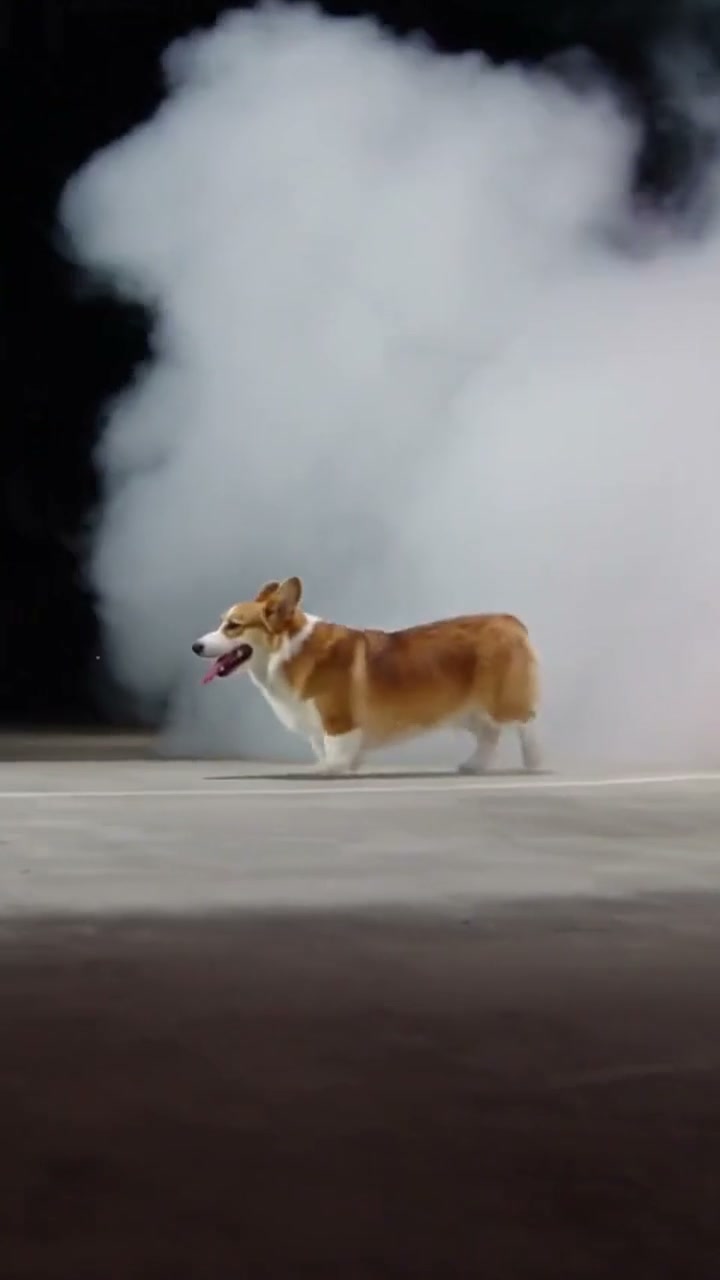
How Did the Tesla Roadster Drive Upside Down? The Ramp Flip Explained
What happened at the October 15 Roadster demo, why the car came off the ramp upside down, how the “Tesla: do a kickflip” meme started, and four ways to put your own ride on the ramp.
TrendSwap
How to Make the Yujin Looks Can Kill Teleport Video With AI (No Prompt)
Put yourself in the IVE Looks Can Kill fancam: one photo in, a 6s 9:16 dance with the mid-move glitch-teleport and the original sound out. Photo tips and price from $9.90.
TrendSwapYujin's Teleport: How an IVE Fancam Glitched the Internet
Where the Looks Can Kill teleport came from, the numbers behind the fancam (1.53M and 1.44M views), why fans say the frames dropped, and four ways to remix it.
TrendSwap