How to Make a Baby Knight AI Video with Giant Guardian
 TrendSwap Team
Step-by-step guide to transform 1 photo into a tiny knight facing the storm with a massive armoured guardian, synced to M83 Outro soundtrack.
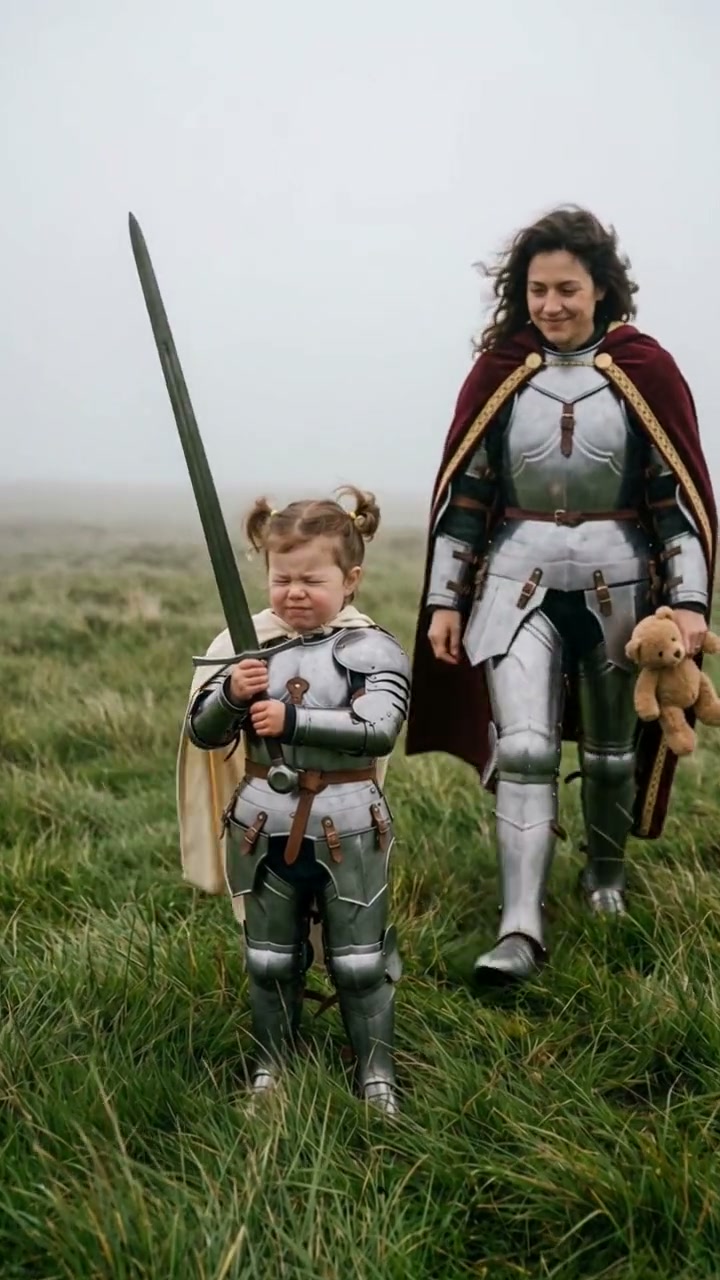
The Baby Knight AI Video Generator takes one portrait photo and places you—or your pet—as a pint-sized brave warrior in ornate silver plate armor standing against a stormy tundra. When the winds rage and the iconic cinematic strings of M83's "Outro" swell to a climax, a massive eight-foot armored guardian steps forward from the mist to kneel and shield you from the tempest.
Step-by-Step Creation Walkthrough
Creating your cinematic Baby Knight video is effortless on TrendSwap:
- Upload 1 front-facing photo: Select a clear solo photo of an adult (18+) or a pet (dog, cat, rabbit). Make sure the face and eyes are clearly visible without heavy obstructions like dark sunglasses or extreme shadows.
- Review framing & lighting: The neural model analyzes your facial geometry, hair texture, and skin tone to craft custom silver engraved armor and an ivory cape matching your identity.
- Select format & resolution: The template renders in 9:16 vertical (1080x1920 or 720x1280), perfectly formatted for TikTok, Instagram Reels, and YouTube Shorts. Choose 720p HD (50 credits) or 1080p Pro (100 credits).
- Generate your clip: Click MAKE MY KNIGHT VIDEO. Rendering takes approximately 2 to 3 minutes.
- Download your finished MP4: Your video arrives fully rendered with the swelling cinematic orchestral audio track embedded, requiring zero post-production or CapCut editing.
Best Photo Practices for Maximum Likeness
To achieve movie-quality knight transformations:
- Eye Contact: A photo looking directly toward the camera produces a fierce, determined gaze under the windswept battlefield atmosphere.
- Hair Detail: Loose strands or distinct hairstyles transfer beautifully into the fluttering wind-simulation physics of the scene.
- Pet Transformations: For pets (Knight Cat or Knight Dog), full-frontal portraits with clearly defined ears and whiskers create an adorable visual contrast with the gigantic brooding guardian.
- Safety Compliance: TrendSwap enforces strict ethical guardrails. The "baby" moniker refers to the miniature fantasy stature of the armor; all human input photos must be adults (18+).
Output Specs & Credit Costs
| Resolution | Credits | Optimal Use Case | Availability |
|---|---|---|---|
| 480p | 25 credits | Mobile messaging & quick tests | Single ($9.90) |
| 720p HD | 50 credits | TikTok & Instagram Reels | Single / Trio / Party |
| 1080p Full HD | 100 credits | 4K screens & high-definition reels | Trio ($24.90) / Party ($59.90) |
Packs are pay-as-you-go with no recurring subscription. Credits never expire and carry an automatic refund shield: if an upstream generation gets interrupted or flagged, your credits return immediately to your balance.
Ready to claim your guardian? Open the Baby Knight AI Studio and generate your clip today.
Baby Knight AI Video Generator
Stand against the storm in silver armor with a giant guardian protector from 1 photo.
Related Guides & Tutorials
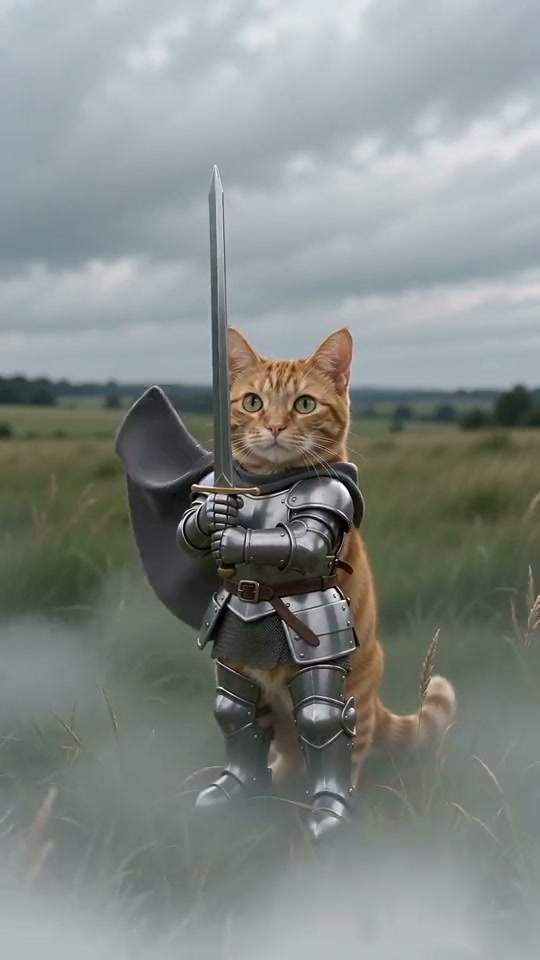
Baby Knight AI Trend: Creative Prompts & Ideas
Explore creative Baby Knight concepts from Knight Cats to gym bro warriors, prompt engineering secrets, and TikTok virality strategies.
TrendSwap Team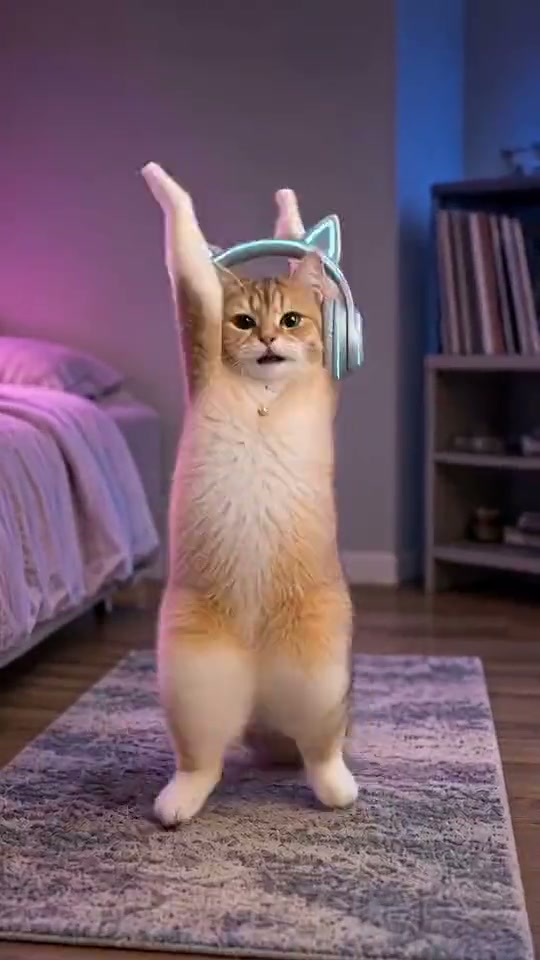
How to Make the SaWaDiKa Dance AI Video From One Photo (15s, With the Song)
Turn one full-body photo into the viral LISA SaWaDiKa chorus dance video with palms-together hooks, hip sways, and authentic Thai wai choreography.
 TrendSwap Team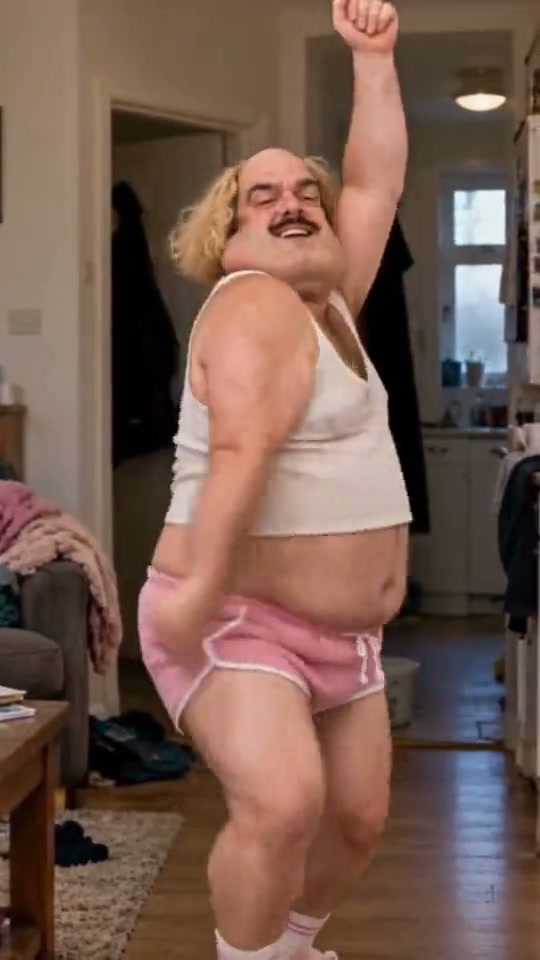
SaWaDiKa Dance Explained: From LISA’s 212M-View MV to the Global AI Dance Trend
Explore the cultural origins of LISA’s SaWaDiKa dance, the meaning of the Thai wai greeting, and how it evolved into a worldwide AI video sensation.
TrendSwap Team