How to Make the Coldplay Kiss Cam AI Video From Two Photos (12s, 9:16)
 TrendSwap Team
Step-by-step guide to generating the viral Coldplay concert kiss cam video with two photos, featuring giant jumbotron framing and roaring crowd audio.
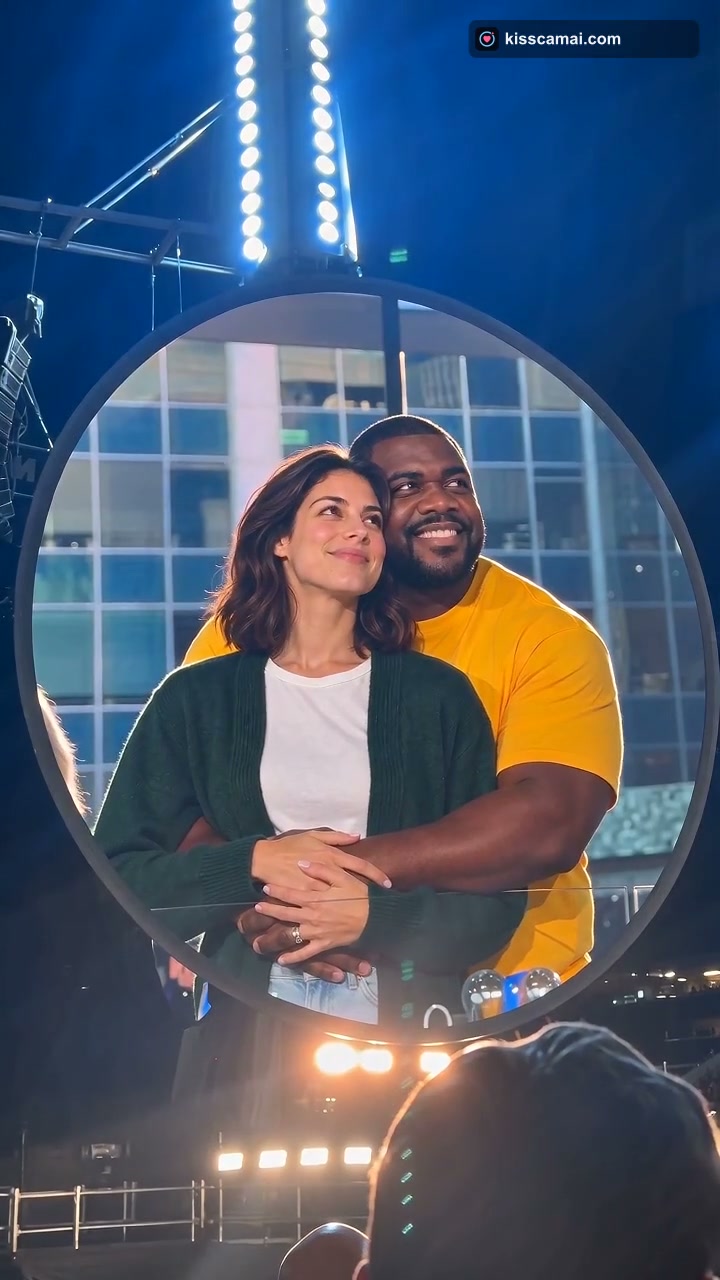
The Coldplay Kiss Cam AI Video Generator turns two photos (or one couple photo) into October 2026’s biggest viral stadium trend: being unexpectedly caught on a giant concert jumbotron kiss cam, frantically covering your face, and diving behind the venue railing while tens of thousands of fans cheer and laugh.
Inspired by a real 133-million-view clip from Coldplay's Music of the Spheres tour at Gillette Stadium, this viral template lets friends, couples, and creators recreate the ultimate stadium panic moment in seconds.
What the Coldplay Kiss Cam Video Looks Like: 4 Beats
The finished 12-second vertical MP4 mimics a live handheld phone recording zoomed in on a massive circular stadium video board:
- The Blissful Sway (0s–4s): Under blazing concert lighting and a sea of glowing wristbands, your two subjects are shown embracing and gently swaying in the center of the giant circular screen.
- The Sudden Realization (4s–7s): Both subjects look up, notice their faces projected 100 feet tall for the entire stadium to see, and freeze in wide-eyed shock.
- The Panic Hide and Duck (7s–10s): The front subject throws both hands over their face and spins away in embarrassment, while the rear partner instantly ducks down out of frame behind the steel safety railing.
- The Crowd Roar (10s–12s): The camera lingers on the empty railing as Chris Martin laughs over the PA system and the entire arena erupts in a deafening chorus of "Ooooh!" and laughter.
Step-by-Step Creation on TrendSwap
- Upload Two Solo Photos or One Duo Photo:
- Two Solo Photos: Photo 1 will be the front person who covers their face; Photo 2 will be the partner who hugs from behind and ducks down.
- One Duo Photo: If you upload a single photo of both of you, TrendSwap’s neural engine automatically maps both people to their respective positions.
- Keep Your Real Outfits: Whatever you are wearing in your photos is rendered directly into the stadium seats—jackets, hoodies, formalwear, or festival gear.
- Select Your Resolution: Default output is 480p SD for 25 credits (a $9.90 Single Pass covers 2 full videos). You can expand the settings anytime for 720p HD (50 credits) or 1080p Full HD (100 credits).
- Generate & Download: Click PUT US ON THE KISS CAM. In 2–3 minutes, your watermark-free 9:16 vertical MP4 arrives with authentic stadium acoustics and crowd audio already synchronized.
Photo Recommendations for the Best Results
- Waist-Up Framing: Photos framed from the waist up work best, ensuring both individuals' arms, shoulders, and expressions are clearly visible.
- Both Eyes Visible: Front-facing angles allow the facial recognition engine to preserve 100% of your real facial bone structure during the panic reaction.
- Even Lighting: Natural or bright indoor light produces the cleanest results against the dramatic nighttime concert backdrop.
Coldplay Kiss Cam AI Video
Get caught on the giant concert jumbotron, cover your face, and duck behind the railing with roaring crowd audio.
Related Guides & Tutorials
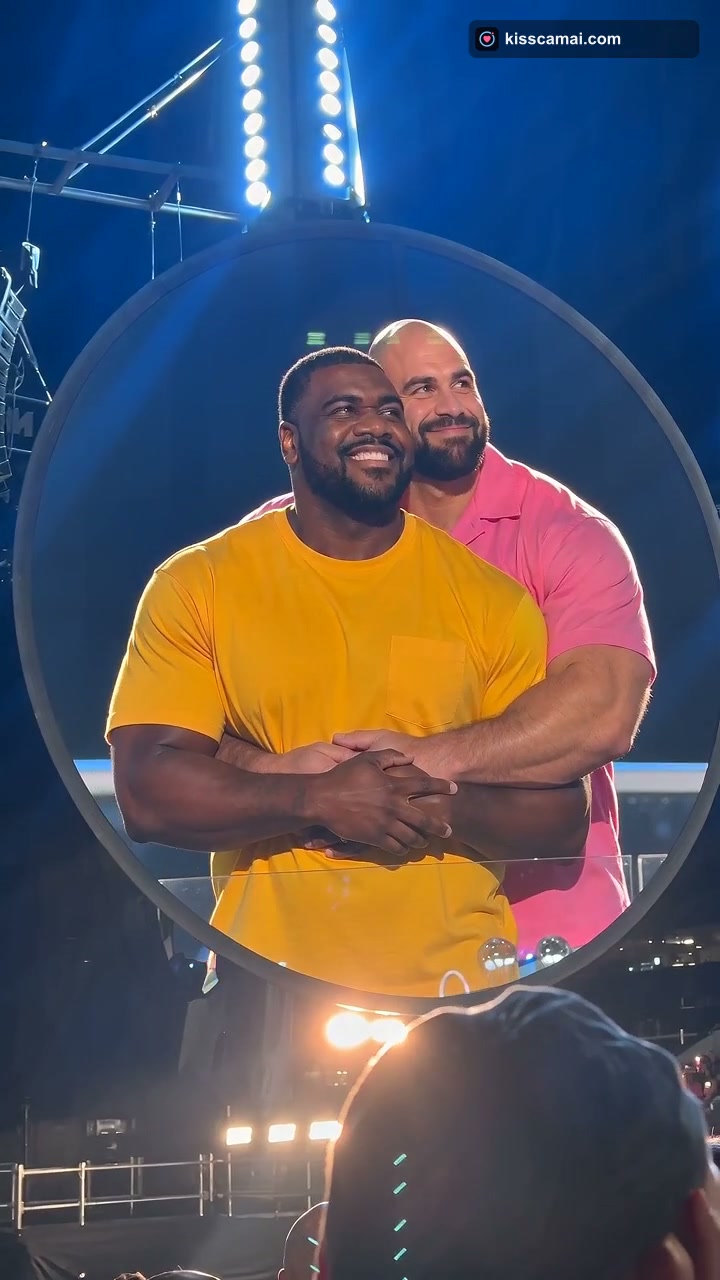
Coldplay Kiss Cam AI Trend Explained: From a 133M-View Concert Clip to Viral Memes
Discover how a real Gillette Stadium concert moment became the viral Coldplay affair filter and kiss cam AI meme that took over social media.
TrendSwap Team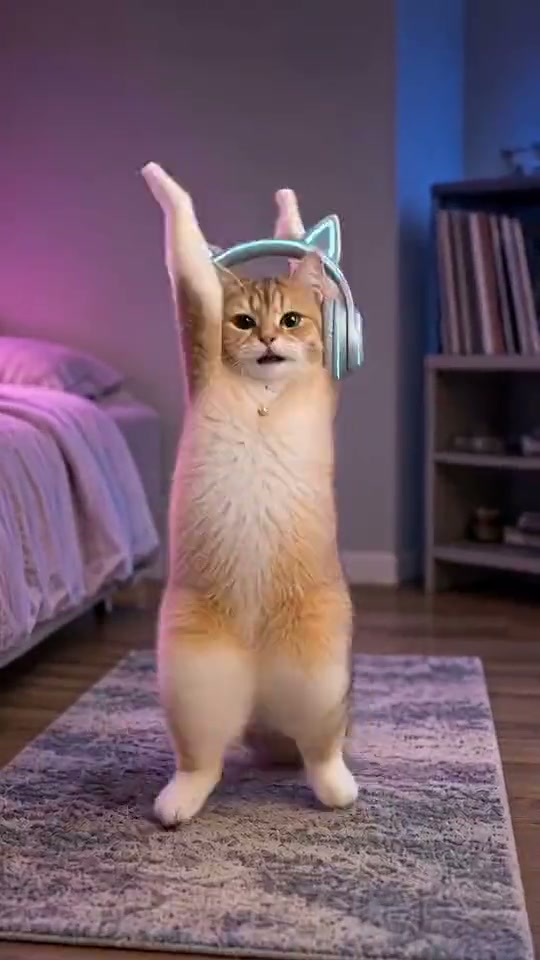
How to Make the SaWaDiKa Dance AI Video From One Photo (15s, With the Song)
Turn one full-body photo into the viral LISA SaWaDiKa chorus dance video with palms-together hooks, hip sways, and authentic Thai wai choreography.
TrendSwap Team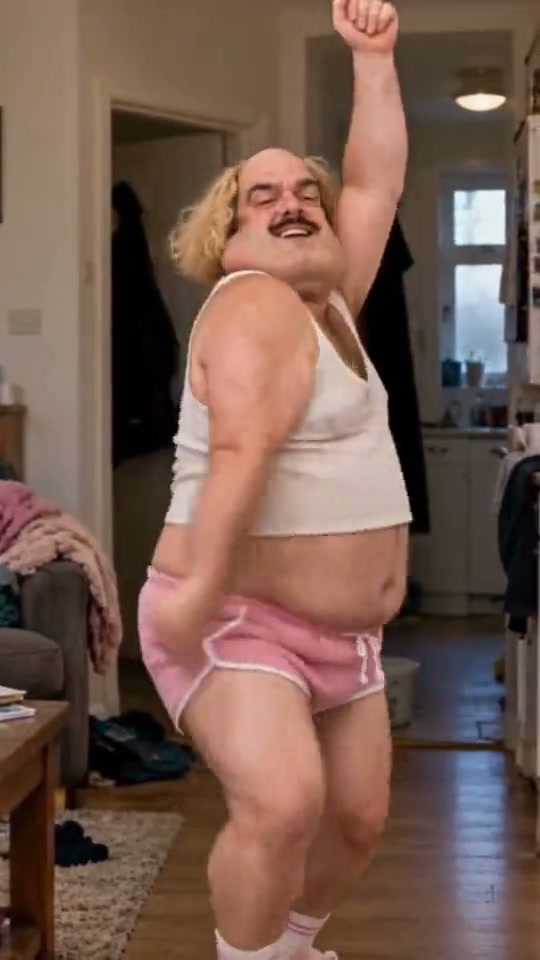
SaWaDiKa Dance Explained: From LISA’s 212M-View MV to the Global AI Dance Trend
Explore the cultural origins of LISA’s SaWaDiKa dance, the meaning of the Thai wai greeting, and how it evolved into a worldwide AI video sensation.
TrendSwap Team