How to Make the Toc Toc AI Dance Video From One Photo
 作成 TrendSwap@trendswapapp
Dance the viral Jean Phil Toc Toc routine from one photo of you or your pet: hops, knocks, kicks and a wide-arm finish. 11s 9:16 MP4 from $9.90.
この記事の目次
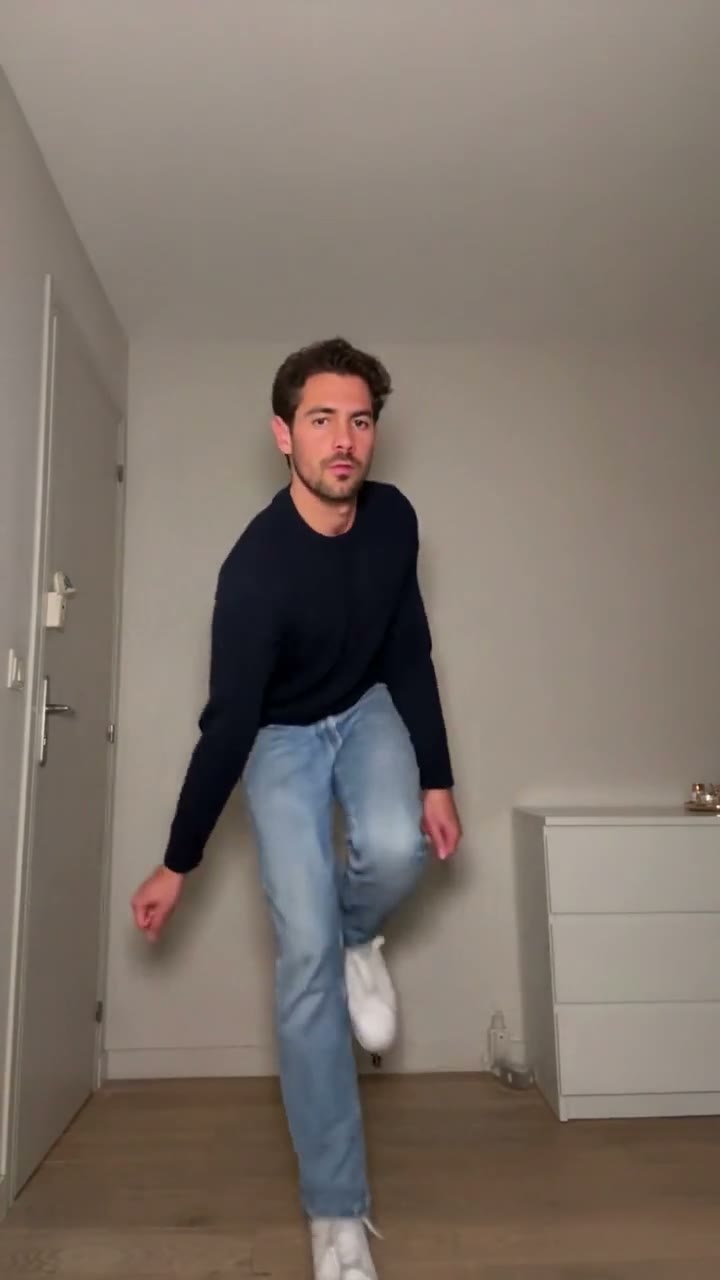
Short answer: open the Toc Toc Dance AI studio, upload one full-body photo of you or your pet, and press Generate. TrendSwap puts you in the bare white room from the viral clip and makes you dance the whole routine: one-foot hops with a knee up, a fist knocking on an invisible door, kicks and the wide-arm finish. You get a 11-second MP4 with the Toc Toc song mixed in. No prompt, no CapCut template, no editing.
What you upload and what you get
| You provide | You receive |
|---|---|
| 1 clear, front-facing photo of a person or a pet | A 11-second MP4, 9:16 vertical |
| Your choice of resolution: 480p, 720p or 1080p | The white room, the hops, the knock on an invisible door, the kicks and the wide-arm finish |
| Nothing else: no prompt, no reference video, no editing | Audio already mixed into the file, no watermark |
What happens in the video
- The first hops (0s–3s): You face the camera and start hopping on one foot with the other knee up.
- The knock (3s–6s): You turn to the side and knock on an invisible door with your fist, still hopping on the beat.
- The kicks (6s–9s): Alternating kicks and a quick turn, every step on the beat.
- The finish (9s–11s): You face the camera again and open both arms wide.
How to make it in 3 steps
- Upload one full-body photo. Use a sharp photo of one person or one pet, head to toe, facing the camera. Waist-up photos force the AI to invent your legs, and a pet dances upright on its hind legs. The studio shows a free framing preview before you spend credits.
- Pick a resolution and generate. Choose 480p, 720p or 1080p. Sign in and buy a pack if you have no credits yet, then press Generate. Rendering usually takes about 5–15 minutes; you can leave the page while it works.
- Download and post. Open My videos, play the clip and download the MP4. The Toc Toc song is already in the file, so you can post it straight to TikTok, Reels or Shorts.
Price, credits and failed renders
| Resolution | Credits per clip | Available with |
|---|---|---|
| 480p | 25 | Any pack |
| 720p HD | 50 | Any pack |
| 1080p Full HD | 100 | Trio Pass or Party Pass (the Single Pass goes up to 720p) |
The Single Pass is $9.90 for 50 credits, the Trio Pass $24.90 for 150 and the Party Pass $59.90 for 400 (see pricing). These are one-time packs with no subscription, and credits never expire.
If a generation fails, times out or is blocked by a safety check, the credits for that job return to your balance automatically. A completed video uses its credits, so start with a clear photo. If a finished file is broken or missing audio, email support@trendswap.app with the video reference. Card refunds follow the Refund Policy.
See pricing and the Refund Policy.
FAQ
Can my cat or dog do it?
Yes. Upload a whole-body photo of one pet. It dances upright on its hind legs, like the golden retriever and Siamese cat examples on the template page.
Can I do the Duo or Trio version?
Not in this template. Each video dances one person or one pet, so upload a solo photo.
Is Toc Toc Dance AI for one person or two?
One. Upload 1 clear, front-facing photo with a single person or pet in frame. Group photos are not supported.
Can I use a photo of my pet?
Yes. This template works with a cat, dog or other pet photo as well as people. Use a clear photo with the pet's face visible.
Does the exported video include the original sound?
Yes. The audio is already mixed into the downloaded MP4, so you do not need to add the soundtrack in an editor.
How long is the video and what resolution do I get?
Every video from this template is 11 seconds, 9:16 vertical, as a watermark-free MP4. Choose 480p (25 credits), 720p (50 credits) or 1080p (100 credits). The Single Pass covers up to 720p; the Trio Pass or Party Pass unlocks 1080p.
What happens to my credits if the video fails?
If a generation fails, times out or is blocked by a safety check, the credits for that job return to your balance automatically (25, 50 or 100 by resolution). The video page shows the job status and whether the credits were returned.
What if I'm not happy with the result?
Credits come back automatically only when a generation fails; a completed video uses its credits. Results depend on photo clarity and lighting, so a sharp, front-facing, well-lit photo works best, and the studio shows a free framing preview before you spend credits. If a finished video has a serious technical problem, such as a broken file or missing audio, email support@trendswap.app with the video reference. Duplicate charges and purchases that never reached your account are handled under our refund policy.
How long are my photos and videos kept, and how do I delete them?
Your uploaded photo and finished videos stay in your account until you delete them; nothing expires automatically. Delete a video in My videos (/videos): this permanently removes the video file and the photo it was made from. You can remove an unused photo in the studio. To erase your whole account, email support@trendswap.app with the subject "Privacy Request". We do not use your photos or videos to train public AI models.
Photos and permissions
Use your own photo, a photo of another adult who has agreed to it, or a photo of a pet you own. Do not upload celebrities, public figures or minors. A pack pays for creating the video; it does not grant commercial rights to the music or anyone's likeness. TrendSwap is independent and is not endorsed by Jean Phil, Patrick Sébastien or the creators of the original clips.
Open the Toc Toc Dance studio. More: the Toc Toc dance meaning and remix ideas. Also see AI meme video tools that need no prompt.
Toc Toc Dance AI Video Generator
Hop, knock on an invisible door, kick and finish wide-armed: the viral Toc Toc dance from one photo of you or your pet.
Related Guides & Tutorials
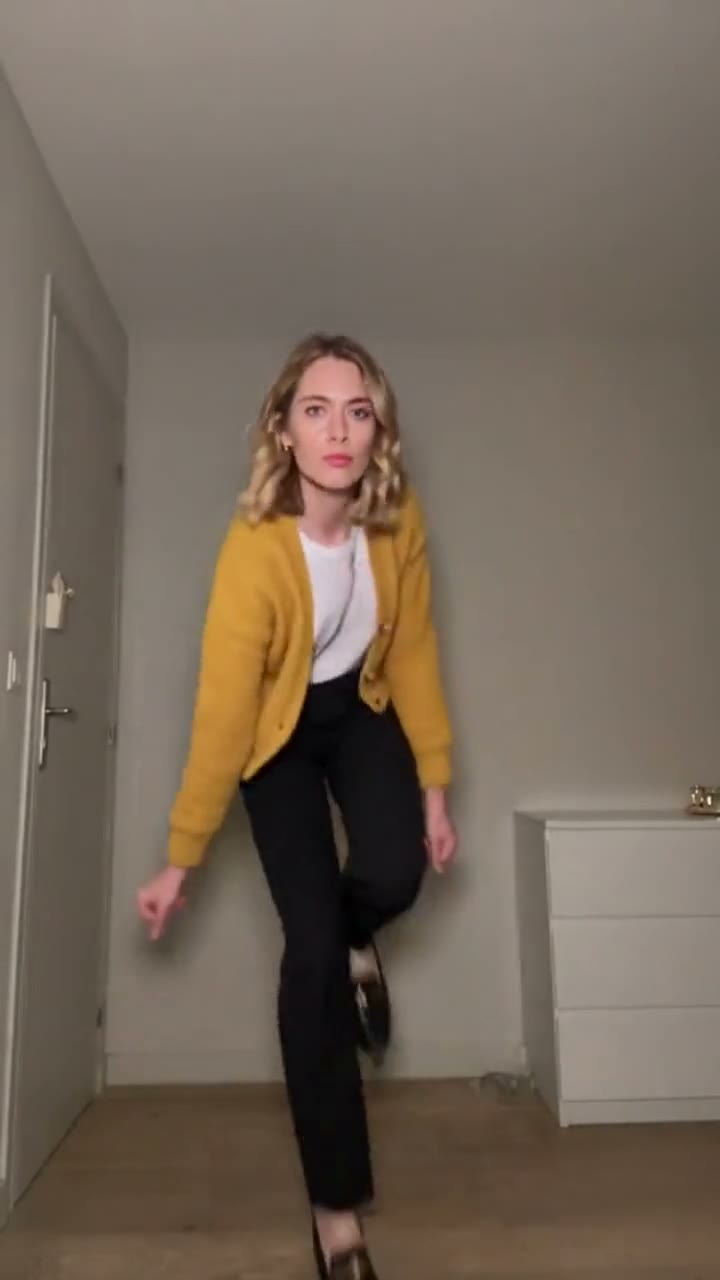
Toc Toc Dance Meaning: Jean Phil, the Song and 4 Ways to Remix It
Who is Jean Phil, which song is the Toc Toc dance set to, and how did a French solo in an empty room become a TikTok trend? Plus four remix ideas.
TrendSwap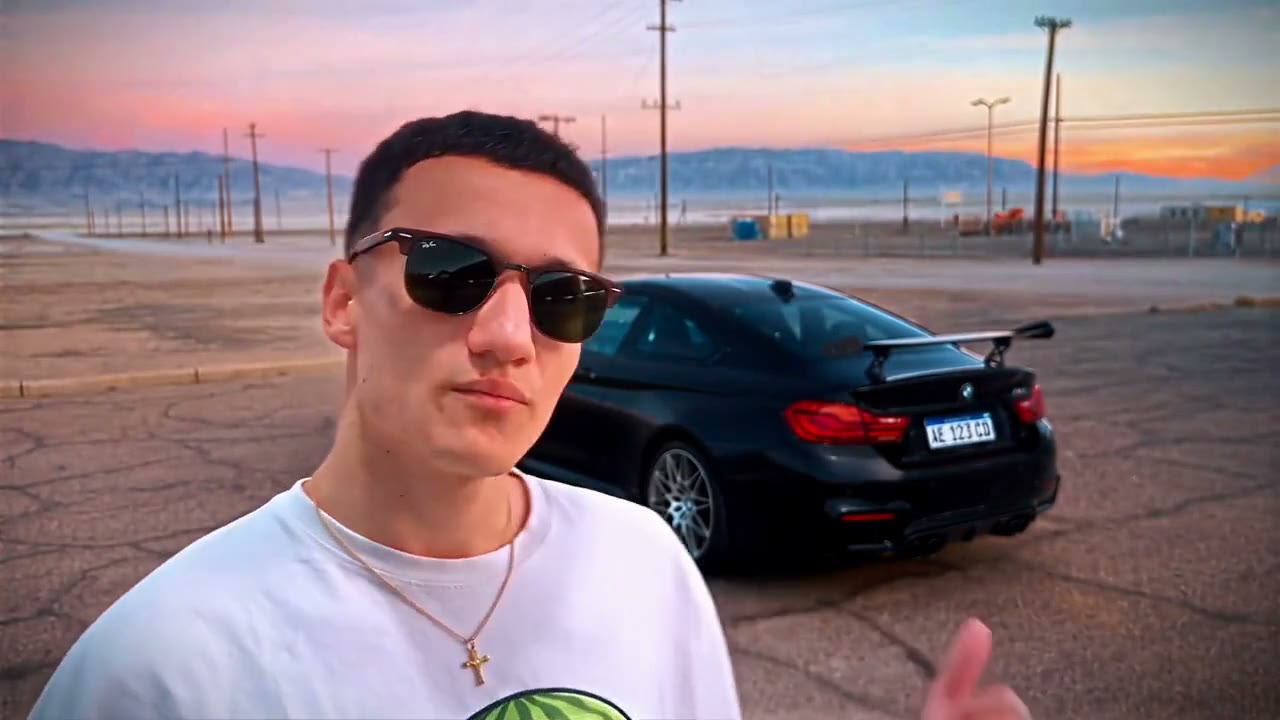
How to Do the Unforgettable Car (24 Card) Trend With AI From One Selfie
Hold up the 2 and 4, flick the cards at the lens and a sports car appears behind you. One selfie, 11s 16:9 MP4 from $9.90.
TrendSwap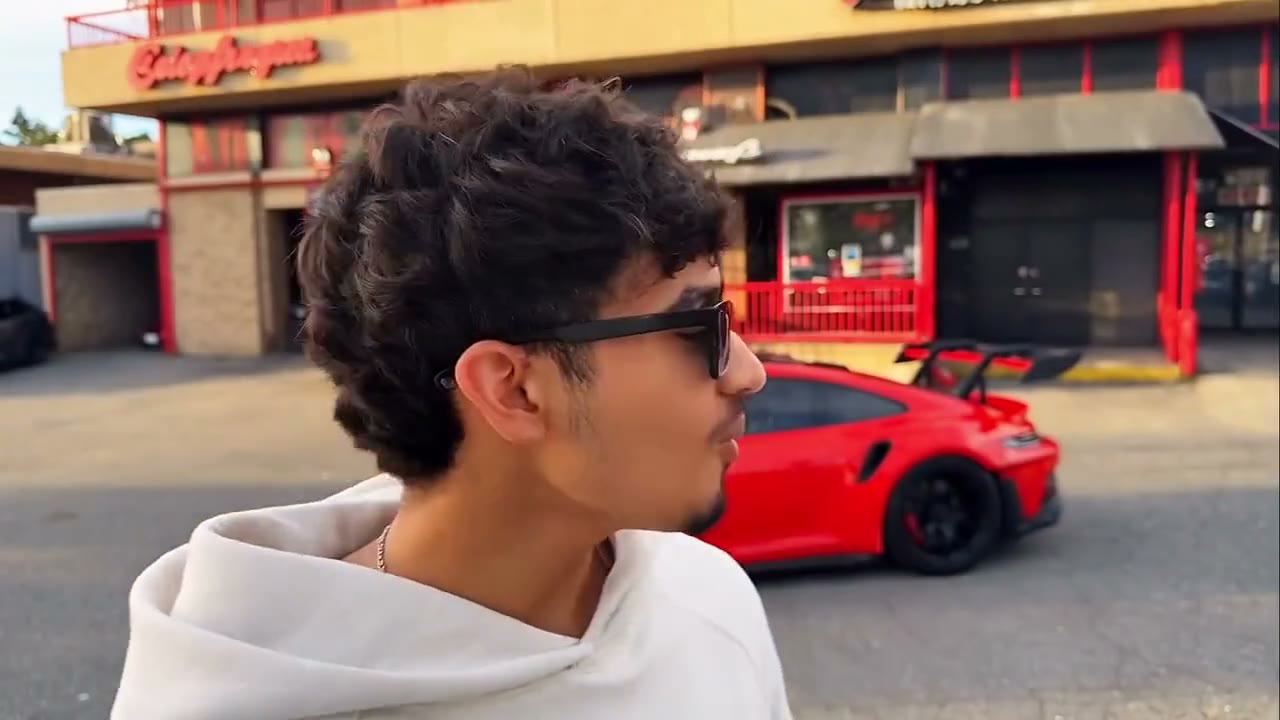
What Is the 24 Car Trend? The Unforgettable Song, the Cards and 4 Remix Ideas
Why people hold up a 2 and a 4, flick the cards at the camera and reveal a sports car, which song it uses, and four ways to make your own version.
TrendSwap