How to Make the SaWaDiKa Dance AI Video From One Photo (15s, With the Song)
 TrendSwap Team
Turn one full-body photo into the viral LISA SaWaDiKa chorus dance video with palms-together hooks, hip sways, and authentic Thai wai choreography.
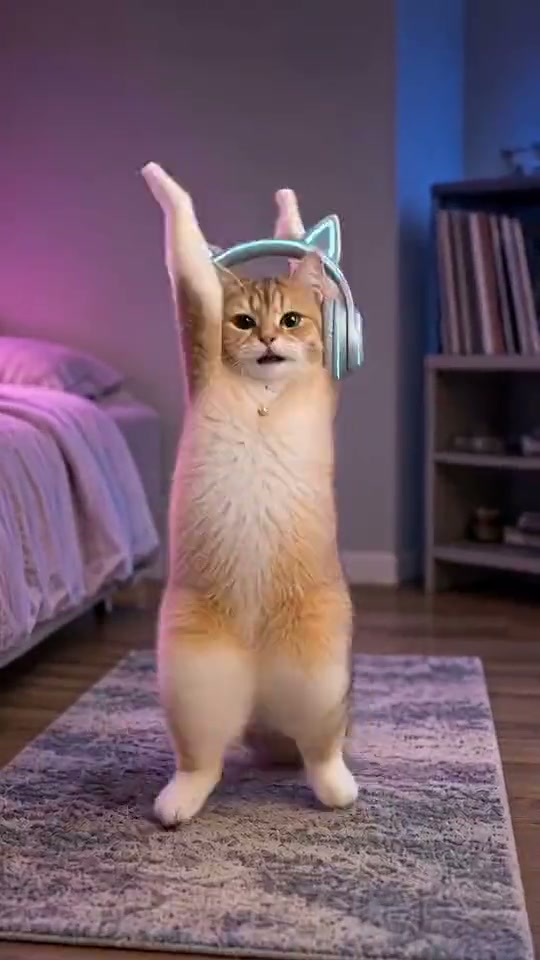
The Sawadika AI Video Generator transforms a single full-body photo into the explosive dance challenge inspired by global superstar LISA’s hit single "SaWaDiKa". From energetic living room solos to office hallways and dance studios, anyone can now perform the complete 15-second chorus routine in their own environment without practicing choreography or filming on camera.
What the SaWaDiKa Dance Video Looks Like: 5 Choreography Beats
The finished 15-second vertical 9:16 clip follows the iconic choreography of LISA’s viral music video and live performances:
- The Palms-Together Overhead Spin (0s–3s): Your dancer raises both hands pressed firmly together above their head, performing a light hop and sharp 180-degree spin on the beat.
- The Diagonal Arm Accents & Kicks (3s–7s): Punching both arms diagonally across the body, your dancer executes crisp side-kicks and rhythmic hip sways in perfect sync with the bassline.
- The Traditional Thai Wai (7s–11s): Bringing both palms together at chest level in the traditional Thai wai greeting gesture, your dancer performs energetic cross-hops while smiling confidently into the lens.
- The High-Energy Hip Sways (11s–13s): Shifting weight with rhythmic bounce, your dancer moves shoulders and hips to the song's infectious synth hook.
- The Victory V-Arms Finish (13s–15s): Both arms shoot up into a sharp V-pose as your dancer leaps onto both feet and locks into a camera-ready freeze frame as the chorus resolves.
Step-by-Step Creation on TrendSwap
- Upload One Full-Body Photo:
- Make sure your full body is visible from head to shoes.
- Stand facing the camera with your arms slightly away from your torso.
- Your Photo Becomes Your Stage:
- Wherever you take your photo—your bedroom, living room, gym, or backyard—becomes the authentic setting for your dance video.
- Your clothes, shoes, and hairstyle are preserved 100% throughout the entire performance.
- Select Your Resolution: Default output is 480p SD for 25 credits (a $9.90 Single Pass covers 2 full videos). Expand settings anytime for 720p HD (50 credits) or 1080p Full HD (100 credits).
- Hit Generate & Share: Click DANCE THE SAWADIKA. Within 2–3 minutes, your watermark-free 9:16 vertical MP4 arrives with the official "SaWaDiKa" audio synchronized to every footstep and clap.
Photo Tips for Flawless Motion Transfer
- Clear Floor and Space: Avoid standing behind furniture, tables, or beds that obscure your legs or feet.
- Good Contrast: Wear clothing that stands out cleanly against your background.
- Natural Standing Posture: Avoid sitting, crouching, or leaning against walls so the AI motion engine can map full leg and hip movement accurately.
Sawadika AI Video Generator
Dance the viral LISA SaWaDiKa chorus with palms together, sharp kicks, and Thai wai in your own scene.
Related Guides & Tutorials
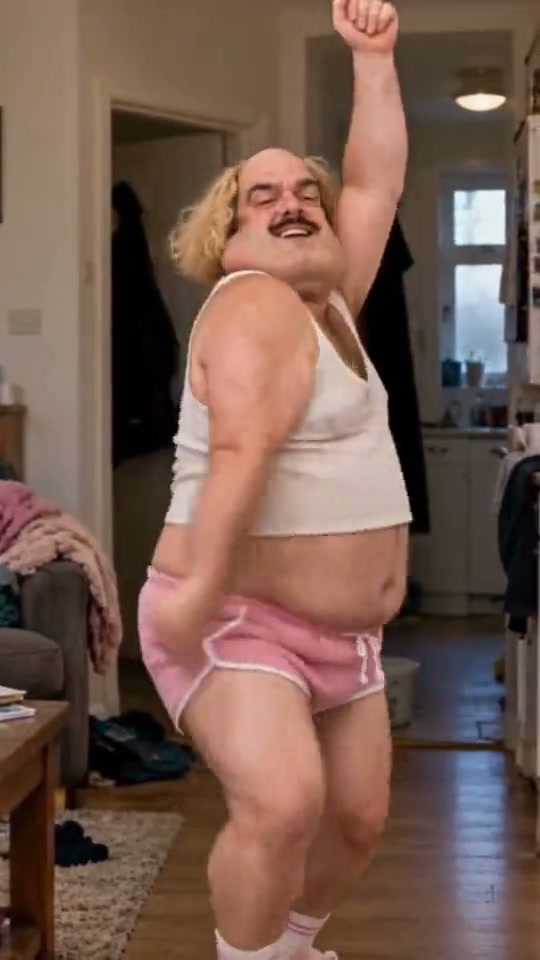
SaWaDiKa Dance Explained: From LISA’s 212M-View MV to the Global AI Dance Trend
Explore the cultural origins of LISA’s SaWaDiKa dance, the meaning of the Thai wai greeting, and how it evolved into a worldwide AI video sensation.
TrendSwap Team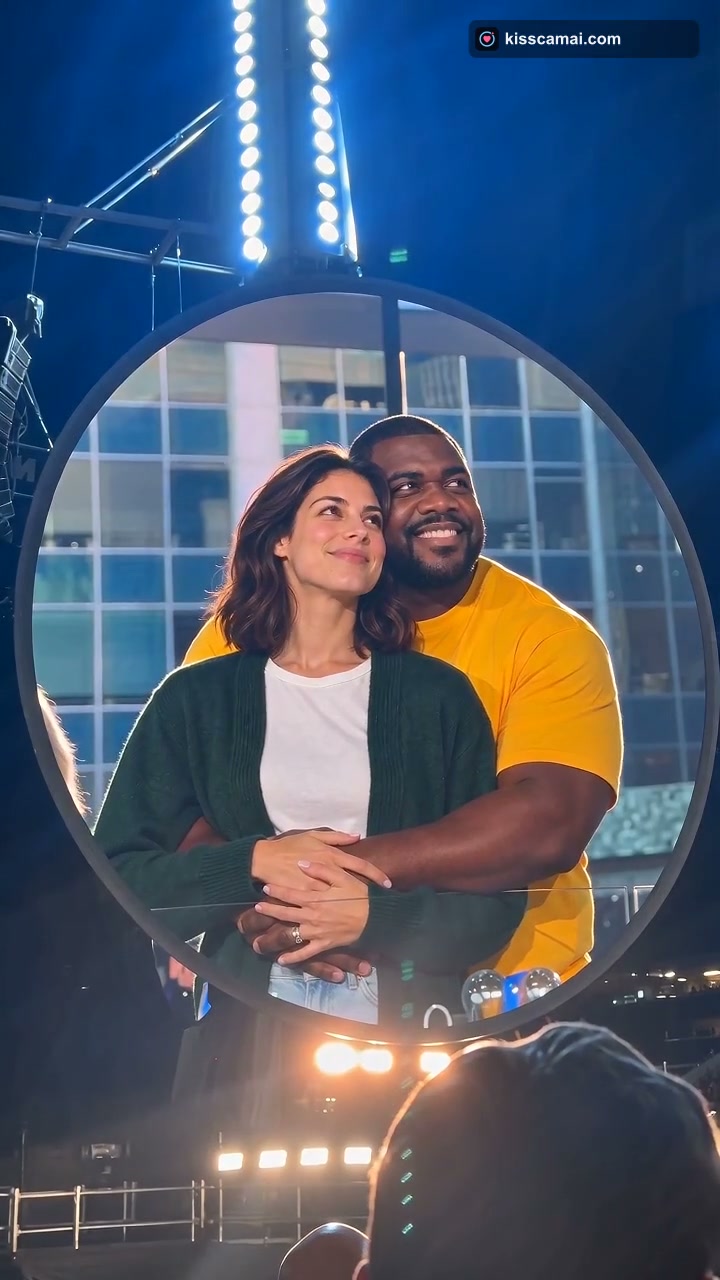
How to Make the Coldplay Kiss Cam AI Video From Two Photos (12s, 9:16)
Step-by-step guide to generating the viral Coldplay concert kiss cam video with two photos, featuring giant jumbotron framing and roaring crowd audio.
TrendSwap Team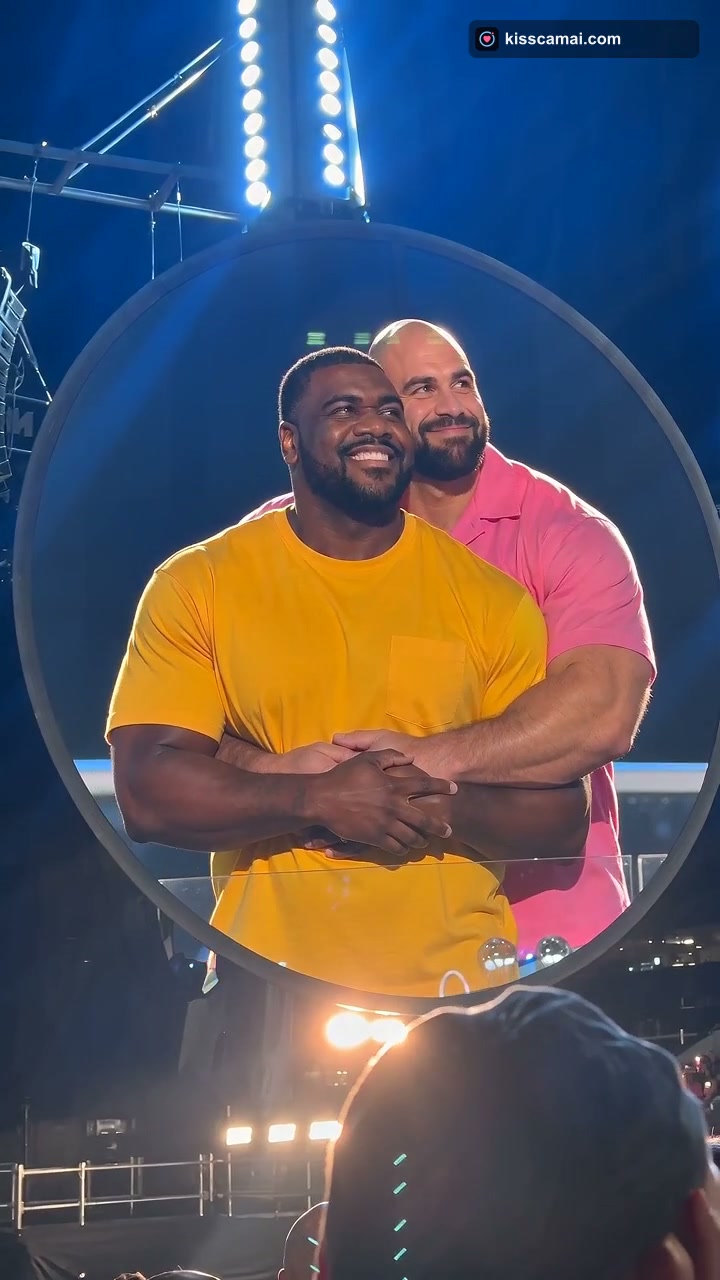
Coldplay Kiss Cam AI Trend Explained: From a 133M-View Concert Clip to Viral Memes
Discover how a real Gillette Stadium concert moment became the viral Coldplay affair filter and kiss cam AI meme that took over social media.
TrendSwap Team